


Set product costs once, reuse them automatically
Last updated onThe SKUs (Stock Keeping Units) tab helps you automate COGS (Cost of Goods Sold) entry.
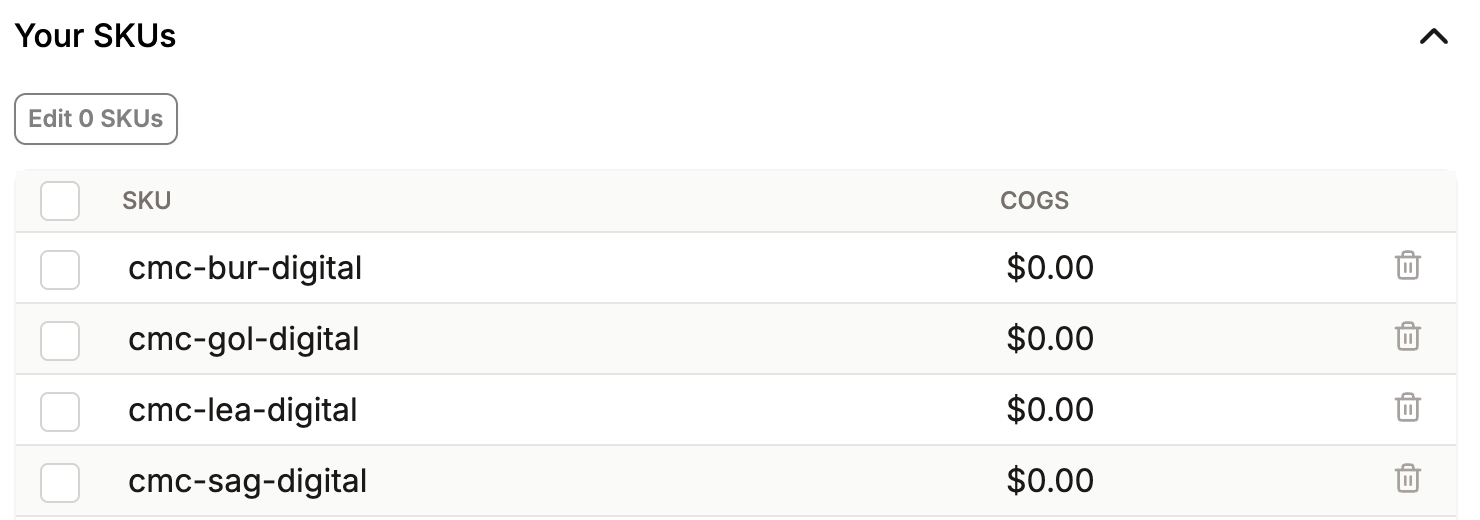
Instead of entering the same product cost manually on every order, you can create a SKU and assign a cost of goods sold to it.
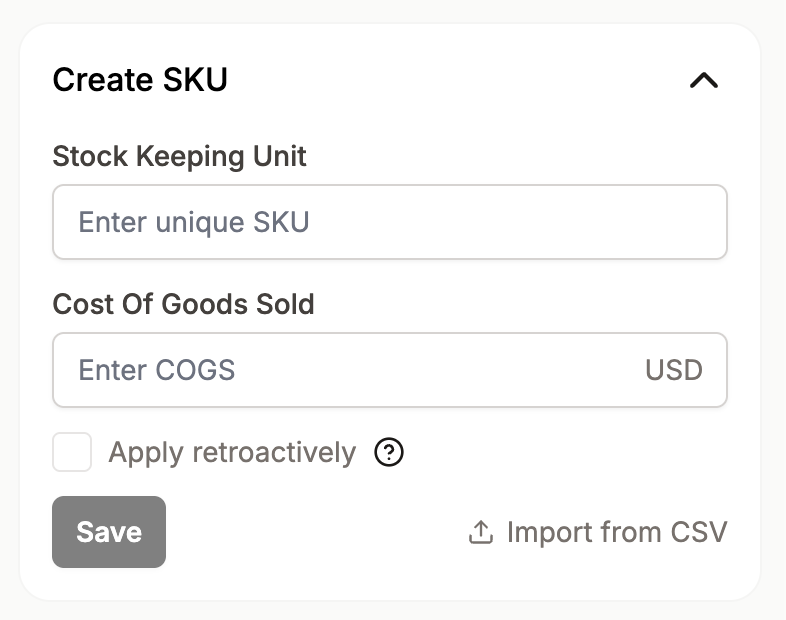
When that SKU appears in future orders, Cha-Ching can apply the cost automatically.
You can also apply a SKU cost retroactively.
This is useful when past orders already contain that SKU and you want Cha-Ching to update them with the same COGS.
The Missing SKUs section shows SKUs found in past orders that are not yet in your SKU list.
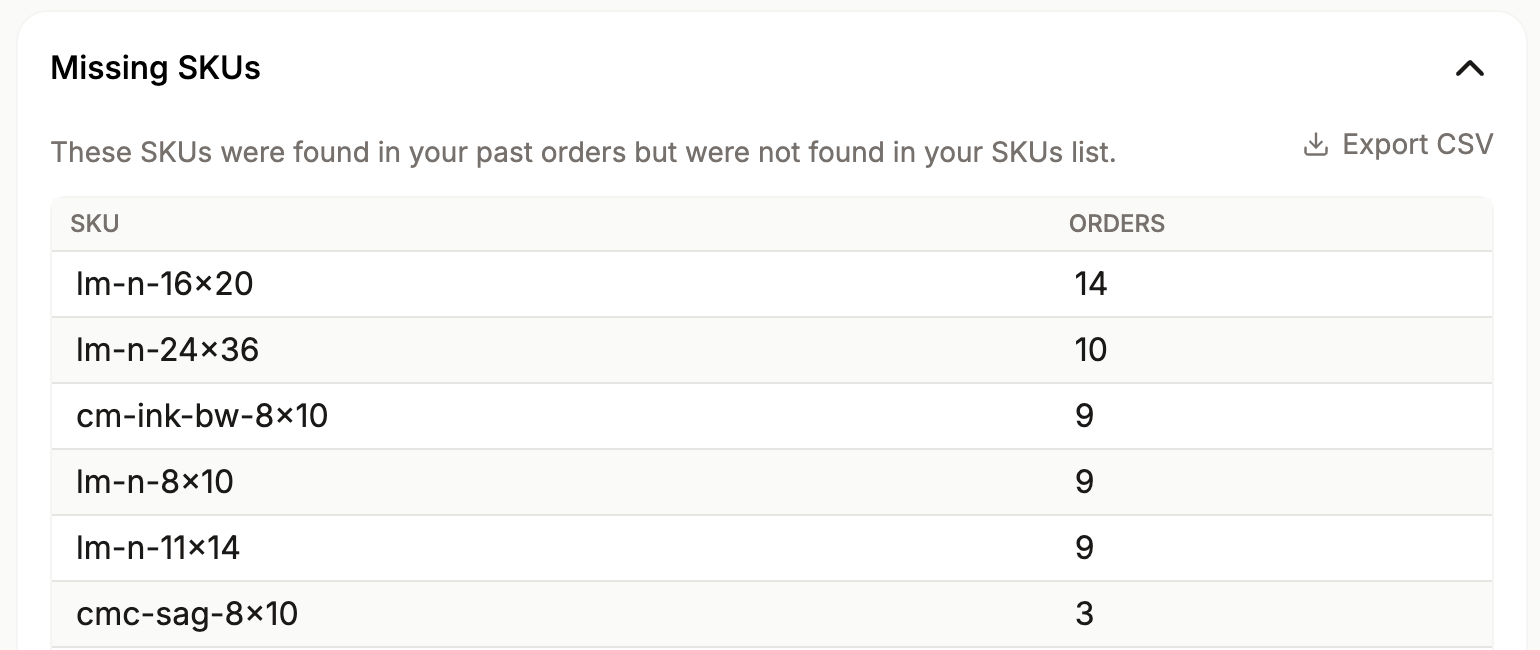
This helps you identify products that still need a COGS value. If you manage SKU costs outside Listadum, you can also import them from a CSV (Comma-Separated Values) file.