


Bulk upload Etsy listings from photo folders
Listadum's bulk listing tool makes one Etsy listing per photo folder, with tags and prices read from text files. On the paid Growth and Max plans.











Drop in one main folder with a subfolder for each product. Each subfolder becomes a listing with up to 20 photos and 2 videos, in file-name order, and the folder name becomes the title. To fill other fields, add text files to a product's folder: title.txt (which replaces the folder name), description.txt, tags.txt, price.txt, quantity.txt or sku.txt. A template fills what every product shares, such as category, materials and shipping details. If a template and a text file both fill a field, the template wins, so leave those fields empty in the template. Forty new designs means forty folders, each with its own tags.txt, and one template for all of them.
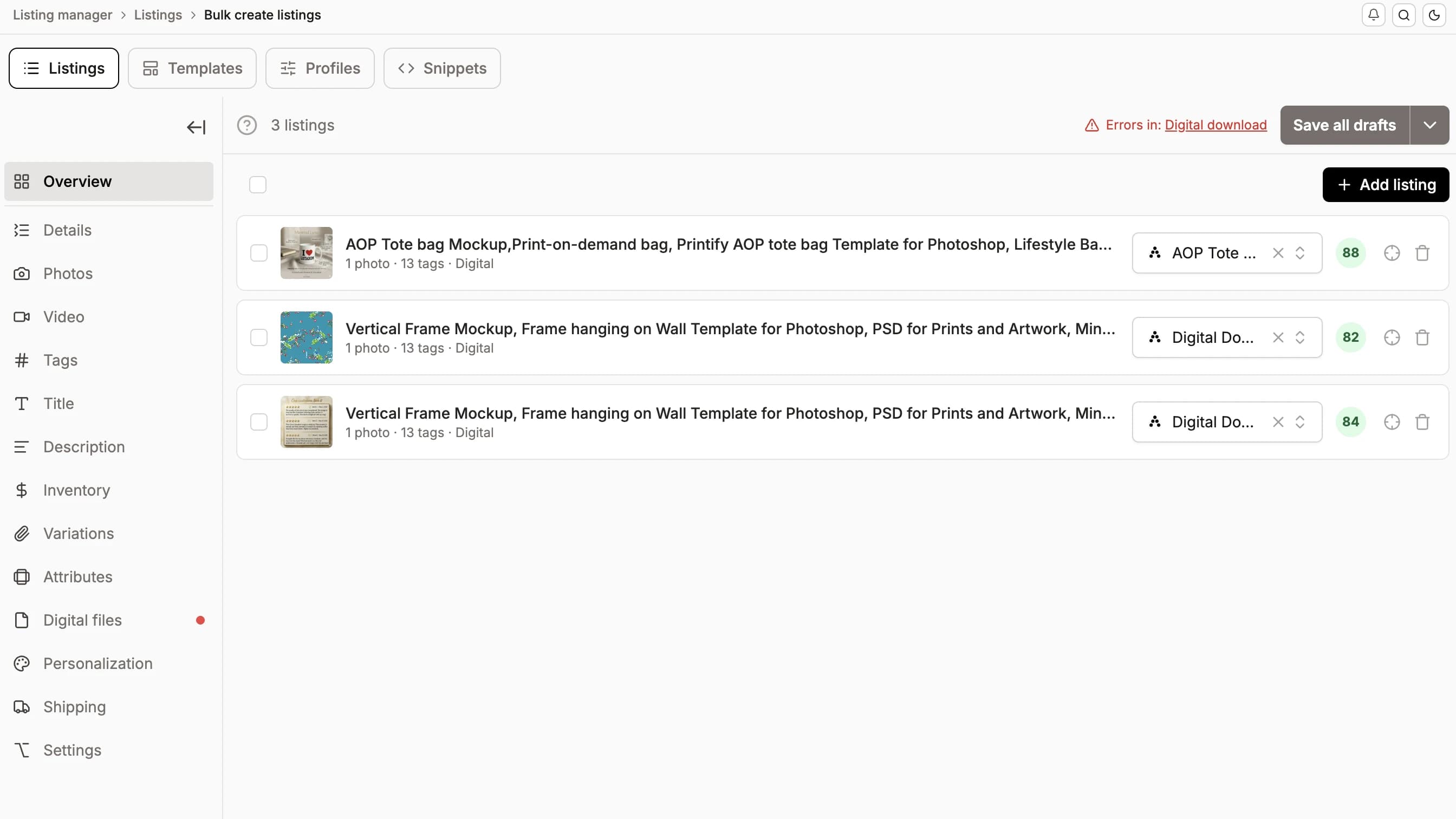
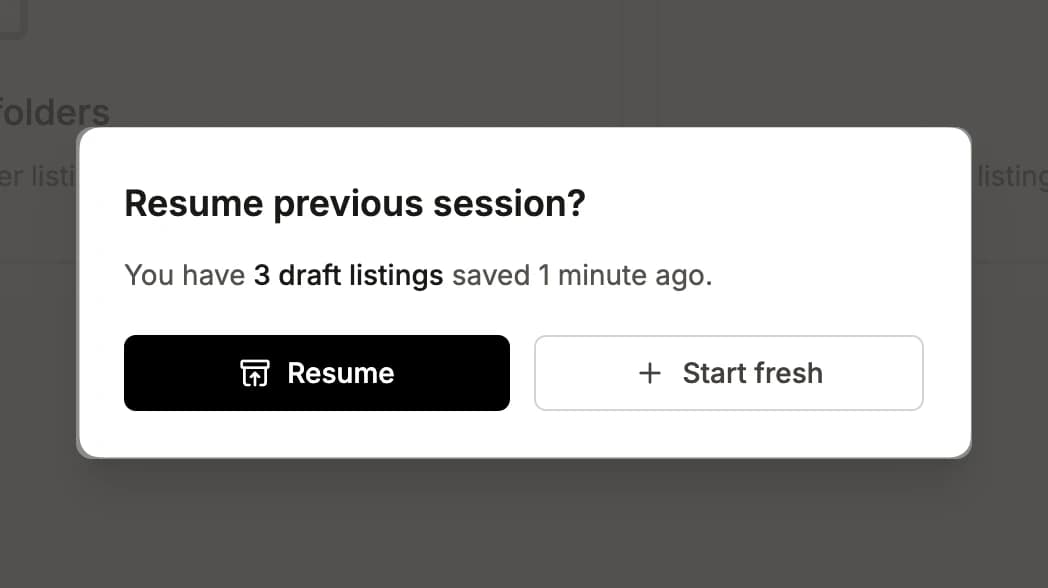
Your progress is automatically saved as you work. If you close the browser or navigate away, Listadum will offer to restore your draft listings when you come back, so you never lose your work.
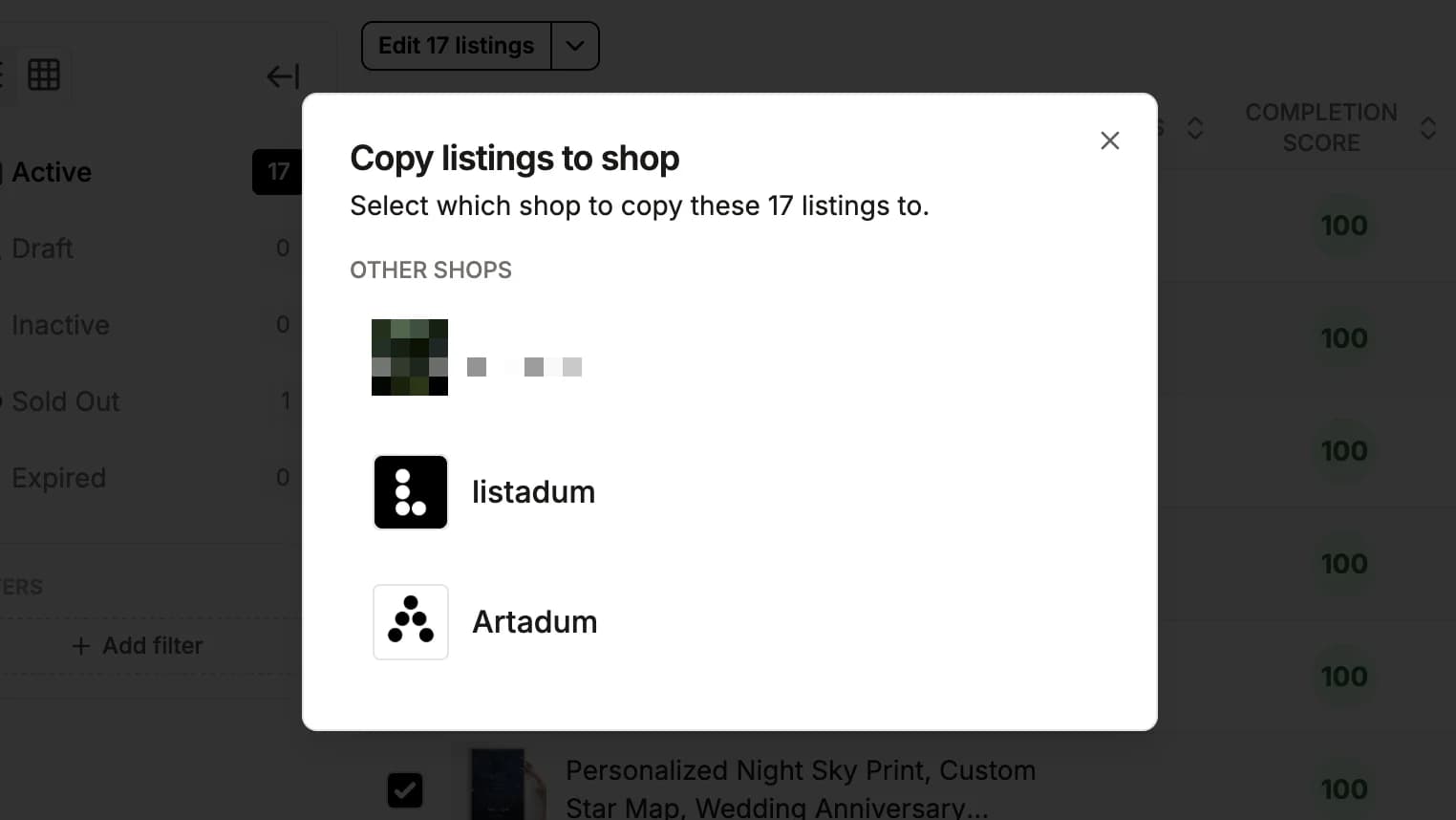
Select up to 25 listings in the listing manager and pick another shop you have connected. Photos, videos, title, description, tags, price, category, variations and shipping size come along. Settings tied to the original shop stay behind, such as its shipping profile, return policy, shop section and saved profiles. The copies open in Bulk Create, so you set those for the new shop, by hand or with a template saved in that shop, before you publish.
Questions Etsy sellers ask
Try Listadum on your own shop
Get started for free and upgrade when your shop needs more.
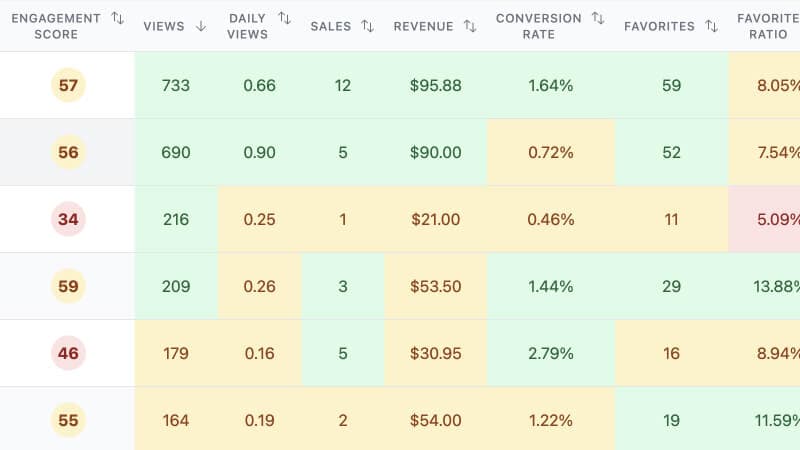
Focus your efforts on the products with the most potential using insights from your shop and listings.
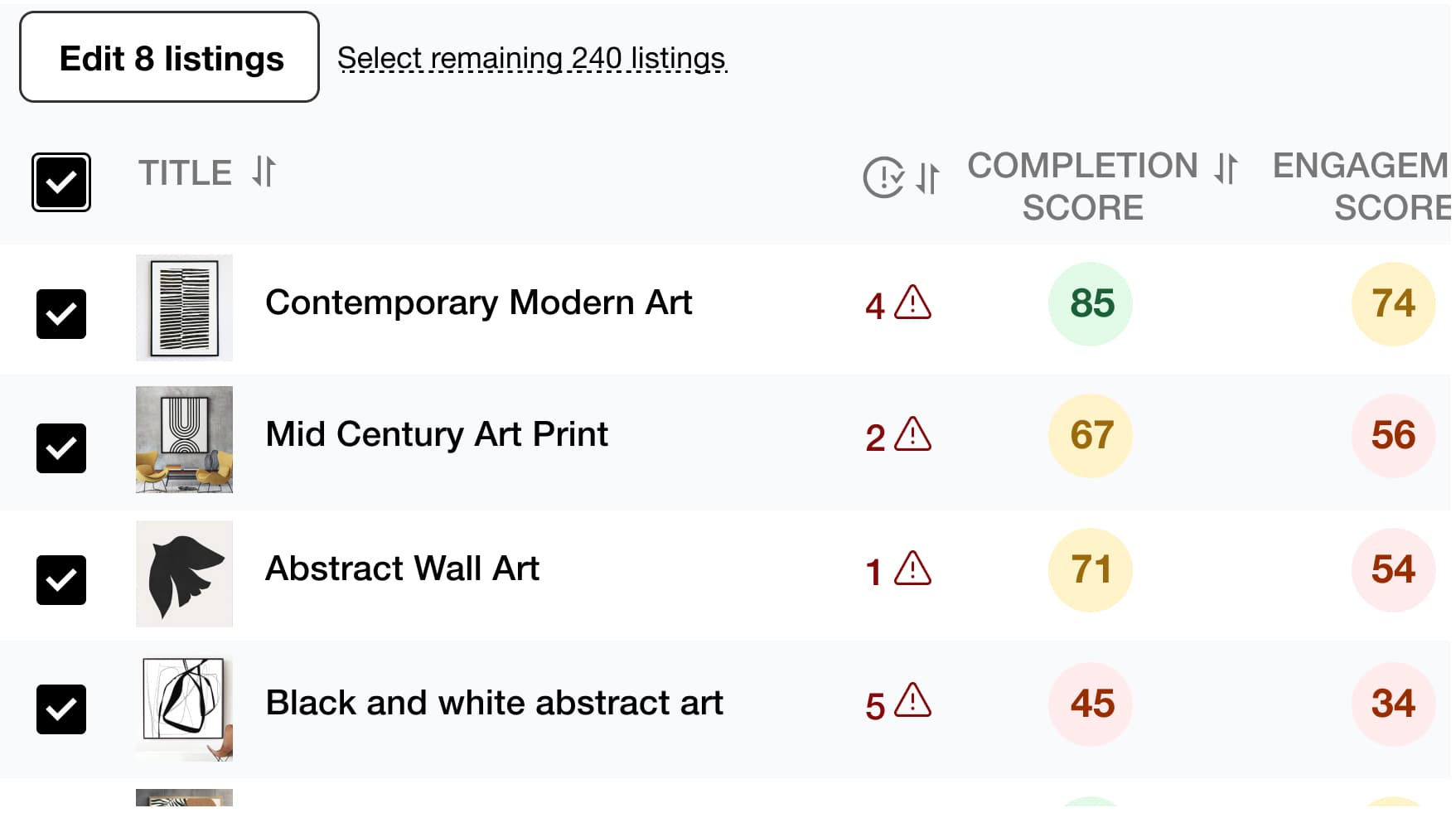
Save time and simplify your work by editing multiple listings at once, including product titles, descriptions, tags, and more.
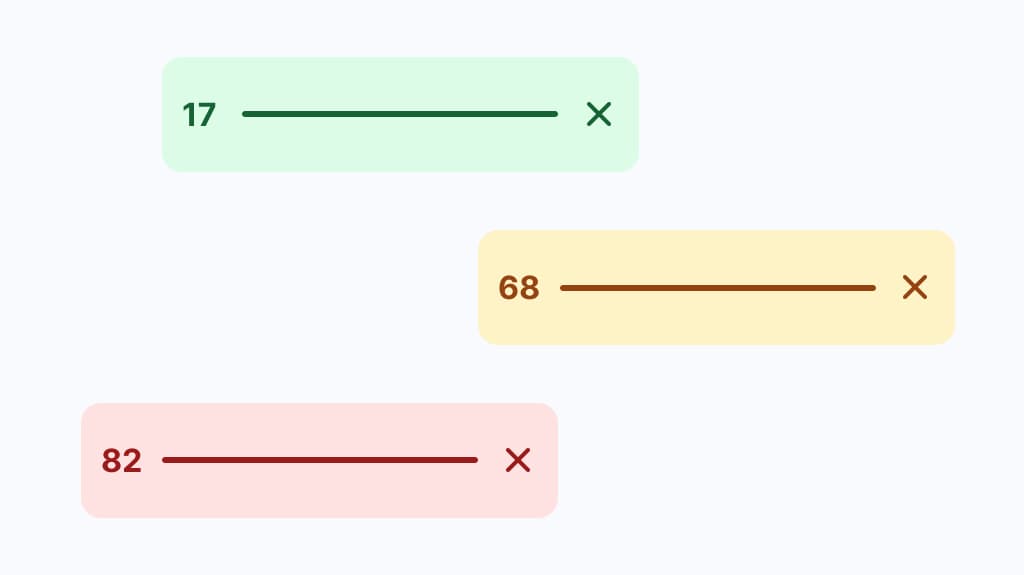
Find the best tags and drive more traffic to your listings to increase your chances of making a sale with Listadum's Keyword Explorer.
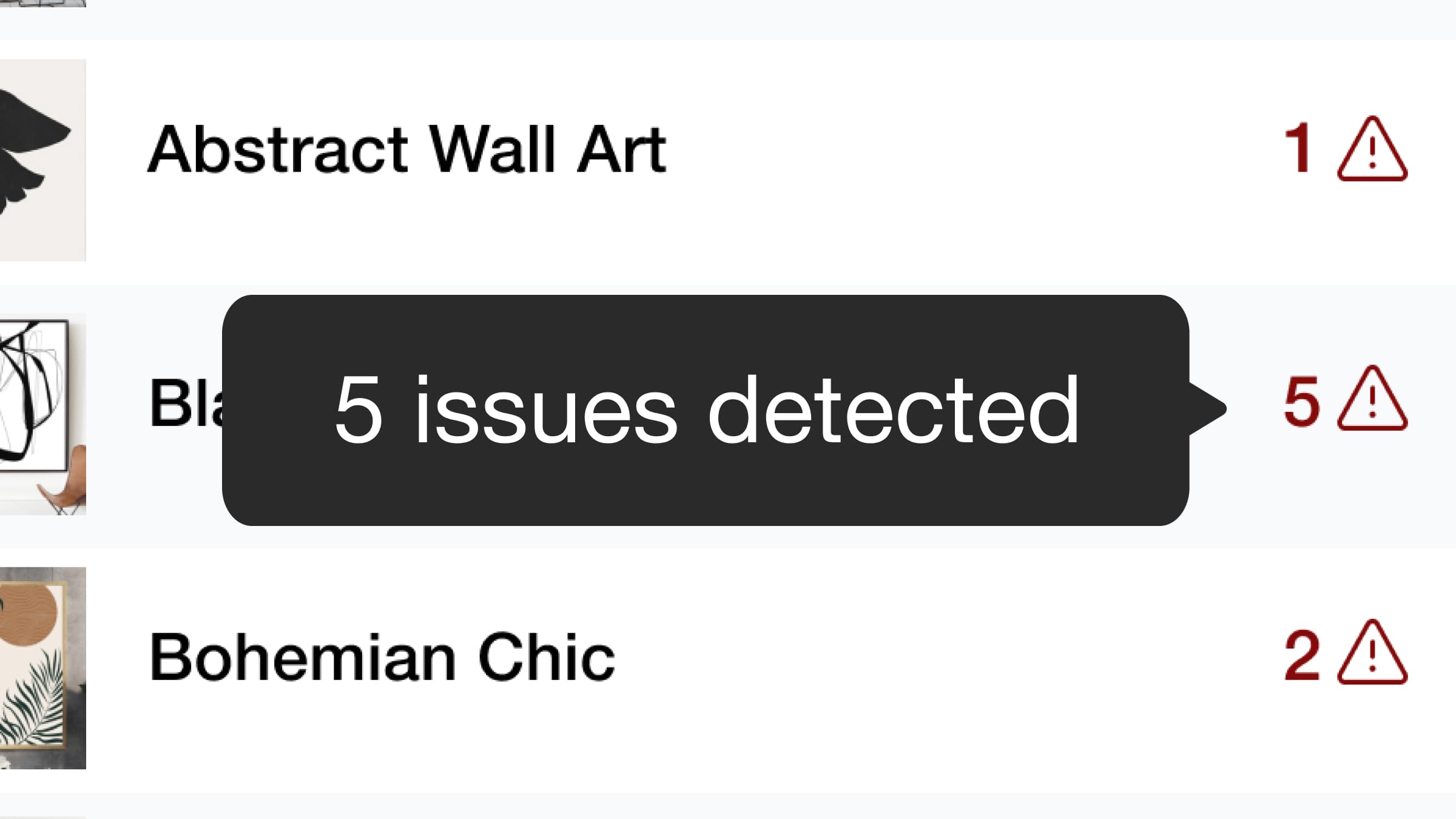
We detect potential issues with your listings and provide recommendations to help you optimize them. Based on Etsy guidelines, Listadum analyzes your titles, descriptions, tags, and more to provide actionable suggestions.
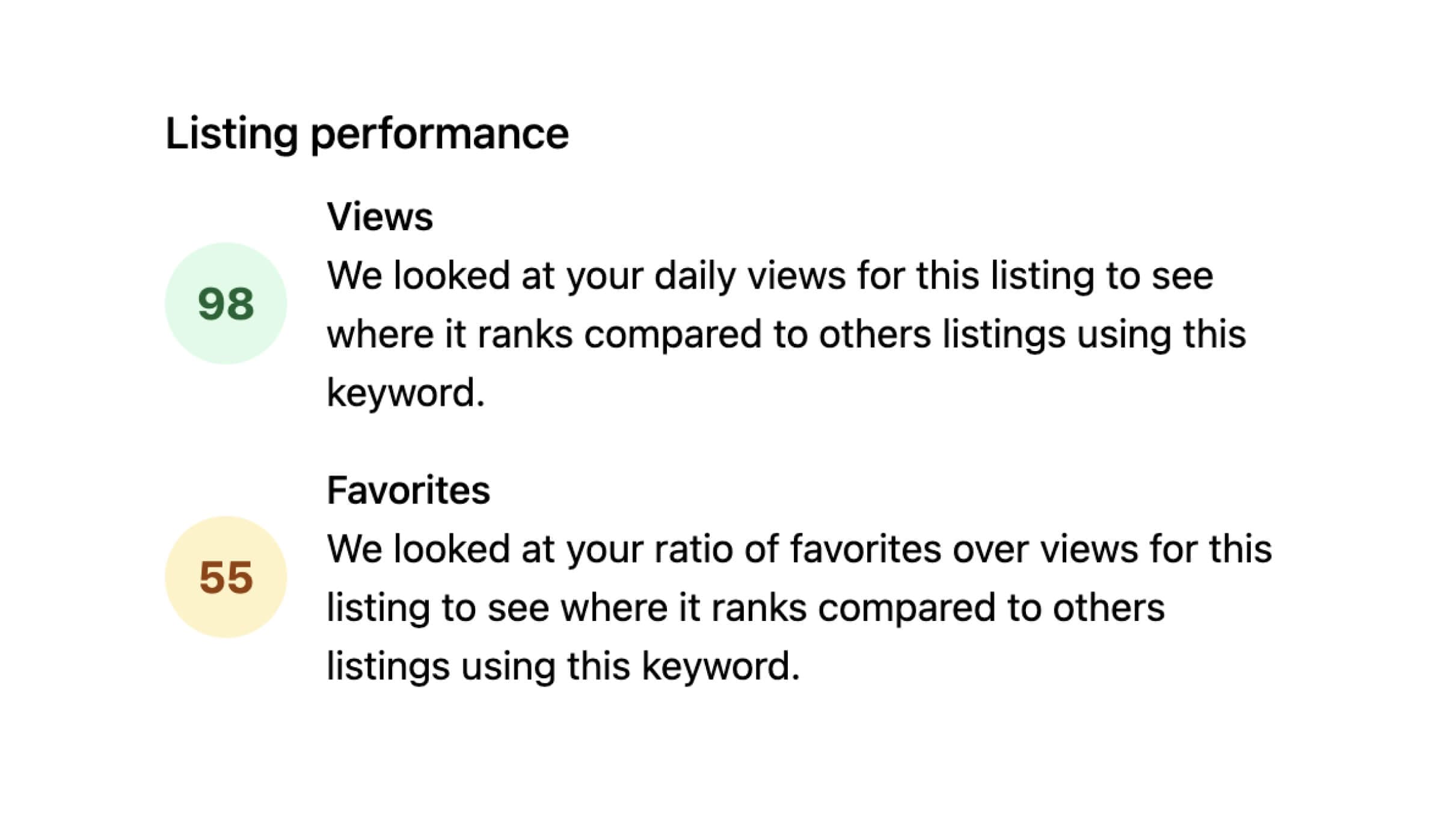
Identify which of your listings have higher than normal engagement based on views and favorites.

Use AI to improve your product listing titles and descriptions. Get suggestions that save time and strengthen your existing listings.
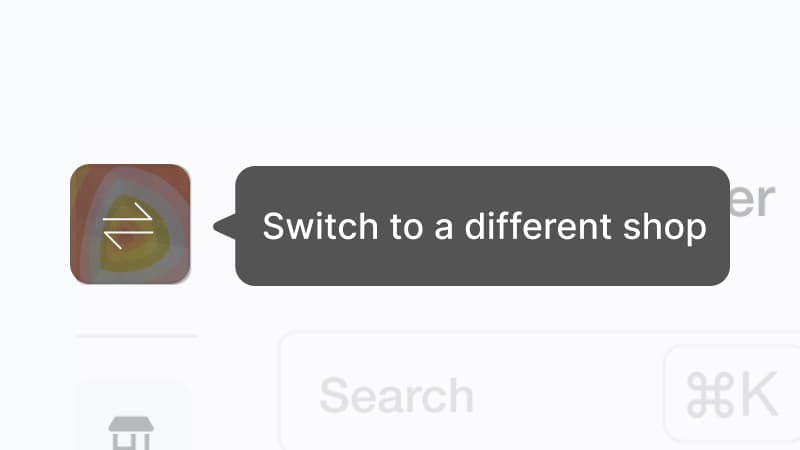
Do you own and manage multiple Etsy shops? Manage all your listings in one place without signing in and out with different email addresses.
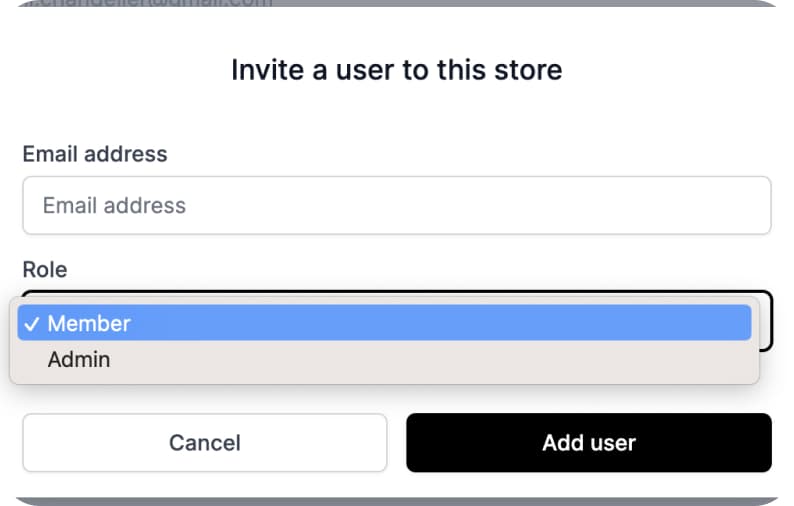
Give team members access to specific parts of your shop and listings without sharing your main Etsy account.
Ready to dive in?
Start improving your shop today.
Connect your Etsy store to receive personalized recommendations to improve your shop and listings, get more views, and drive more sales.