
Free Etsy Shop Stats Benchmark
Enter your sales, reviews, listings, shop age and rating, and see how your Etsy shop compares to the average in your category. Get a percentile on every stat. No sign-up.











Your shop
Pick the closest umbrella category to your shop.
Your stats
Roughly how many orders your shop fulfills in a typical month.
Number of reviews shown on your shop page.
How many listings you currently have live in your shop.
How long your shop has been open, in months.
The star rating shown on your shop page.
All fields optional. Leave one blank to skip that comparison.
Enter at least one stat above to see how you compare to other shops in Home & Living.
- Monthly salesNot enteredYou-Category avg22Top 10%280
- Total reviews (lifetime)Not enteredYou-Category avg220Top 10%5,000
- Active listingsNot enteredYou-Category avg65Top 10%400
- Shop age (months)Not enteredYou-Category avg24 monthsTop 10%100 months
- Average ratingNot enteredYou-Category avg4.88Top 10%4.97
Benchmarks reflect active shops in Home & Living. Monthly sales assume the Etsy standard 30% review rate.
Why benchmark your Etsy shop
Etsy makes it easy to feel either too proud or too discouraged. The top sellers in your feed pull in thousands of orders a month, while abandoned shops drag down the market. Neither tells you where you actually stand.
Benchmarking against the median in your category turns a vague feeling into a number. You can see whether you are ahead, behind or on pace with similar shops. A shop with 200 reviews is already ahead of most of its peers.
The point is to identify which dial to turn next. A low rating is often the highest leverage issue. If your listing count is fine but monthly sales are low, the bottleneck is conversion, not catalog size.
What the tool measures
- Monthly sales. A rough estimate of how many orders your shop fulfills per month.
- Total reviews. The lifetime review count shown on your shop page and a strong proxy for total sales.
- Active listings. How many listings you currently have live.
- Shop age. Months since you opened. Age compounds reviews, search rank and customer trust.
- Average rating. The star rating shown on your shop page and a quality signal in Etsy search.
How the benchmark is calculated
For each category we hold the 25th, 50th, 75th and 90th percentile thresholds across thousands of Etsy shops. A score of 80 means you are doing better than roughly 80% of shops in your category on that metric.
Percentiles are independent across stats. The spread between them is the most useful output because it shows exactly where to spend your next hour.
How to use it
- Pick the closest umbrella category to your shop.
- Enter your monthly sales. A rough average over the last 3 months is fine.
- Fill in your lifetime reviews, active listings, shop age and average rating. Leave any stat blank to skip it.
- Read the per-metric percentiles and look for the stat sitting well below the others.
- Use the overall percentile as a summary, then set a target tier for the next quarter.
What separates top 10% shops
Top shops keep their rating at 4.95 or higher, run more listings than the median, refresh top performers and are usually at least 18 months old, giving reviews and search rank time to compound.
These are not quick wins, but each is concrete. Pick the metric pulling your shop down and work on it this month instead of chasing every Etsy tip.
Frequently asked questions
Ready to level up your Etsy game?
Get started for free and kickstart your Etsy journey with Listadum.
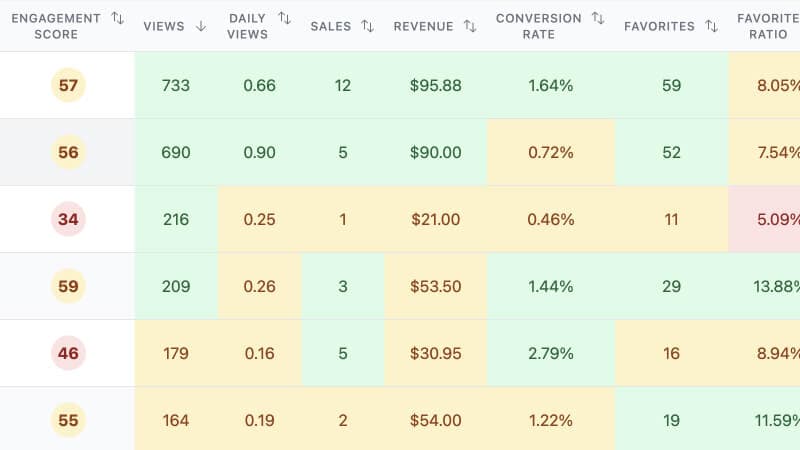
Focus your efforts on the products with the most potential using insights from your shop and listings.
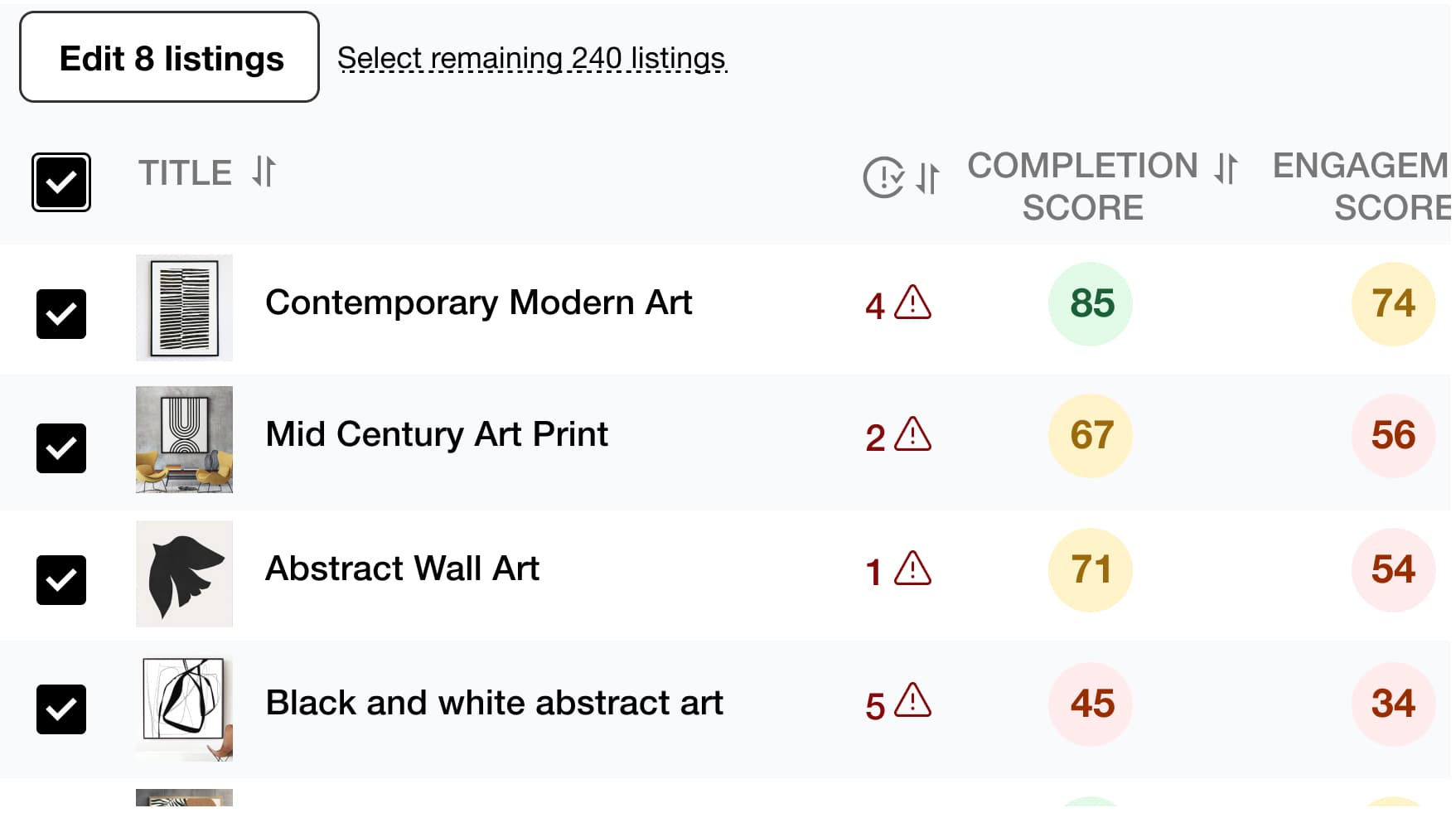
Save time and simplify your work by editing multiple listings at once, including product titles, descriptions, tags, and more.
Find the best tags and drive more traffic to your listings to increase your chances of making a sale with Listadum's Keyword Explorer.
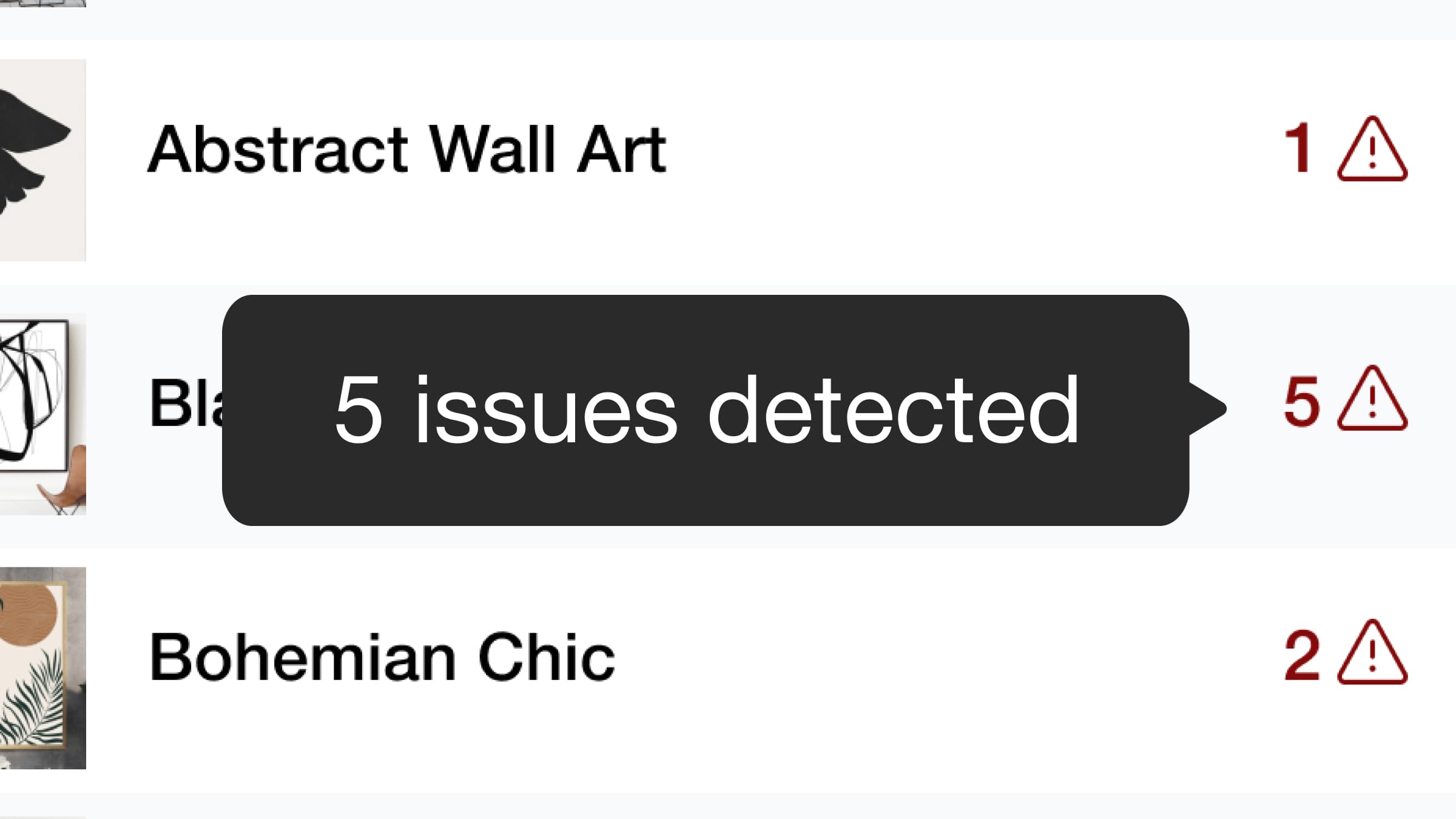
We detect potential issues with your listings and provide recommendations to help you optimize them. Based on Etsy guidelines, Listadum analyzes your titles, descriptions, tags, and more to provide actionable suggestions.
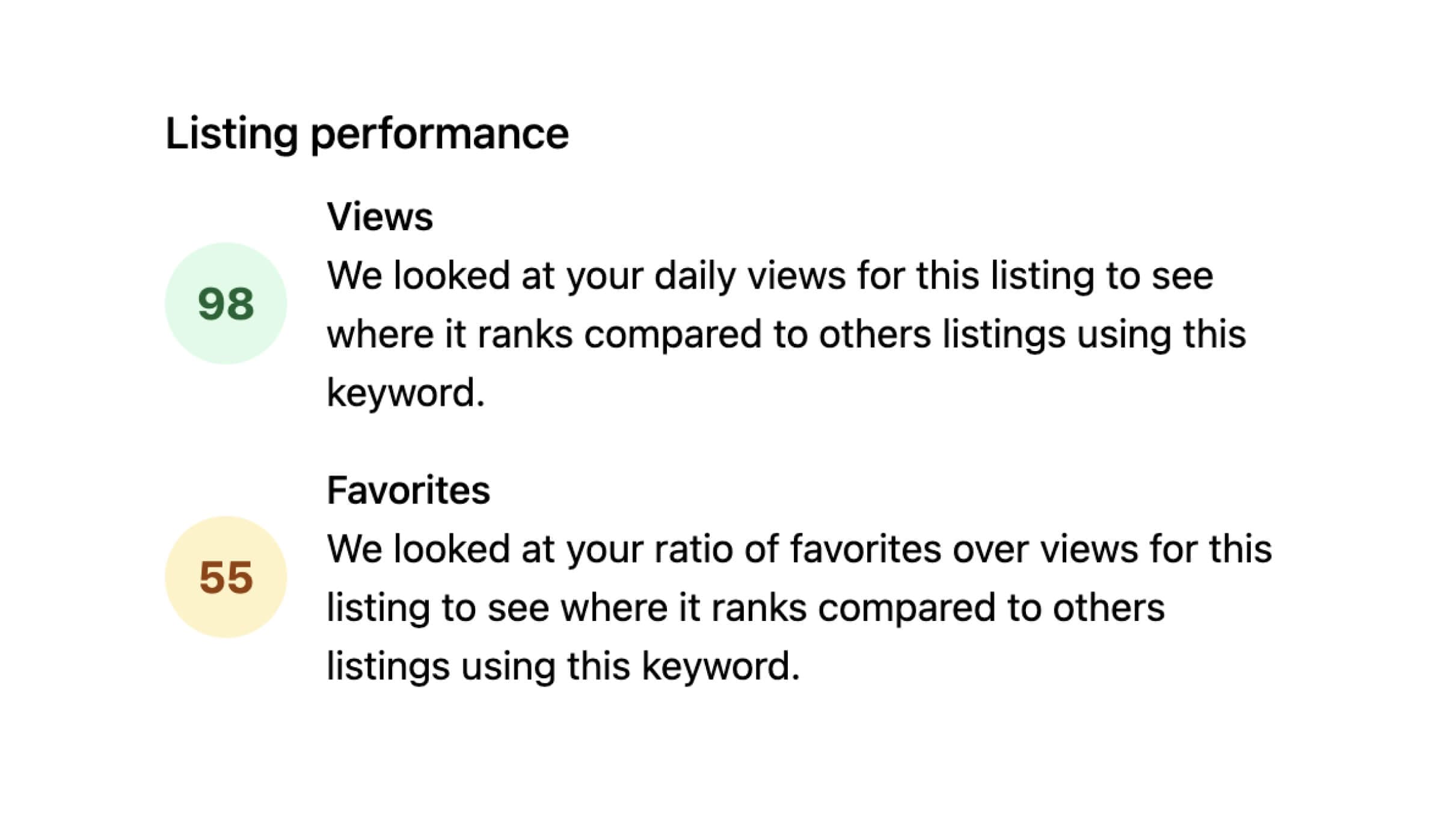
Identify which of your listings have higher than normal engagement based on views and favorites.

Use AI to improve your product listing titles and descriptions. Get suggestions that save time and strengthen your existing listings.
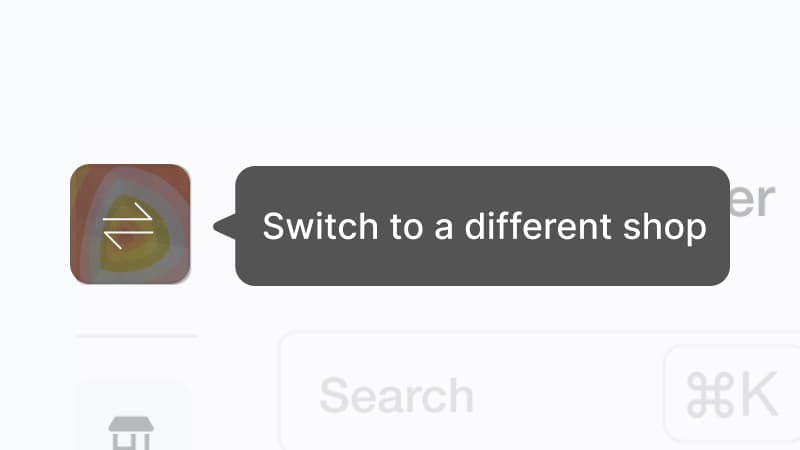
Do you own and manage multiple Etsy shops? Manage all your listings in one place without signing in and out with different email addresses.
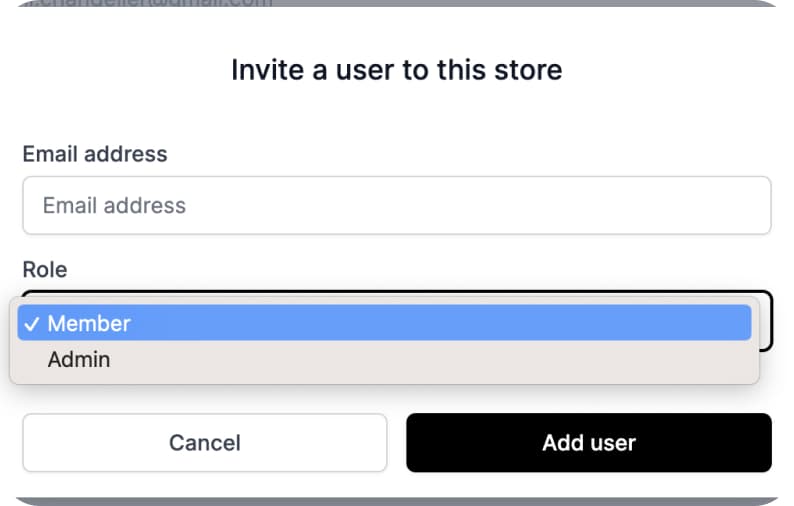
Give team members access to specific parts of your shop and listings without sharing your main Etsy account.
Ready to dive in?
Start improving your shop today.
Connect your Etsy store to receive personalized recommendations to improve your shop and listings, get more views, and drive more sales.