


Monitoring competitors with the Shop Tracker
Last updated onThe Shop Tracker is the Shop Explorer over time. Start tracking a shop and Listadum watches it for you, so instead of a one-off snapshot you build up a history and catch what's changing.
How to track a shop
From any shop's page in the Shop Explorer, hit start tracking. The shop is added to your tracked list. Stop tracking any time from the same place.
What tracking gives you
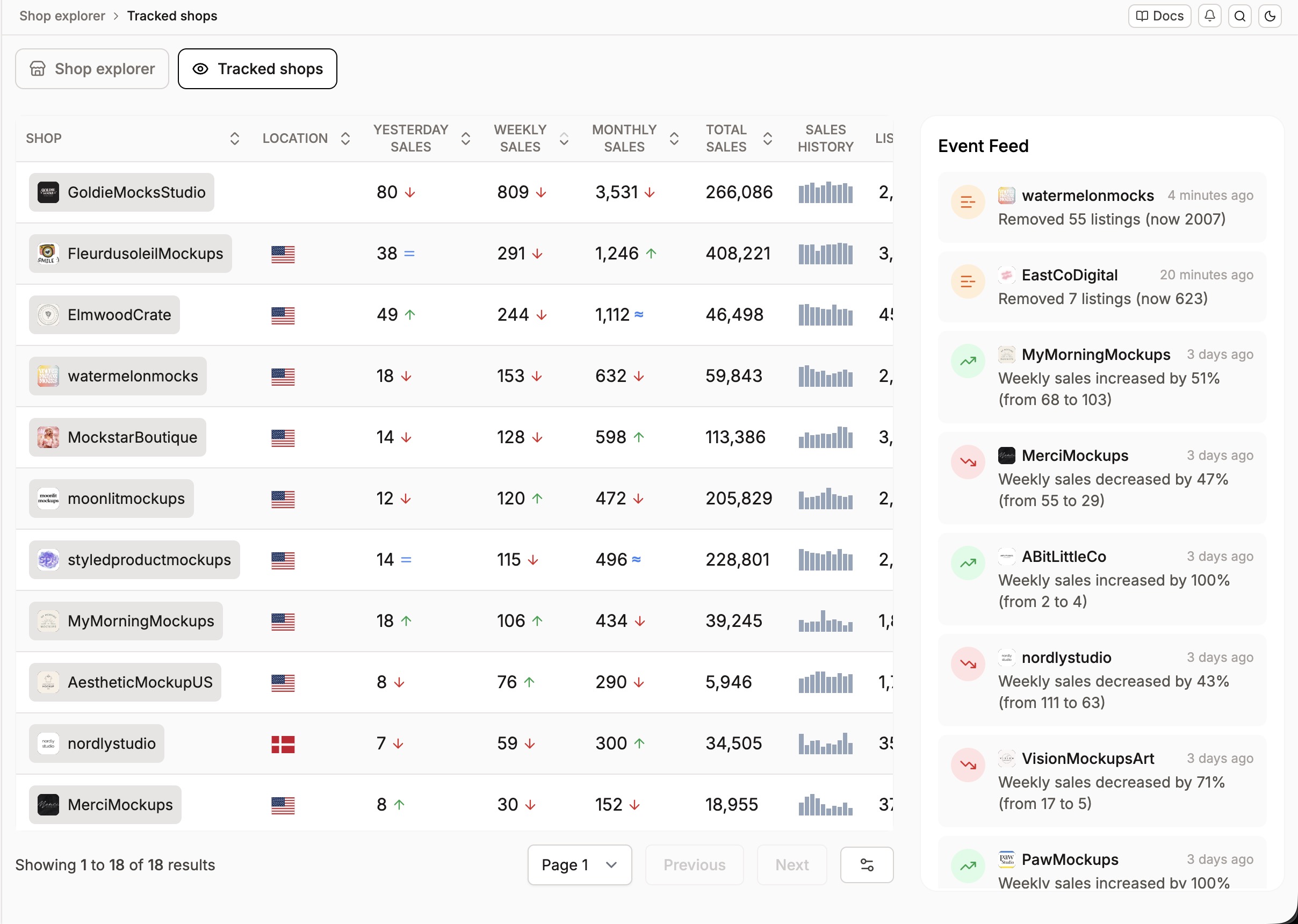
Tracked shops update daily, while most shops in our system update weekly. With that finer resolution and a growing history, you start to see what's actually happening in a competitor's shop over time:
Are they adding or removing listings?
Are their sales going up or down week over week?
Are they entering or leaving vacation mode?
The longer you track a shop, the more useful it gets, since the picture is built from the changes between each daily snapshot.
Available on the Starter plan and above.