


Browsing ideas with the Listing Explorer
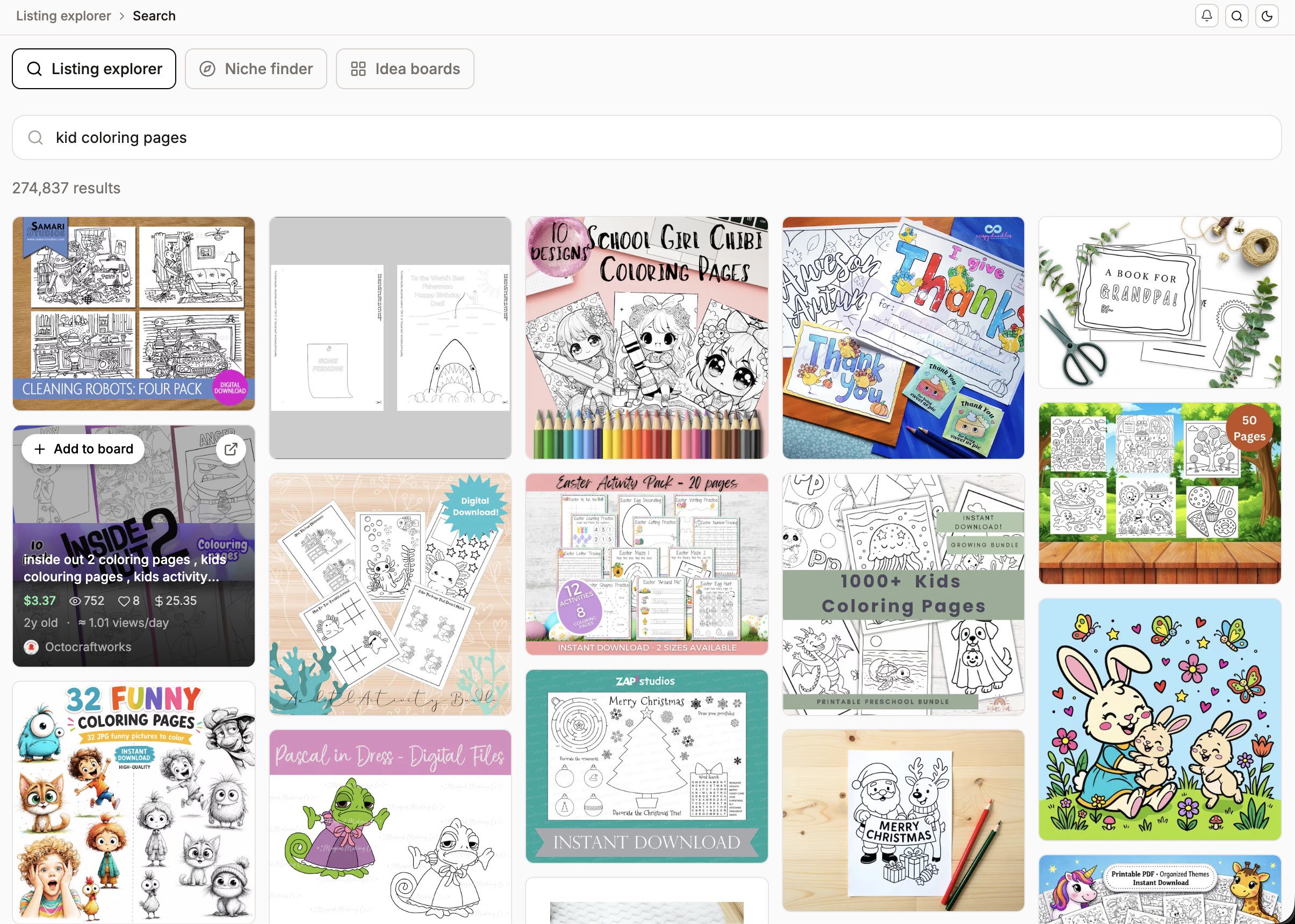
Last updated onThe Listing Explorer is for visual inspiration. Search for something, see the listings using those terms, and save the ones you like to a board you can come back to later.
How it works
Run a simple search and browse the listings that come back. When one catches your eye, add it to an Idea Board. Your boards are saved, so you can reopen them whenever you're planning a new product or a photo refresh.
A note on what boards hold
Idea Boards are for visual reference, not analysis. They save the listings themselves so you can look back at them, but they don't retain the research metrics. When you need demand and competition numbers, that's the Keyword Explorer and Shop Explorer; the Listing Explorer is where you go to collect ideas and see what good looks like.
Available on the Starter plan and above.