


Import product costs via CSV
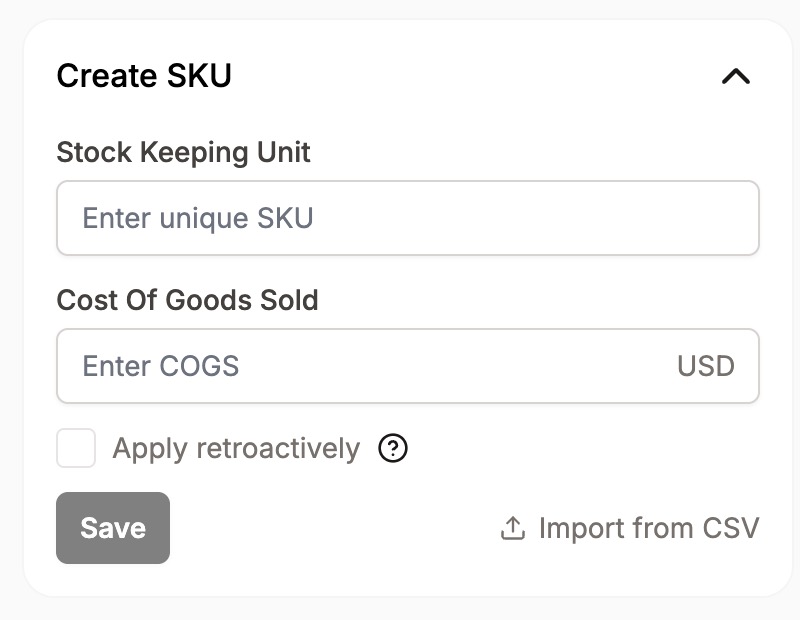
Last updated onIn order for Cha-Ching! to automatically import your product costs for future orders (can also apply retro-actively), you need to create SKUs from the Cha-Ching! > SKUs. From here, you can create a SKU manually or import a group of SKUs via CSV.
In the right sidebar, locate the "Create SKU" box and click on "Import from CSV":
The CSV format must contains the following columns:
sku: string
costOfGoodsSold: number
isRetroactive: true/false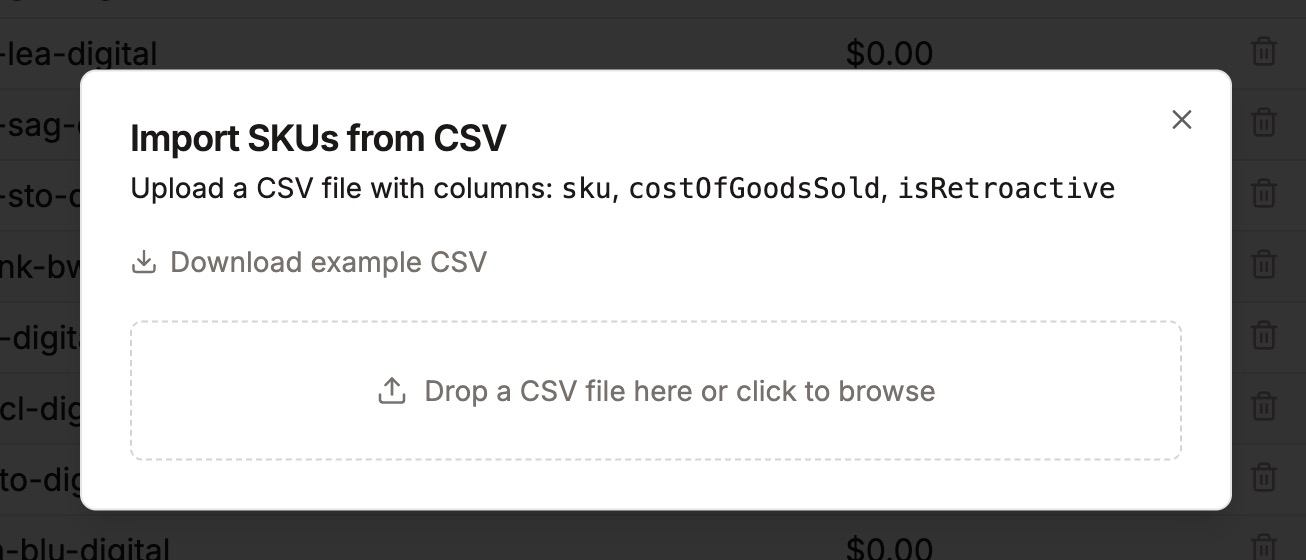
Drop your CSV file in the box, or click to find your file on your filesystem, once imported, the SKUs will be created, and orders with matching SKUs will have their COGS automatically added.