Audit your connected shop in Listadum
Last updated onThe Shop Critique gives sellers a complete view of their Etsy shop health, including performance metrics, shop setup checks, listing SEO issues, keyword analysis, customer reviews, and leaderboard rankings.
Summary Tab
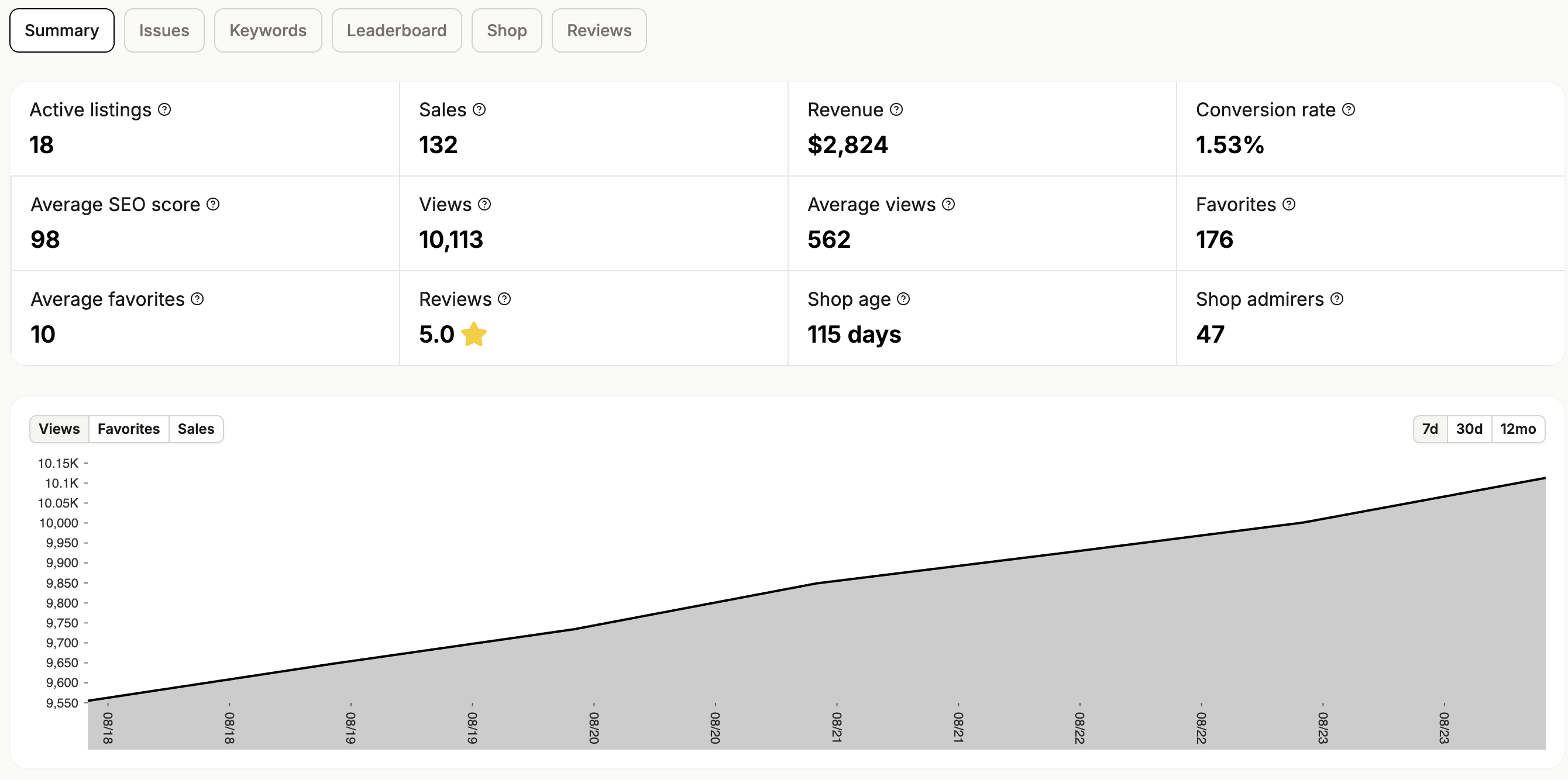
The Summary tab shows the main shop metrics: active listings, sales, revenue, conversion rate, average SEO score, total views, average views per listing, favorites, average favorites, reviews, shop age, and shop admirers.
It also includes a chart for views, favorites, or sales over 7 days, 30 days, or 12 months. If the shop does not have enough data yet, the chart is blurred and the user is asked to come back later.
Issues Tab
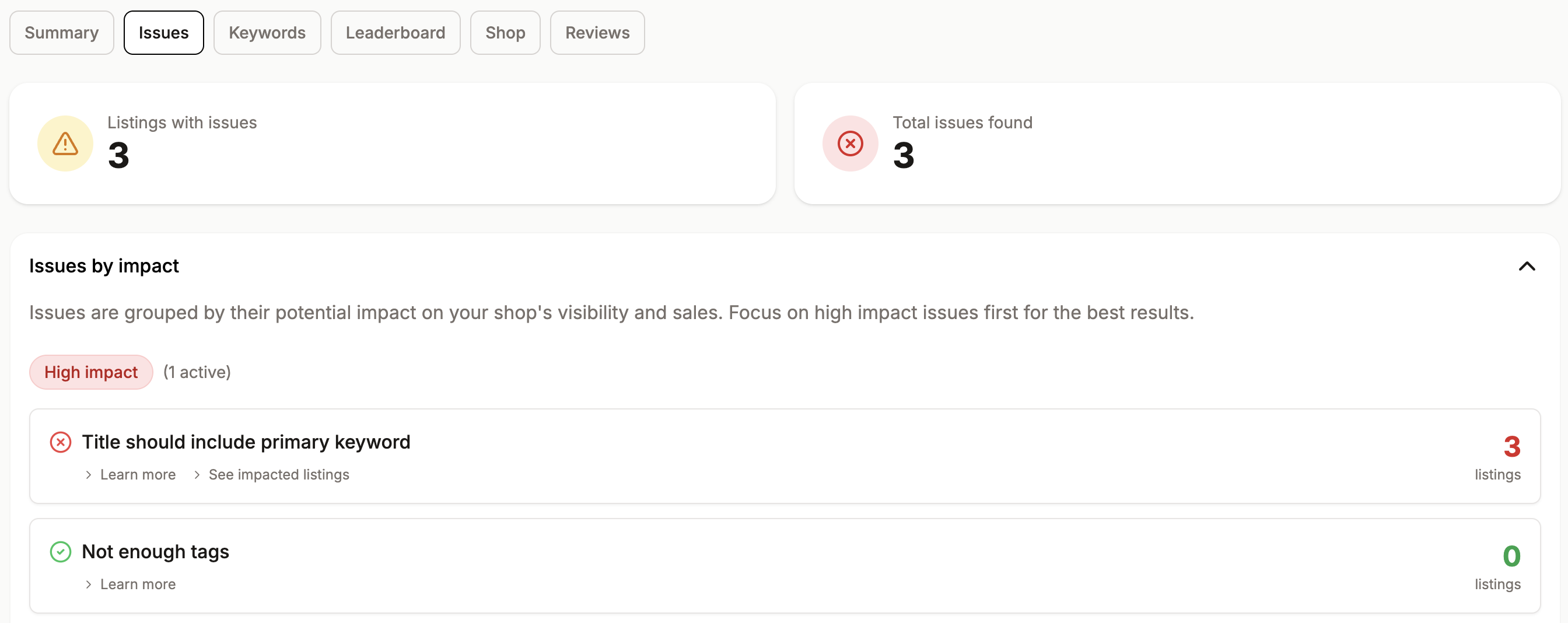
The Issues tab lists problems detected across the shop’s listings. It starts with two counters: listings with issues and total issues found.
Issues are grouped by impact: high, medium, or low. Each issue card shows the issue type, the number of affected listings, an explanation, a fix recommendation, and a link to the impacted listings.
Tracked issues include short titles, missing primary keywords, incomplete descriptions, not enough tags, repeated tags, single-word tags, missing images, missing alt text, image quality, missing video, broad category selection, low rating, not enough ratings, and missing return policy.
The Quick wins section highlights the highest-priority fixes to improve the shop’s SEO score faster.
Keywords Tab
The Keywords tab analyzes tags used across the shop’s listings.
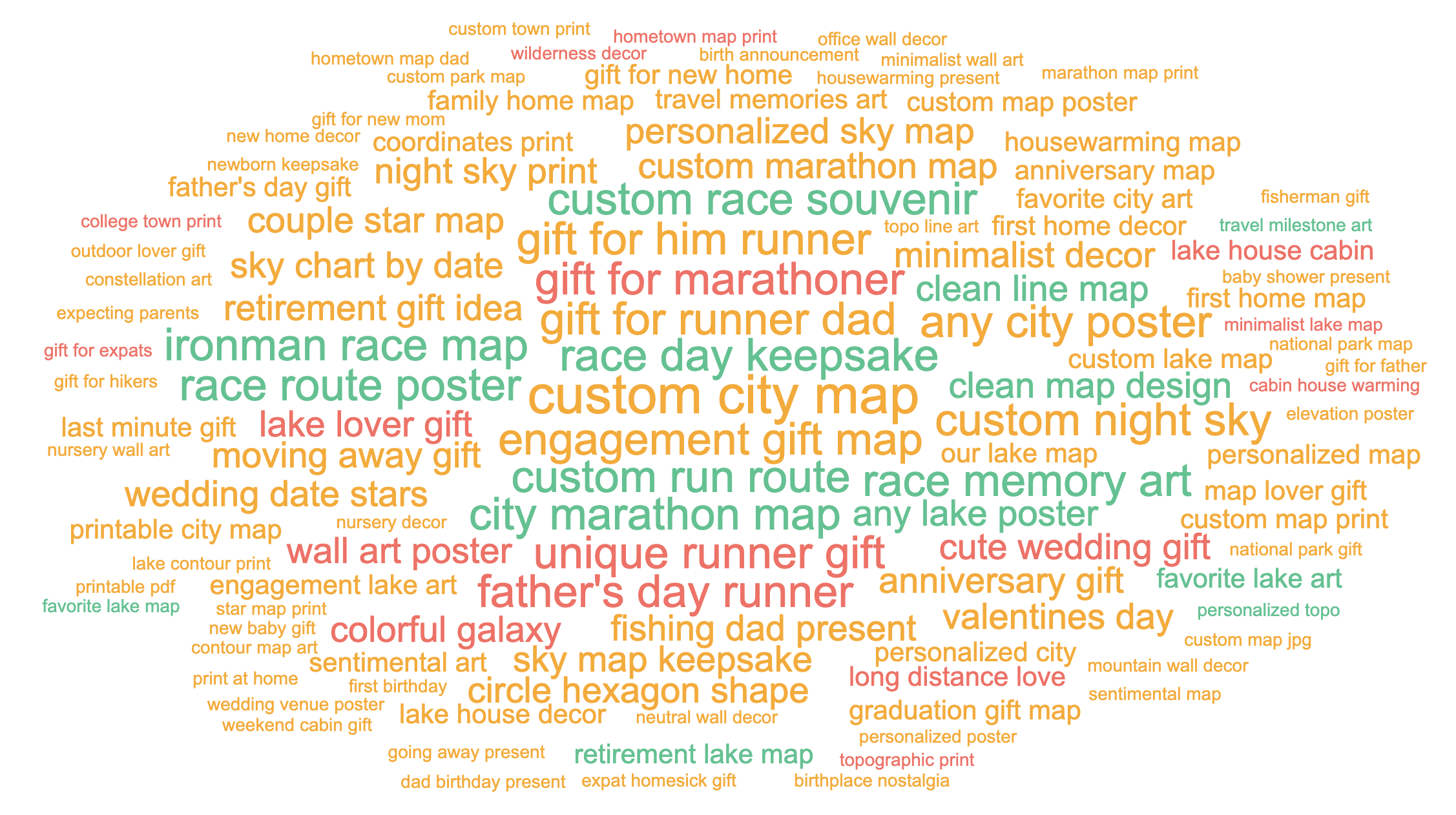
The Tag cloud section shows the most used tags. Word size reflects usage frequency. Color reflects competition: green means low competition, yellow means moderate competition, and red means high competition.
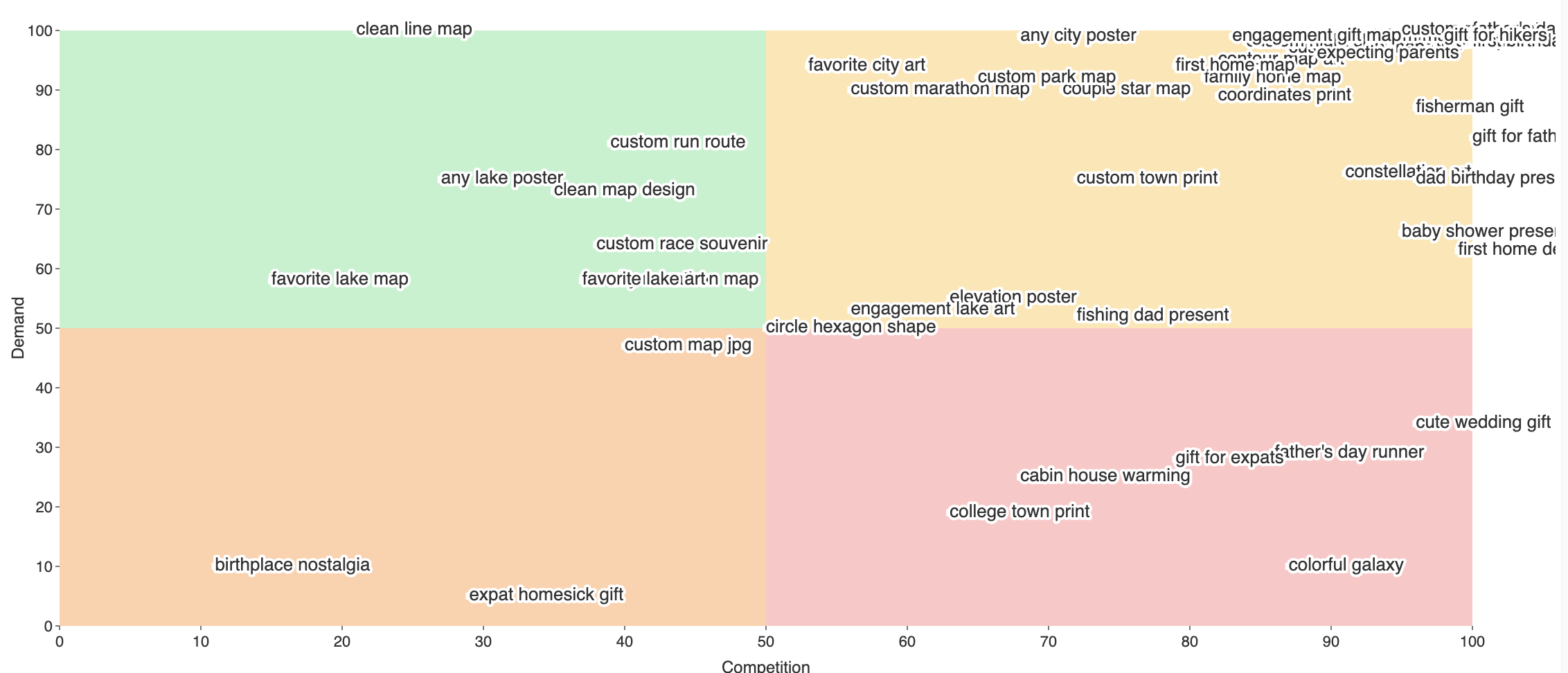
The Demand vs. competition section places keywords on a quadrant chart based on demand and competition. Strong niche opportunities usually appear where demand is moderate to high and competition is low. Pagination is available when there are many keywords.
Leaderboard Tab
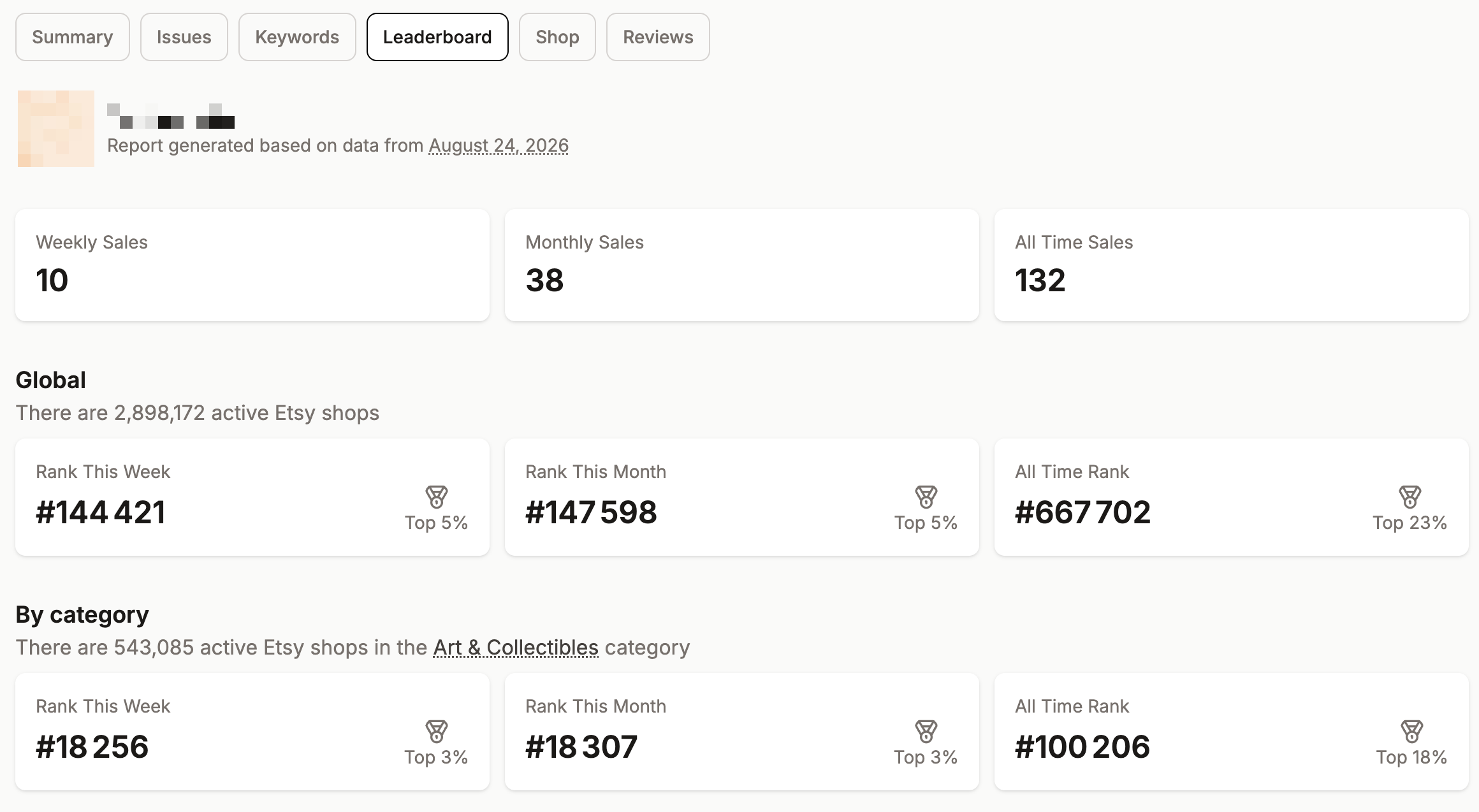
The Leaderboard tab compares the shop against active Etsy shops.
It shows weekly sales, monthly sales, all-time sales, and rankings across available segments: global, category, and country. Each ranking displays the shop’s rank and relative position, such as Top 5%.
A FAQ explains what counts as an active shop, how often leaderboard data is refreshed, and why weekly or monthly sales may sometimes be unavailable.
Shop Tab
The Shop tab checks the general Etsy shop setup. It focuses on elements that improve trust, credibility, and shop completeness.
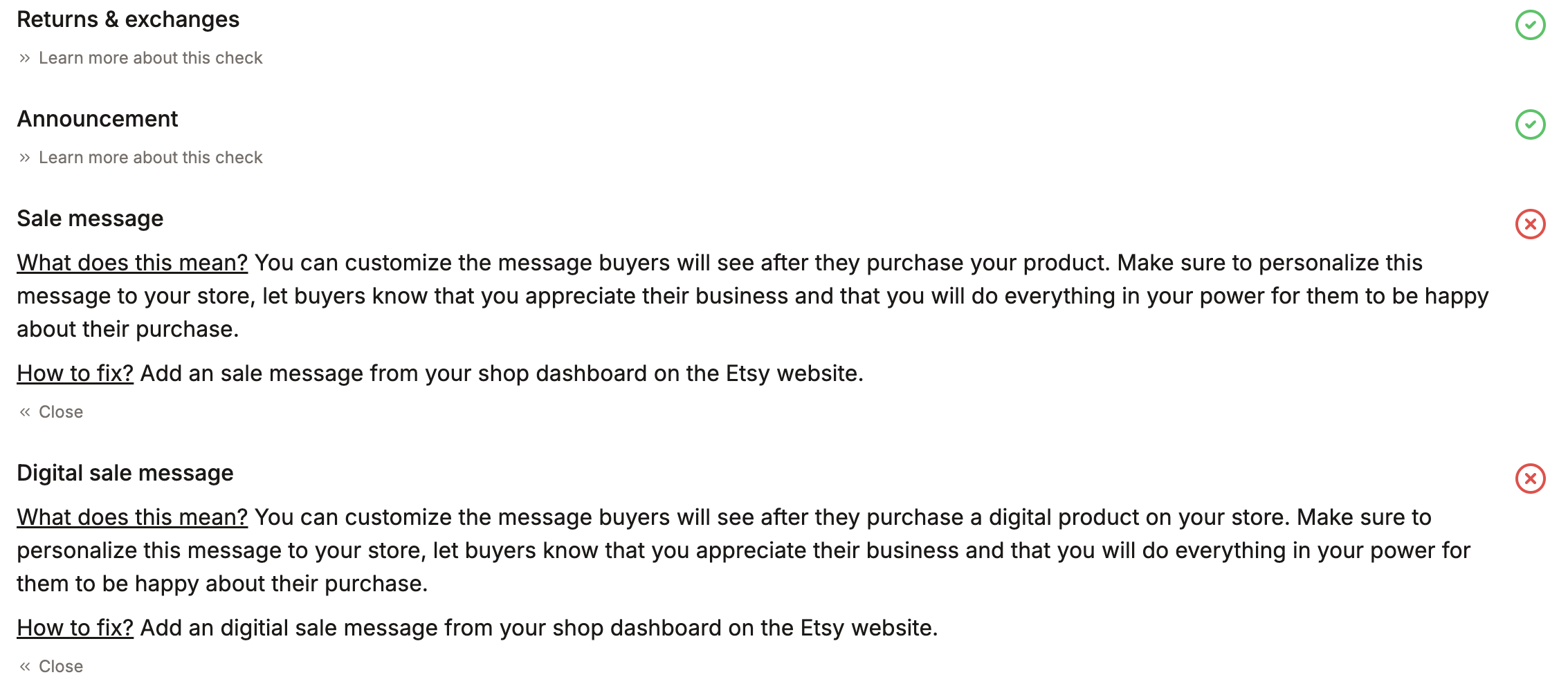
Checks include shop logo, shop title, rating above 4, announcement, sale message, digital sale message, privacy policy, and returns and exchanges policy.
Each row shows whether the check passes. Expanding a row explains why the item matters and how to fix it on Etsy.
Reviews Tab
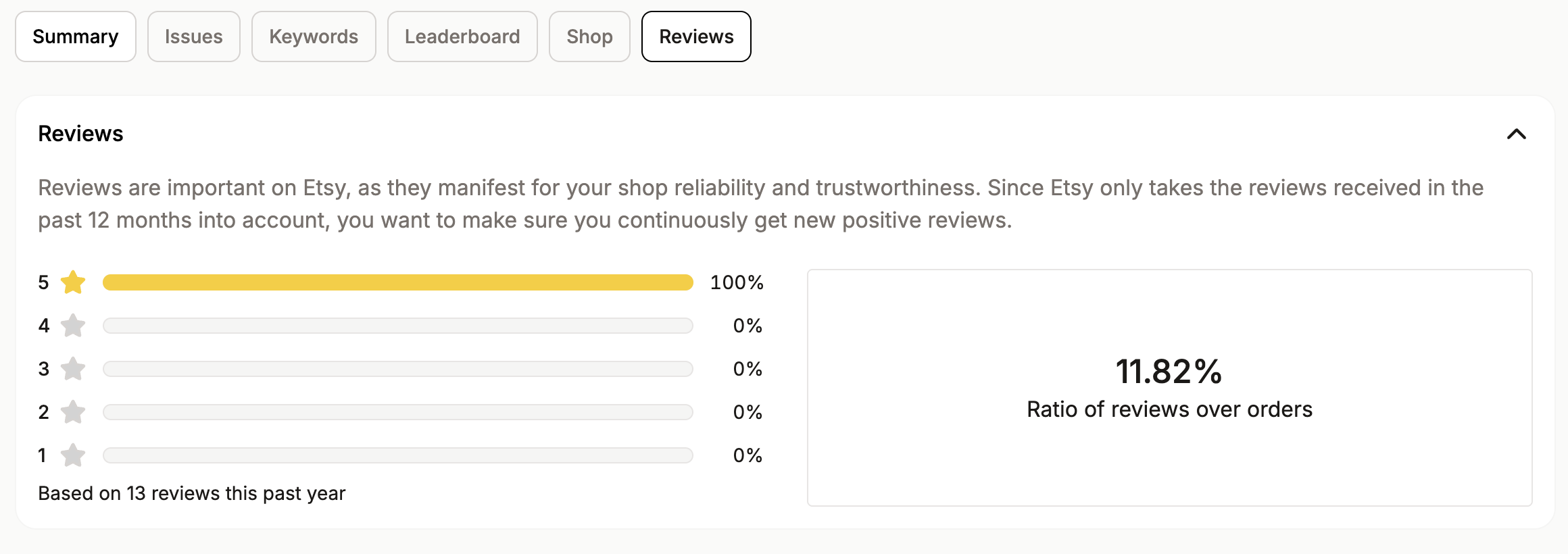
The Reviews tab analyzes reviews from the past 12 months. It shows the distribution of 1 to 5-star reviews, the number of reviews included, and the ratio of reviews to orders.
This helps sellers understand whether they are receiving enough recent positive reviews, since Etsy uses recent reviews as an important trust signal.
If the shop has no sales in the past year, the tab displays a no-sales message.