


Restoring old versions with the Time Machine
Last updated onThe Time Machine keeps a backup of every listing, so you can edit with confidence and roll back if something goes wrong. Never lose a listing again.
How snapshots are saved
Every time you change a listing from Listadum, we save a snapshot. We also capture changes you make outside Listadum (for example in your Etsy dashboard), picked up once a day during your shop sync. Snapshots are kept for up to 3 months.
Restore what you need
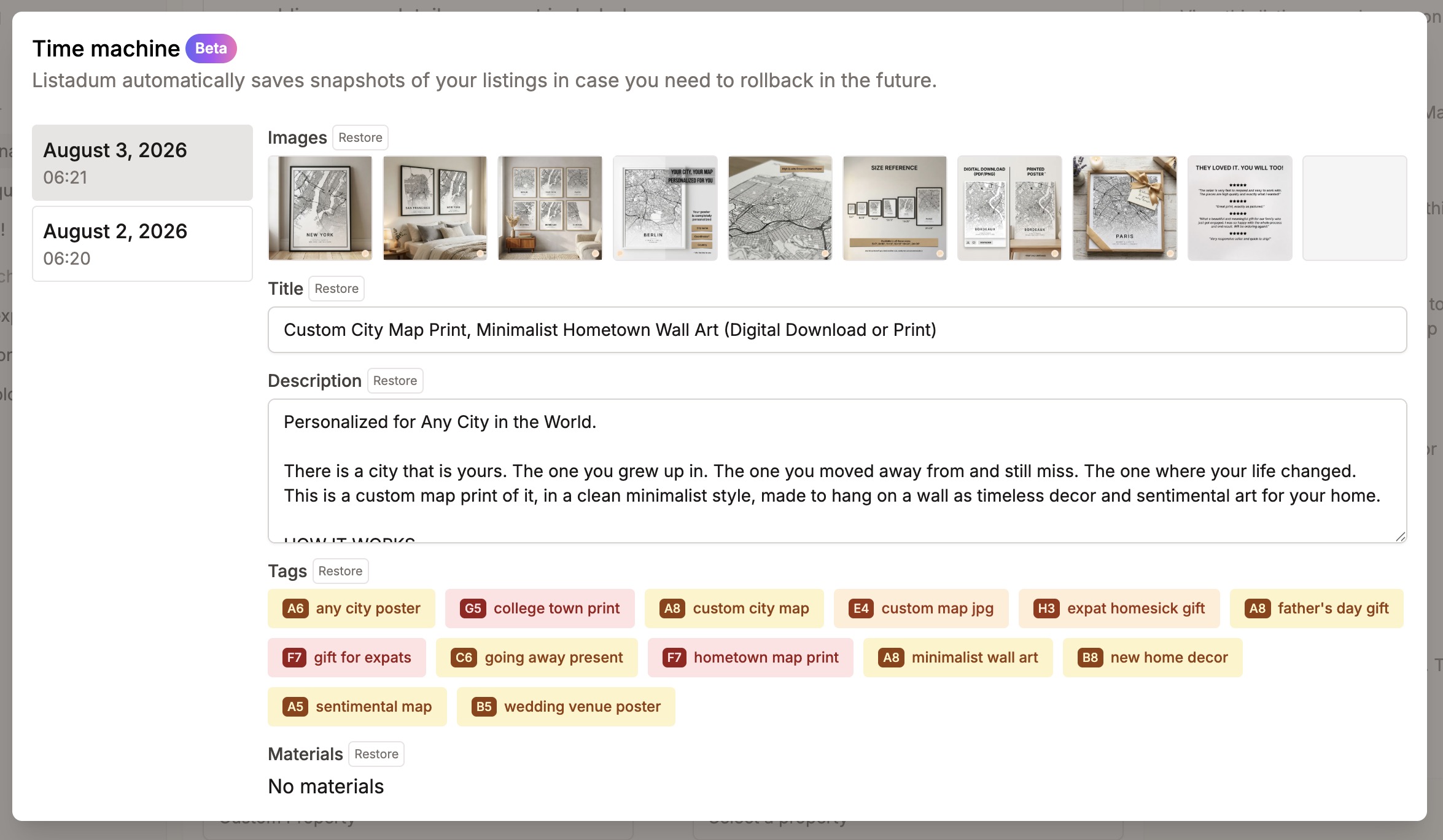
Open the Time Machine from the "Actions" section of the Listing Editor. Find an older snapshot that has the version you want, and restore the fields you need from it.
What you can restore
Right now you can restore title, description, images, tags, and materials. (Every field is captured in the snapshot; more will become restorable over time.)
Available on the Growth plan and above.