


The Listing Editor at a glance
Last updated onThe Listing Editor is like Etsy's own listing editor, but supercharged: the same fields you know, plus the tools and the information you need to build a better listing. The recommendations come from the Etsy Seller Handbook and ecommerce best practices, so you're not guessing what "good" looks like.
Open a listing
Open any listing from the Listing Manager (the Listings page) and it loads in the editor, every field on one page.
The completion score
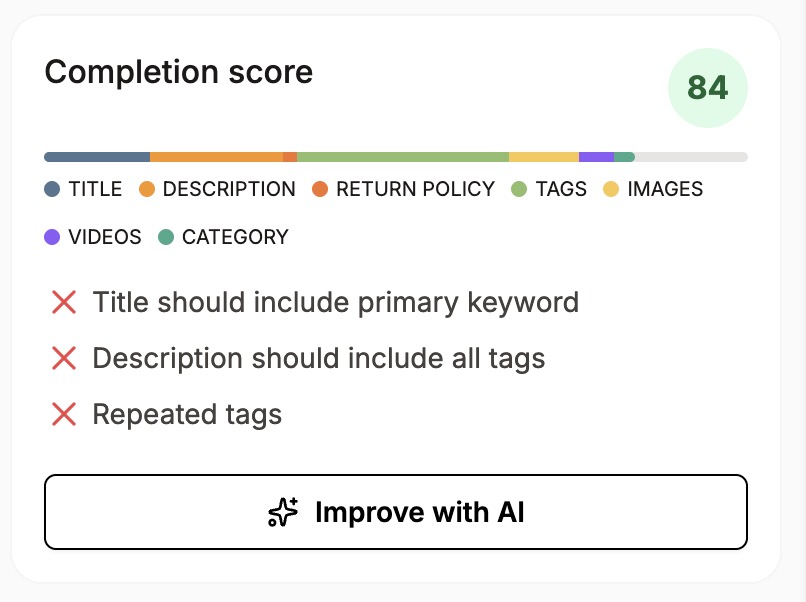
In the top-right corner, the completion score gives you a live 0-to-100 read on how complete your listing is against Etsy's guidelines: title, description, images, tags, and the rest. It updates as you edit.
A score of 100 doesn't magically bring views and sales. But if a listing isn't getting traction, the completion score is a good place to start. (Full detail in "Understanding the Completion Score.")
Every section works the same way
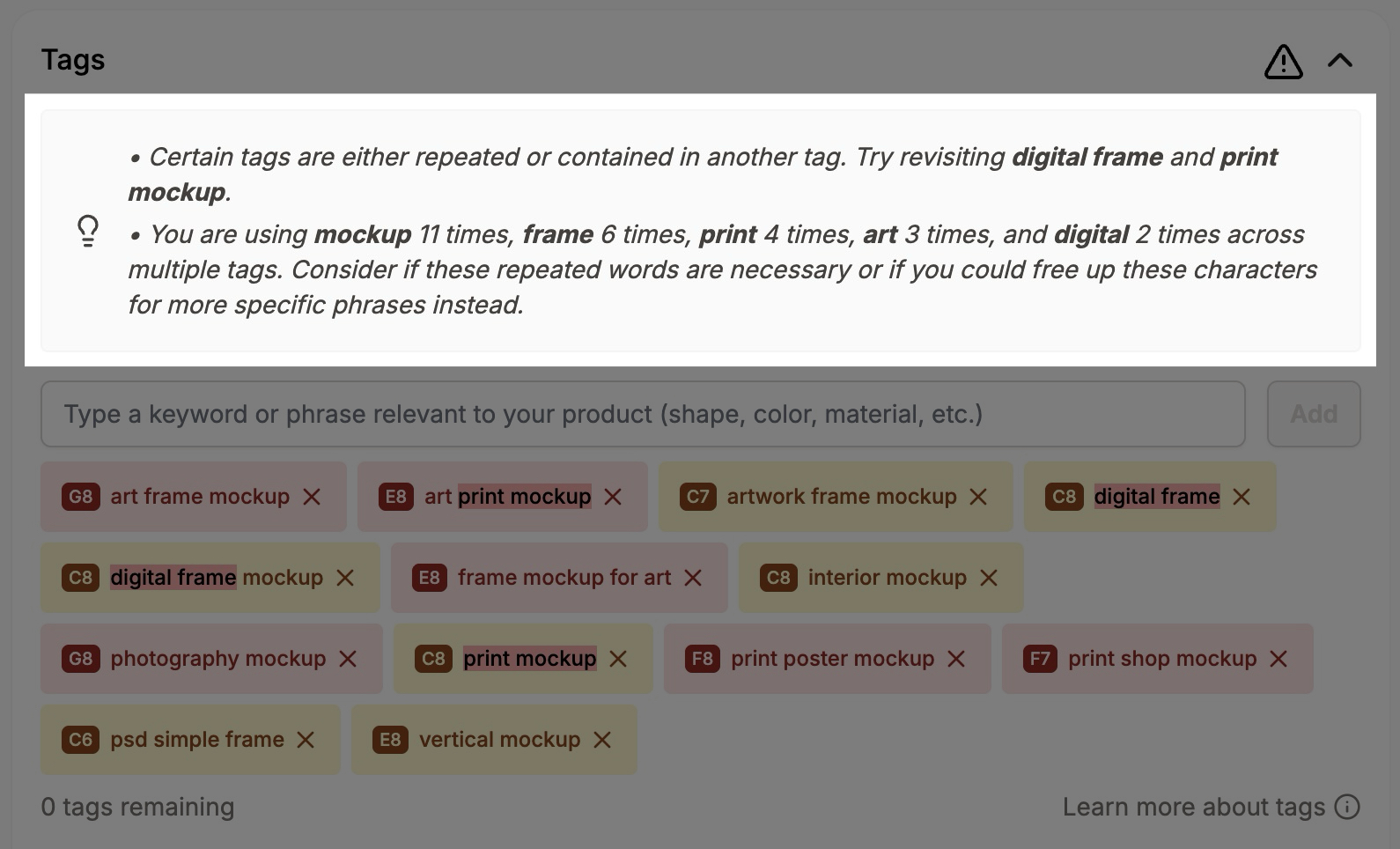
Each section of the editor shows you three things: any issues we detected, what we recommend to fix them, and, usually, the tool to fix it right there. So you're never told "your title is too short" without a way to do something about it.
Saving and publishing
There's no autosave, so use the "Save changes" button to save your work. It saves the whole listing at once, not one section at a time, and it doesn't change the listing's state: a draft stays a draft, an active listing stays active.
Depending on the listing's state, you'll see extra actions. A draft, for example, also gives you the option to Publish it or Schedule its publishing, alongside the "Save changes" button that's always there.
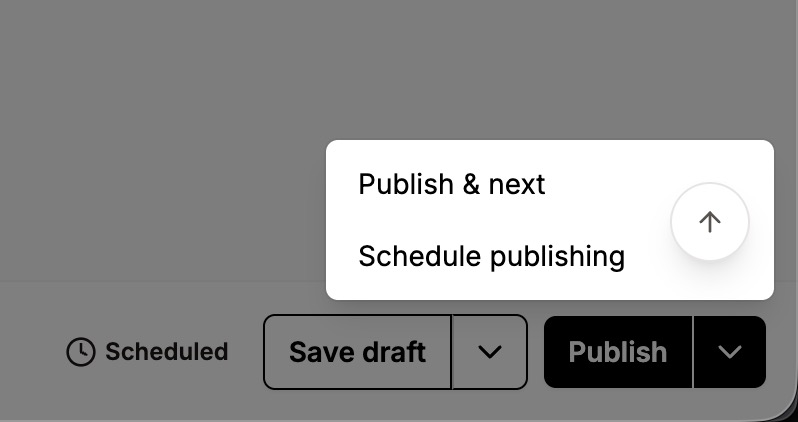
A note on Etsy's listing fee: Etsy charges its standard $0.20 per listing every time a listing is published, exactly as it would if you published from Etsy's own listing manager. That means a publish from draft, or a republish from sold out, expired, or inactive, triggers the fee. Simply saving edits to an already-active listing does not.
The rest of the editor
The sidebar has more than the core fields: Insights, listing stats, keyword analysis, engagement score, reviews, quick Promote to Pinterest, and Notes. Those get their own articles. The Actions menu (view on Etsy, copy, synchronize, Time Machine, and more) has its own article too, as does how synchronization works, since that's worth understanding on its own.