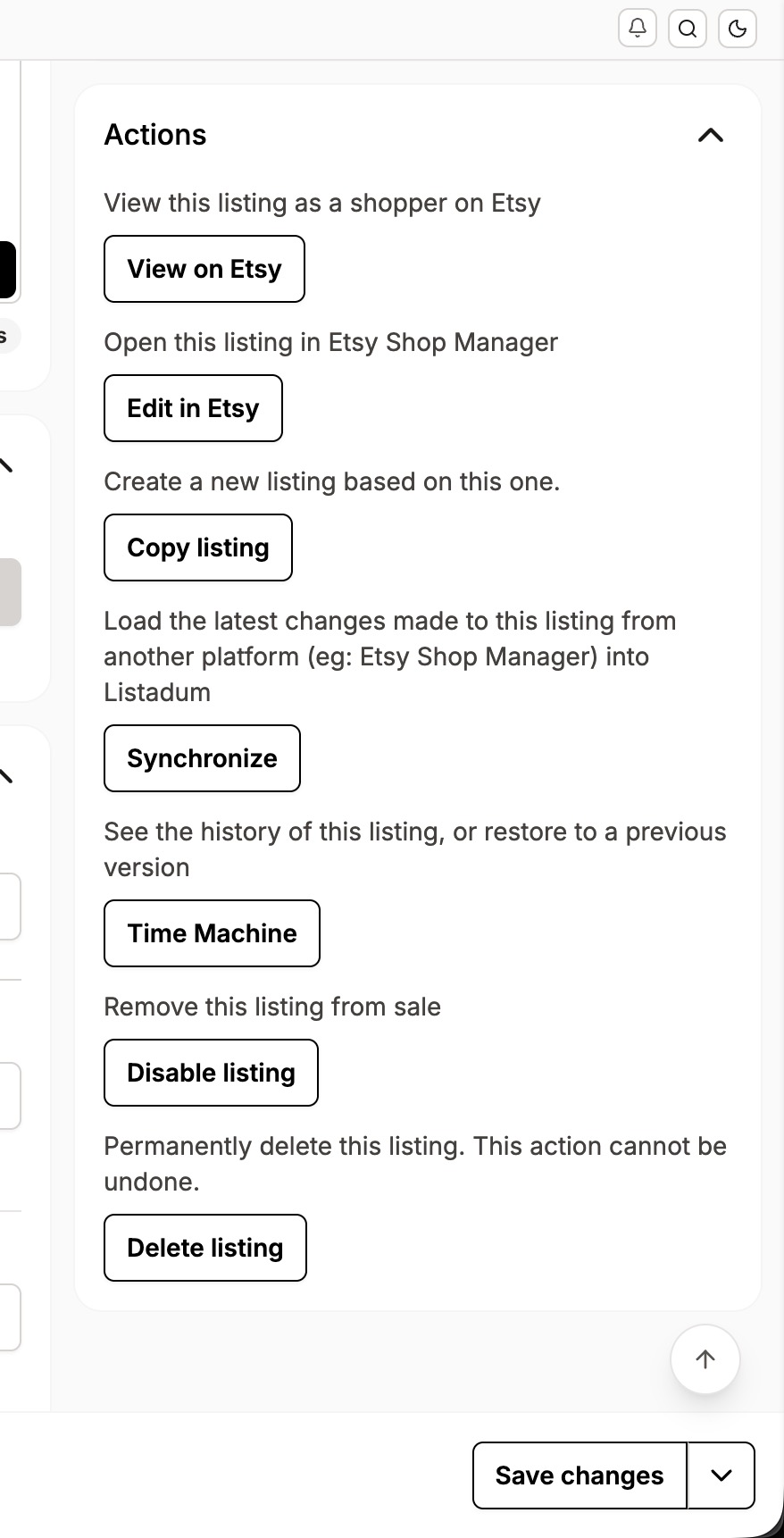
The Actions menu
Last updated onThe Actions section of the editor is where you do things to the whole listing rather than edit a single field.
View on Etsy: open the live listing on Etsy.
Edit in Etsy: jump to Etsy's own editor for this listing.
Copy listing: duplicate the listing into this shop or another shop you manage. Opens Bulk Copy. (See the Bulk Copy article.)
Synchronize: pull the latest version of this listing from Etsy into Listadum. (See "How listing synchronization works.")
Time Machine: browse and restore earlier snapshots of the listing. (See the Time Machine article.)
Disable listing: marks an active listing as "inactive" on Etsy. This removes it from sale without deleting it, so you can republish it later.
Delete listing: permanently remove the listing.