


How do I refresh my listings?
Last updated onIf you've changed something on Etsy and want Listadum to pick it up immediately, you can trigger a manual refresh instead of waiting for the next daily sync. There are three ways to do it:
Your whole shop, from Store settings: go to Store settings, General, and under Synchronization click "Synchronize listings" in the "Refresh listings" box.
Your whole shop, from the Listing Manager: at the top of the Listing Manager there's an indicator of when your listings were last refreshed. Click it, then "Synchronize now."
A single listing: open it in the Listing Editor, go to the Actions section, and click "Synchronize."
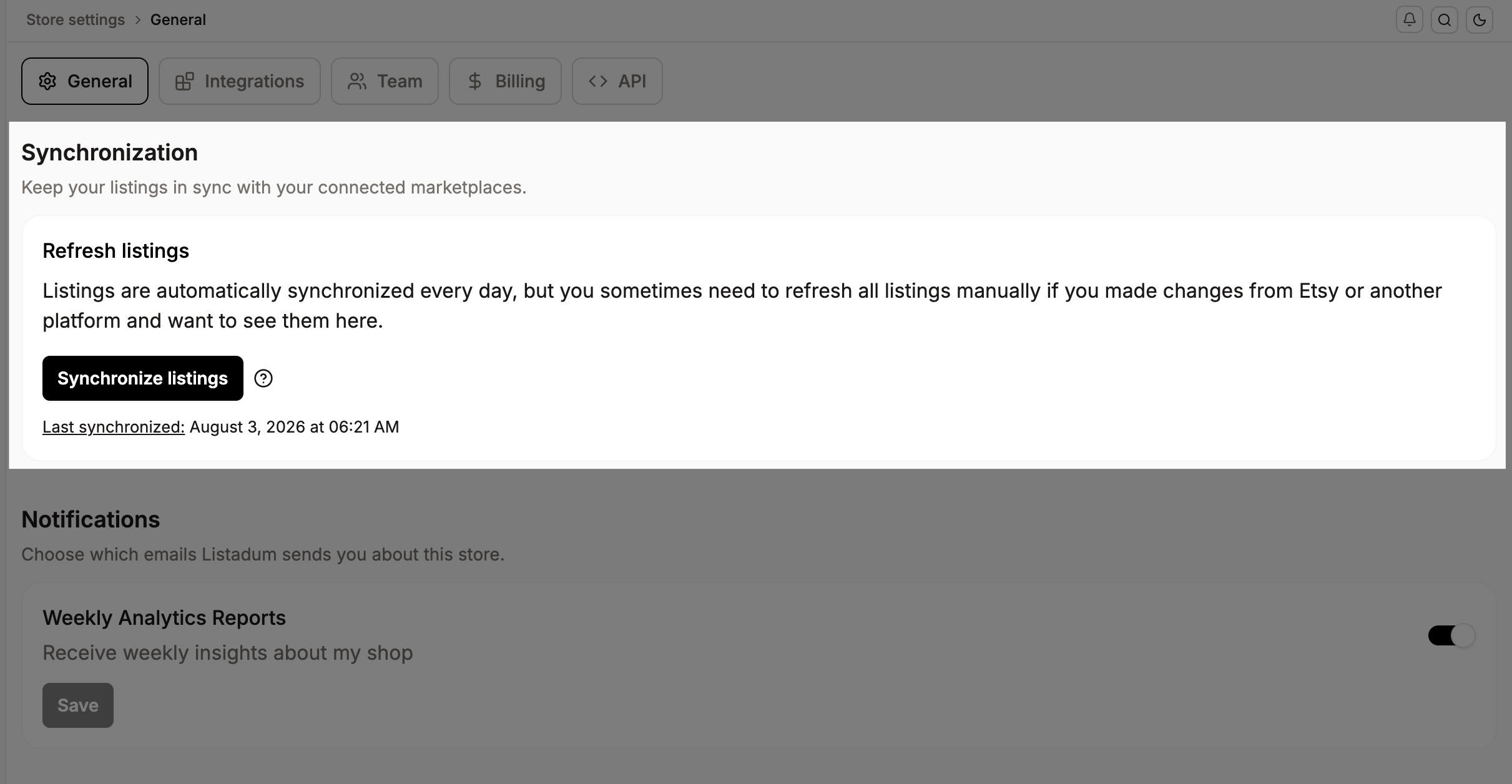
A refresh re-pulls the latest version straight from Etsy through the official API, so what you see in Listadum matches what's live in your shop. Give it a few moments to complete, especially if you have a lot of listings.