


Connecting a new shop to Listadum
Last updated onYou can manage as many Etsy shops as you want from a single Listadum account. Here's how to add one.
Add the shop
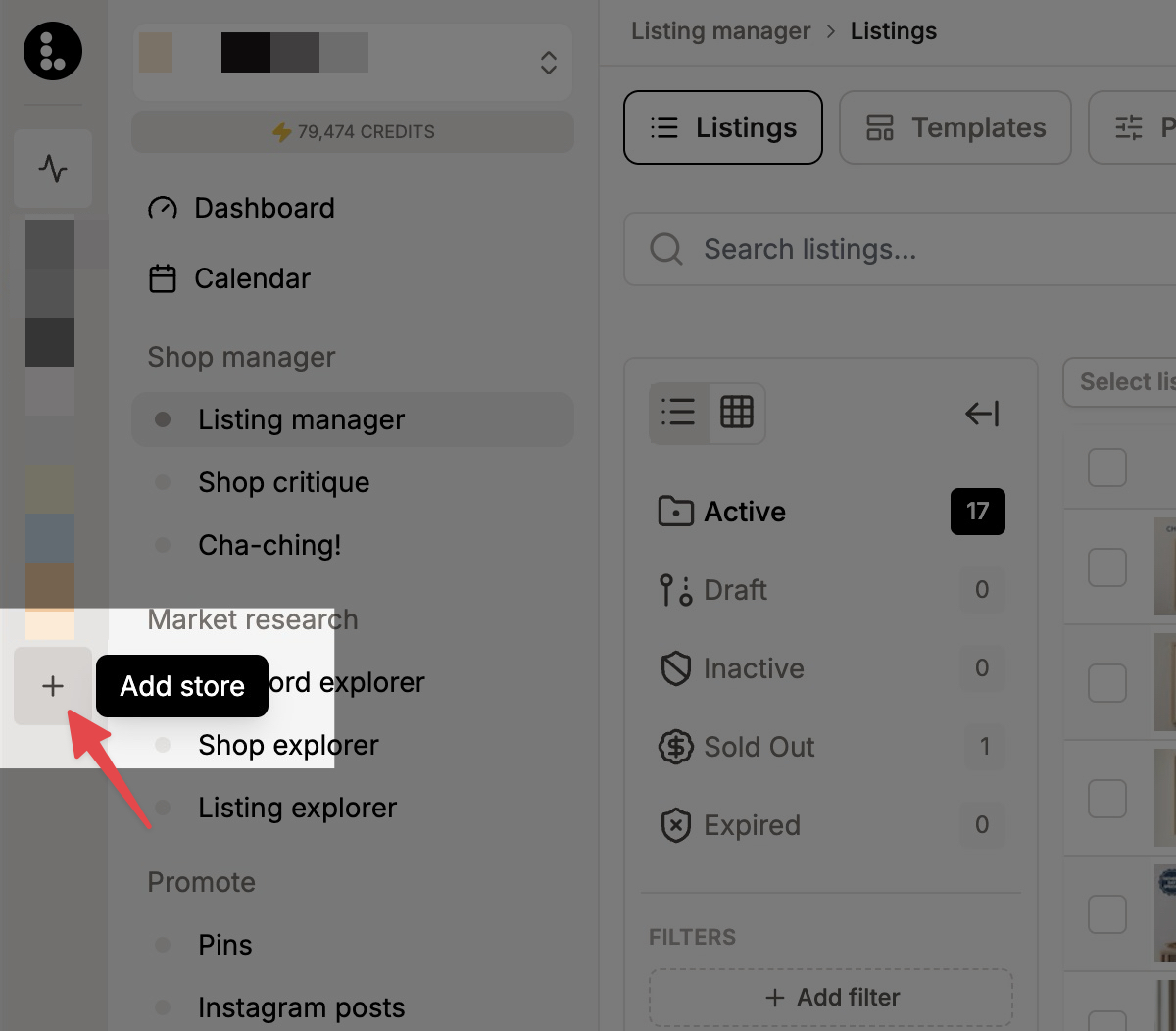
From your dashboard, click the + button in the left sidebar to create a new store, and follow the prompts.
Before you do, one important thing: make sure you're signed in to the correct Etsy shop on etsy.com, or fully signed out of Etsy, so you connect the shop you actually mean to. Etsy connects whichever shop you're logged into when you grant access.
What happens
You start the new shop connection in Listadum.
You're sent to Etsy to grant Listadum permission for that shop.
Etsy sends you back to Listadum, and the new shop is now part of your account.
Good to know
A shop can only be connected to Listadum once, so you can't add the same shop twice. If you previously set up a separate Listadum account for that shop and now want both shops under one account, reach out to support. We'll help you merge them after verifying your identity and that you own both shops.
Available on the Free plan. Every shop you add starts on Free.