


Etsy listing history. Restore earlier versions with Time Machine
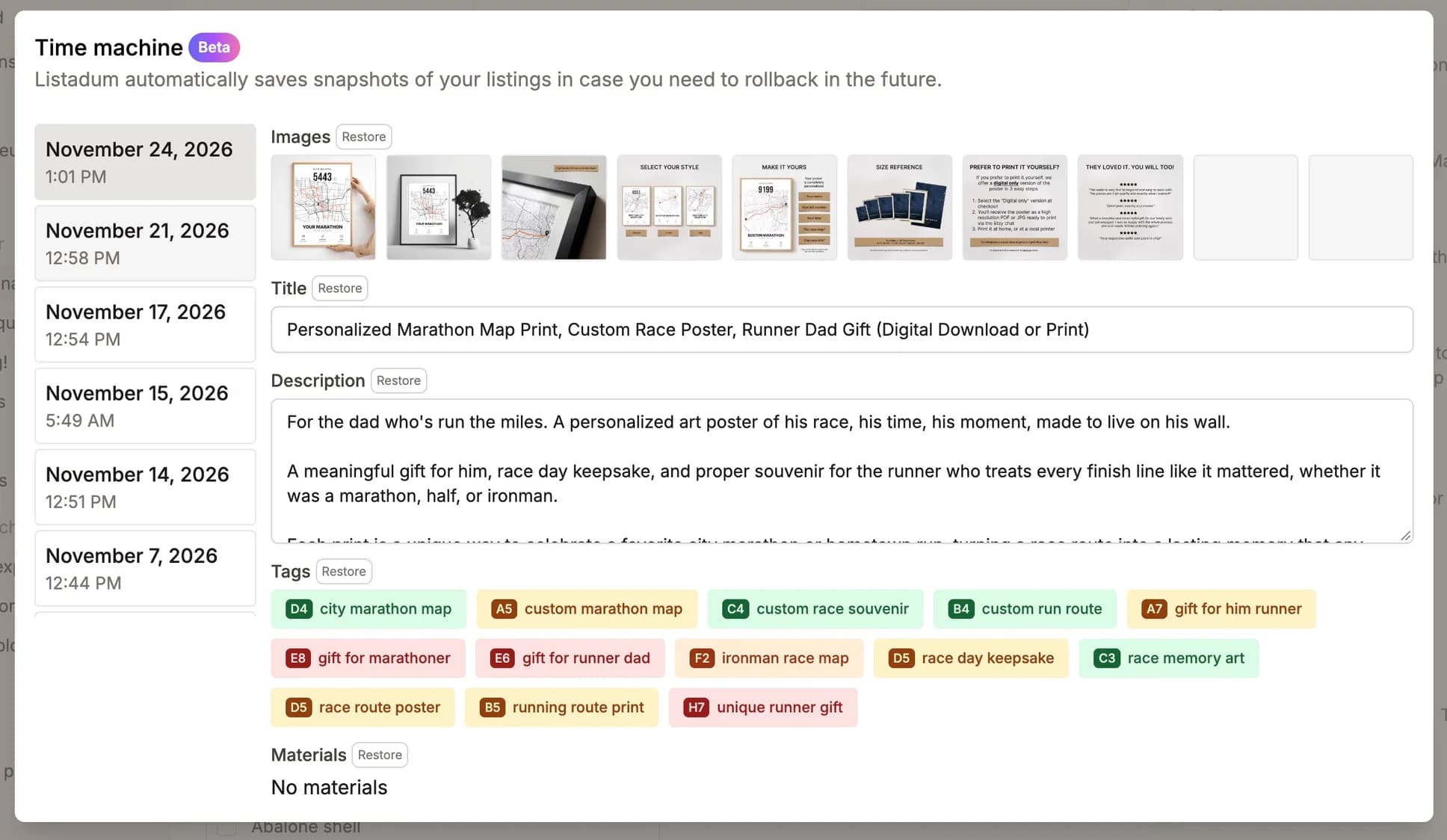
Listadum saves a snapshot of your Etsy listings every time they change. Look back at earlier versions and restore titles, descriptions, tags, materials or photos in a few clicks.











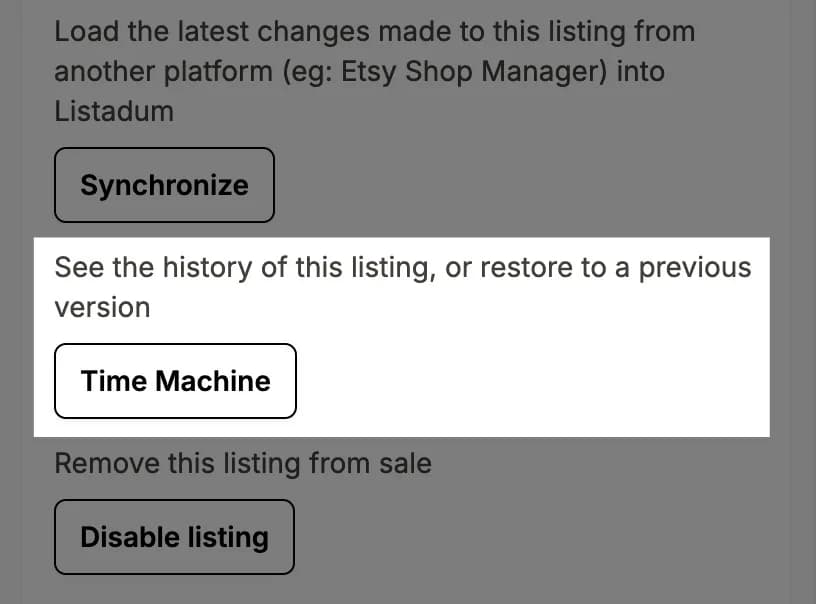
In the listing editor, open Time Machine to see every saved version of that listing, newest first, with the date it was saved.
Select a snapshot to see its photos, title, description, tags and materials. Restore the parts you want, review them in the editor, then save to update the listing on Etsy.
Questions Etsy sellers ask
Try Listadum on your own shop
Get started for free and upgrade when your shop needs more.
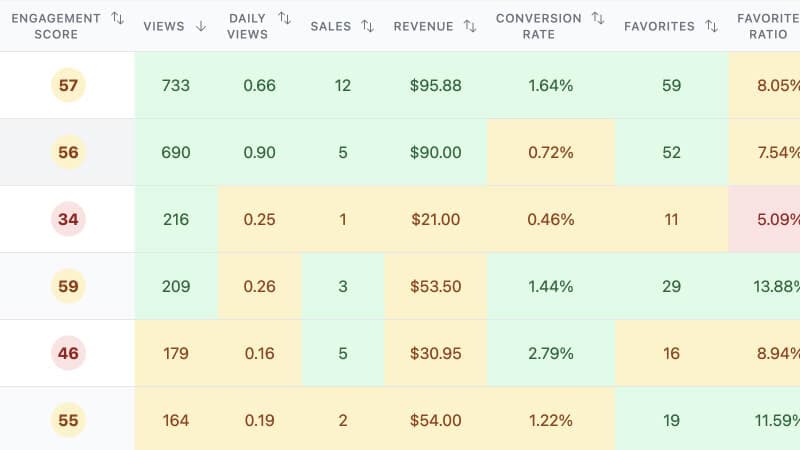
Focus your efforts on the products with the most potential using insights from your shop and listings.
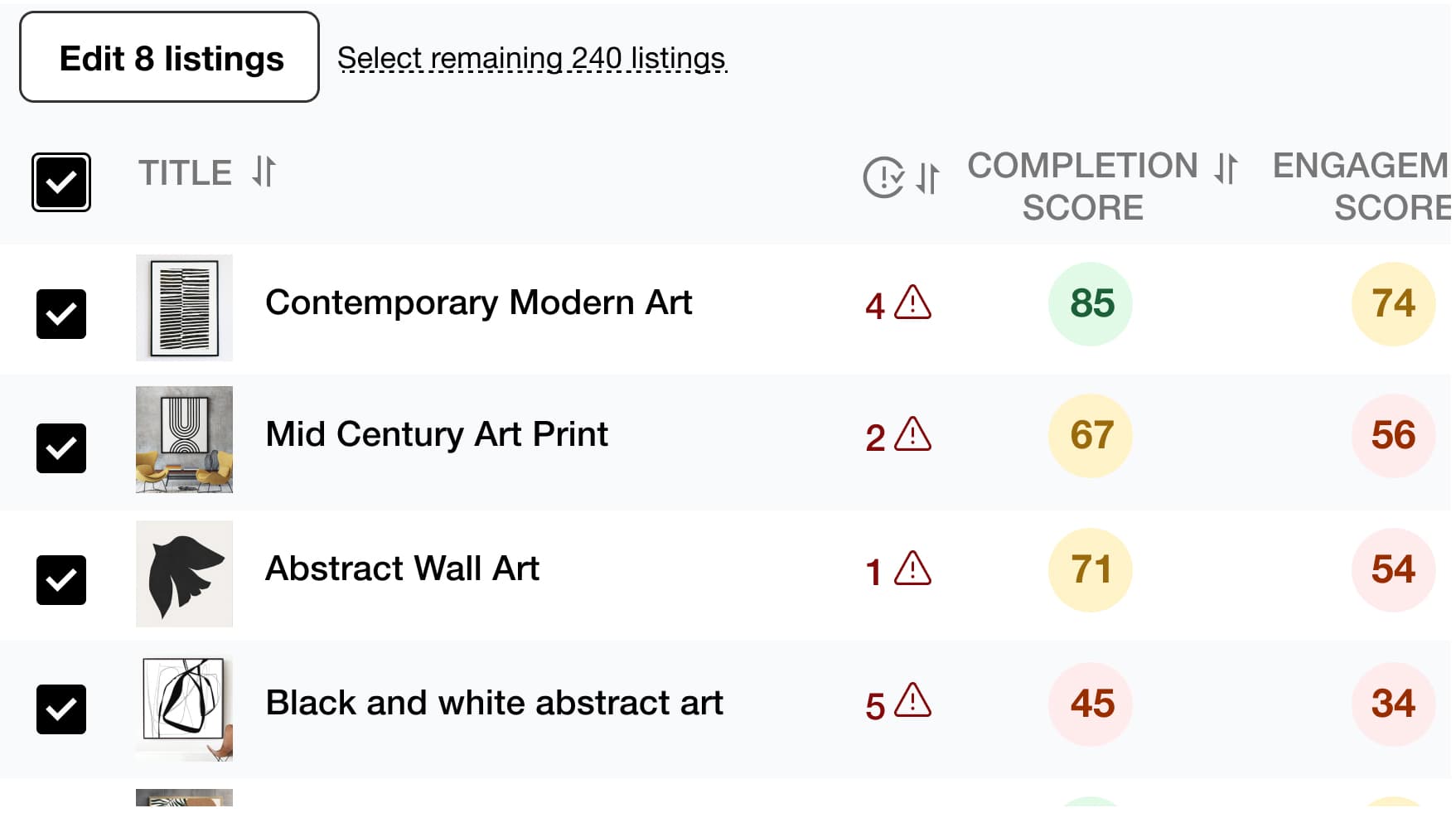
Save time and simplify your work by editing multiple listings at once, including product titles, descriptions, tags, and more.
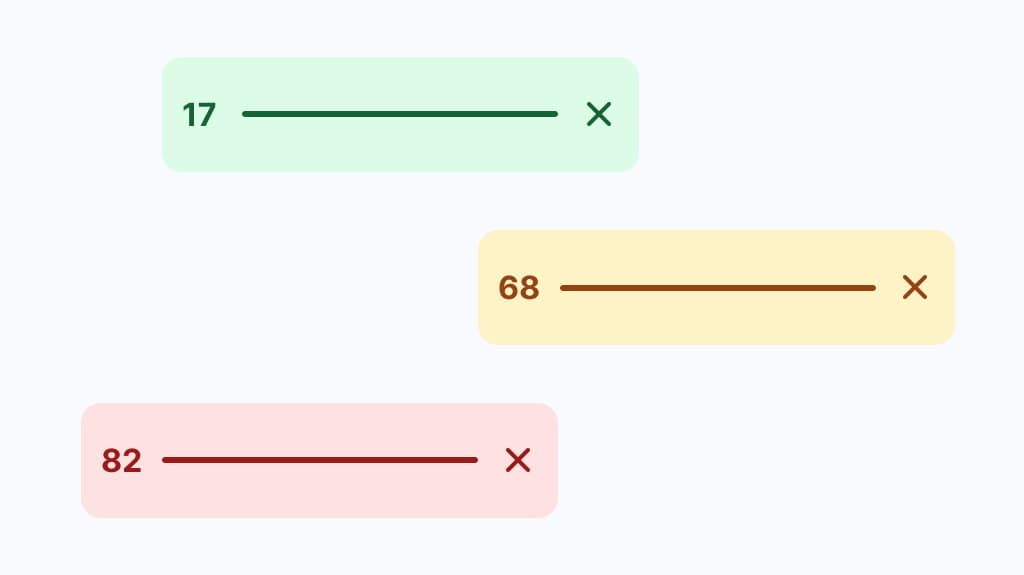
Find the best tags and drive more traffic to your listings to increase your chances of making a sale with Listadum's Keyword Explorer.
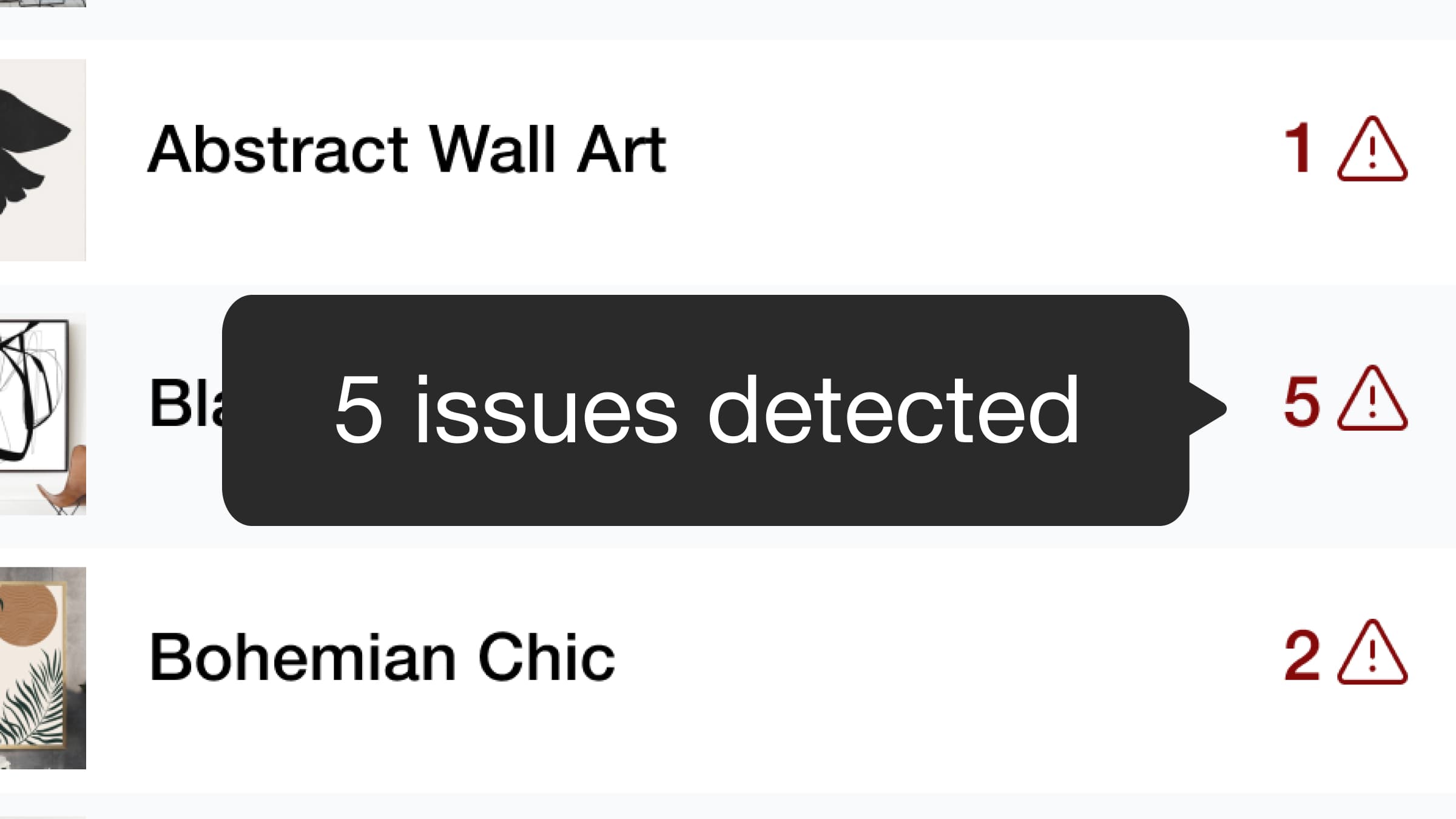
We detect potential issues with your listings and provide recommendations to help you optimize them. Based on Etsy guidelines, Listadum analyzes your titles, descriptions, tags, and more to provide actionable suggestions.
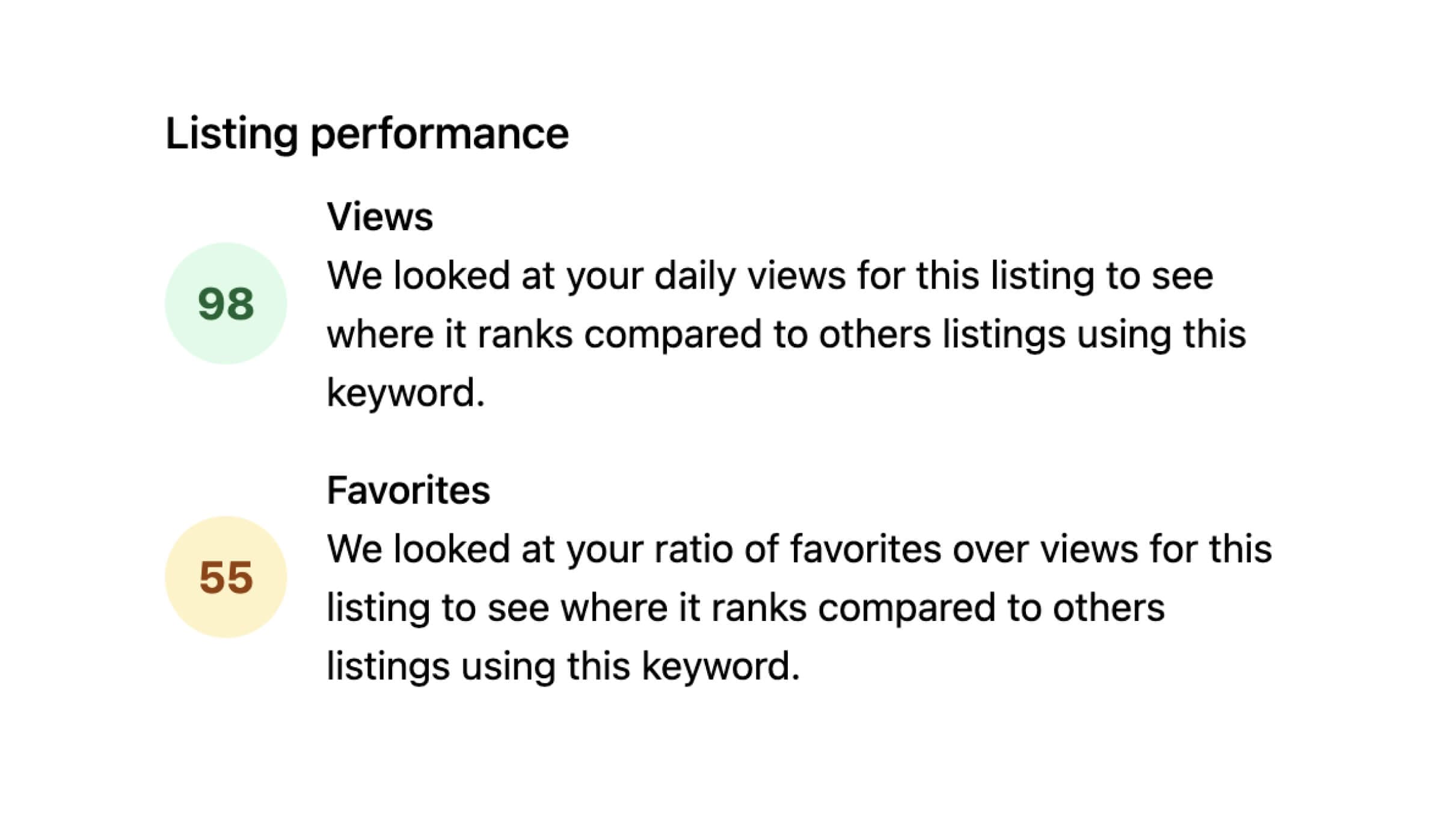
Identify which of your listings have higher than normal engagement based on views and favorites.

Use AI to improve your product listing titles and descriptions. Get suggestions that save time and strengthen your existing listings.
Do you own and manage multiple Etsy shops? Manage all your listings in one place without signing in and out with different email addresses.
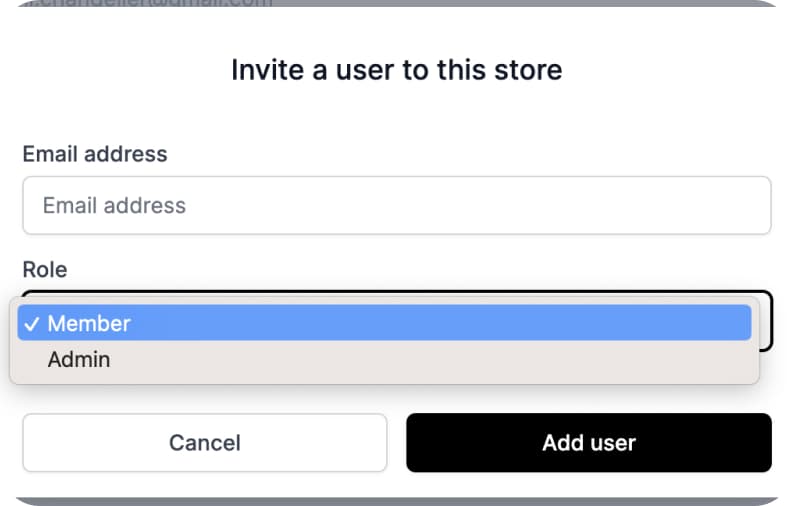
Give team members access to specific parts of your shop and listings without sharing your main Etsy account.
Ready to dive in?
Start improving your shop today.
Connect your Etsy store to receive personalized recommendations to improve your shop and listings, get more views, and drive more sales.