
Etsy Title Character Counter
Paste your Etsy listing title to see the live character count against the 140 limit, a mobile search preview, and instant warnings for repeated keywords and special characters. Free, no sign-up.











Mobile search preview
Roughly what Etsy shows on a mobile search result card.
Start typing to see the preview
Quality checks
- Within the 140 character limit
- Title is empty
- No emojis in the title
- No discouraged special characters
- No keyword stuffing detected
Why the 140 character limit matters
Etsy caps every listing title at 140 characters, including spaces and punctuation. If you draft elsewhere or copy a title from another platform, you can easily exceed the limit.
The title is one of the strongest signals Etsy uses to match listings with searches. Every relevant word can become a keyword match, so using the available space well is an easy SEO win.
On mobile, Etsy truncates titles after roughly 50 to 70 characters. The beginning must contain your strongest keyword and clearly describe the product.
How to write a strong Etsy title
- Lead with your main keyword. Mobile shoppers see the first 50 to 60 characters.
- Use the full 140 characters. Aim for 100 to 140 characters of relevant keywords.
- Use commas or pipes to separate phrases and keep the title readable.
- Avoid repeating the same word. Repetition gives no ranking boost.
- Skip special characters and emojis. Etsy discourages or rejects them.
- Write for a human first. A title still needs to make sense at a glance.
What this counter checks
- Character count against the 140 limit, with a live progress bar.
- Mobile search preview showing roughly the first 60 characters.
- Word count to help balance keyword density.
- Repeated keyword detection for words used three or more times.
- Warnings for special characters Etsy advises against.
- Emoji detection because Etsy does not allow emojis in titles.
Frequently asked questions
Try Listadum on your own shop
Get started for free and upgrade when your shop needs more.
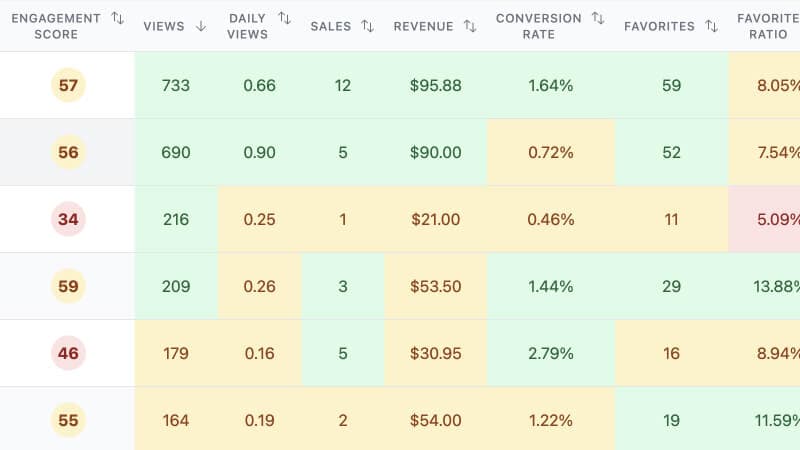
Focus your efforts on the products with the most potential using insights from your shop and listings.
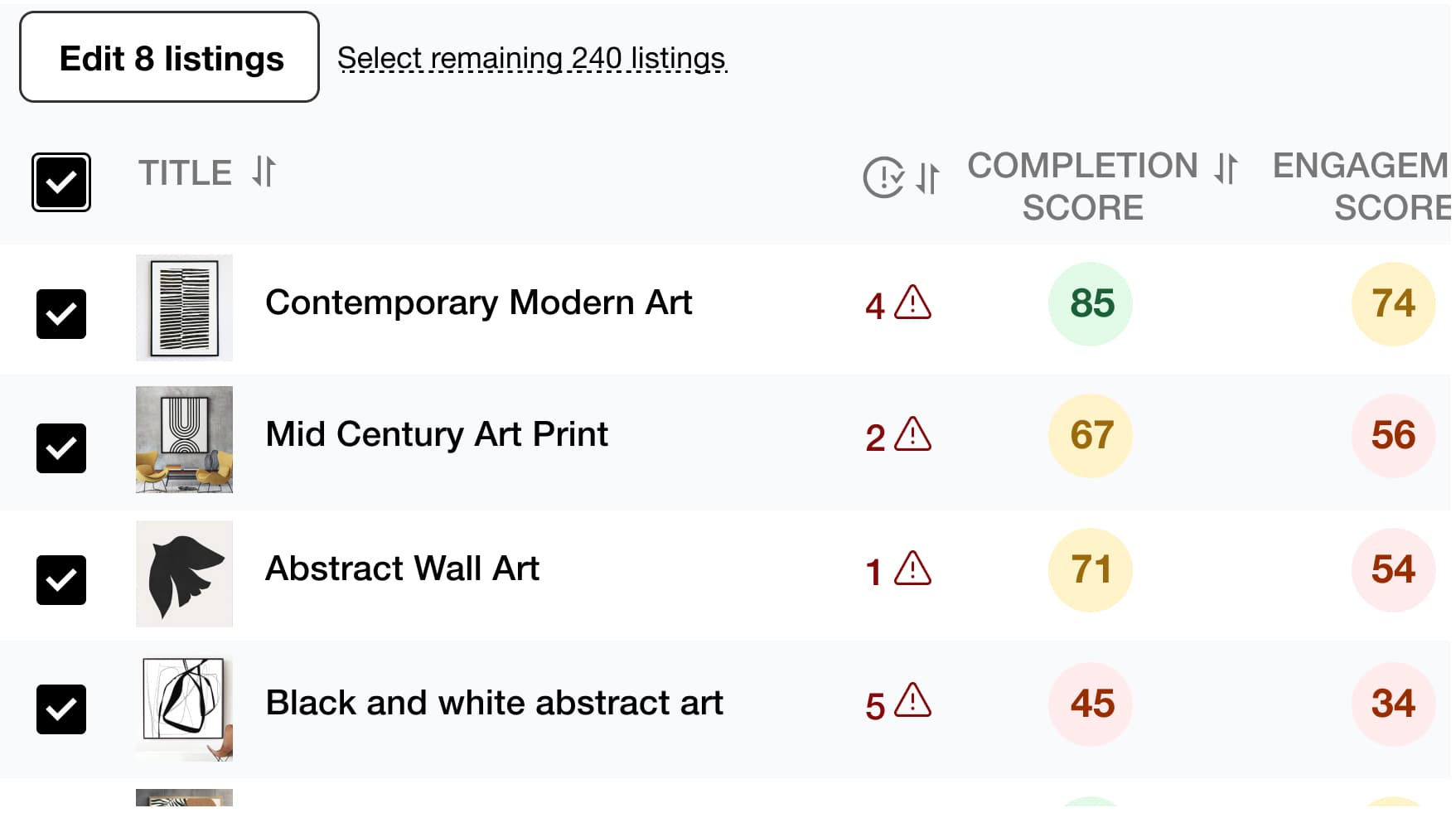
Save time and simplify your work by editing multiple listings at once, including product titles, descriptions, tags, and more.
Find the best tags and drive more traffic to your listings to increase your chances of making a sale with Listadum's Keyword Explorer.
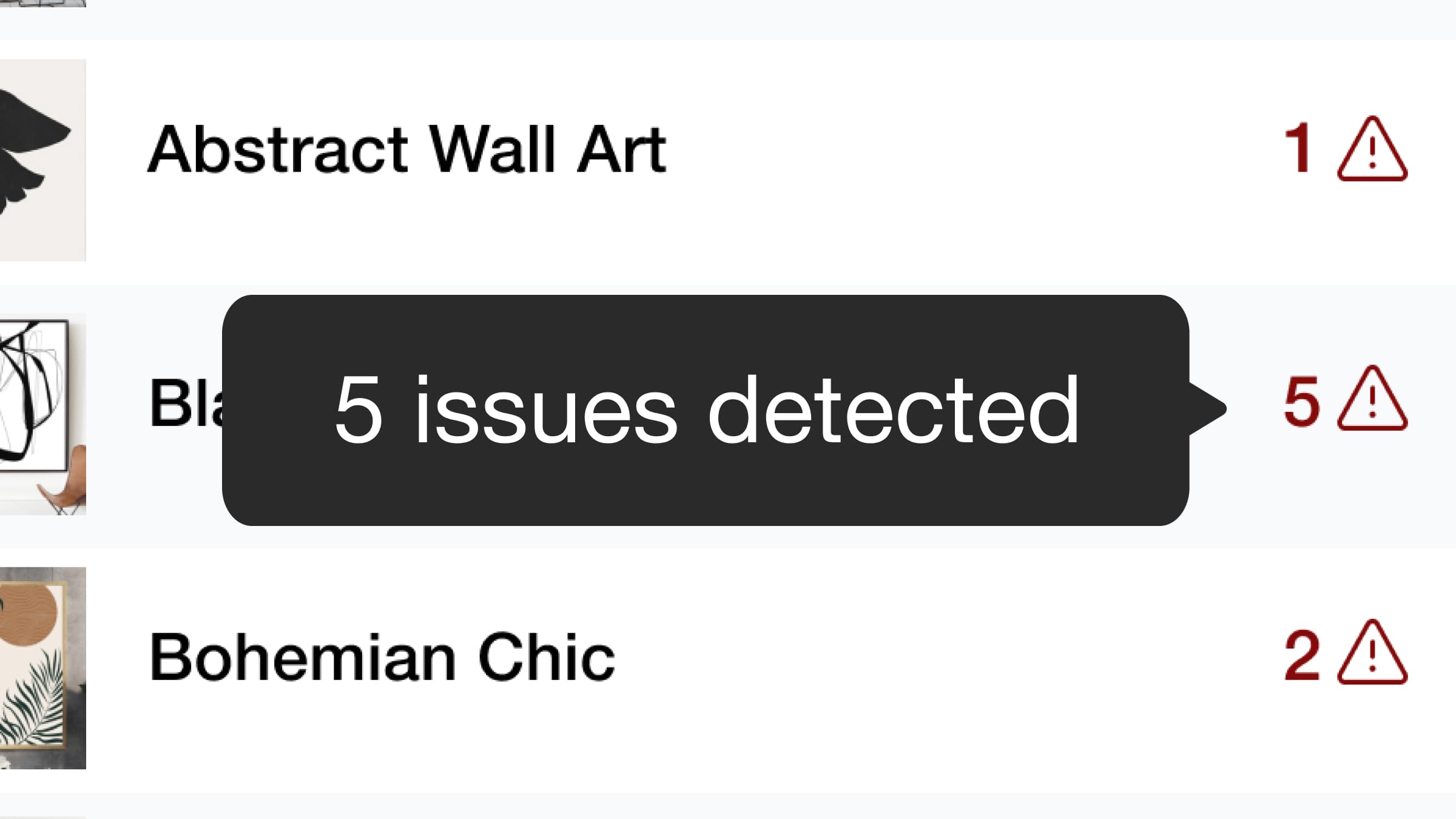
We detect potential issues with your listings and provide recommendations to help you optimize them. Based on Etsy guidelines, Listadum analyzes your titles, descriptions, tags, and more to provide actionable suggestions.
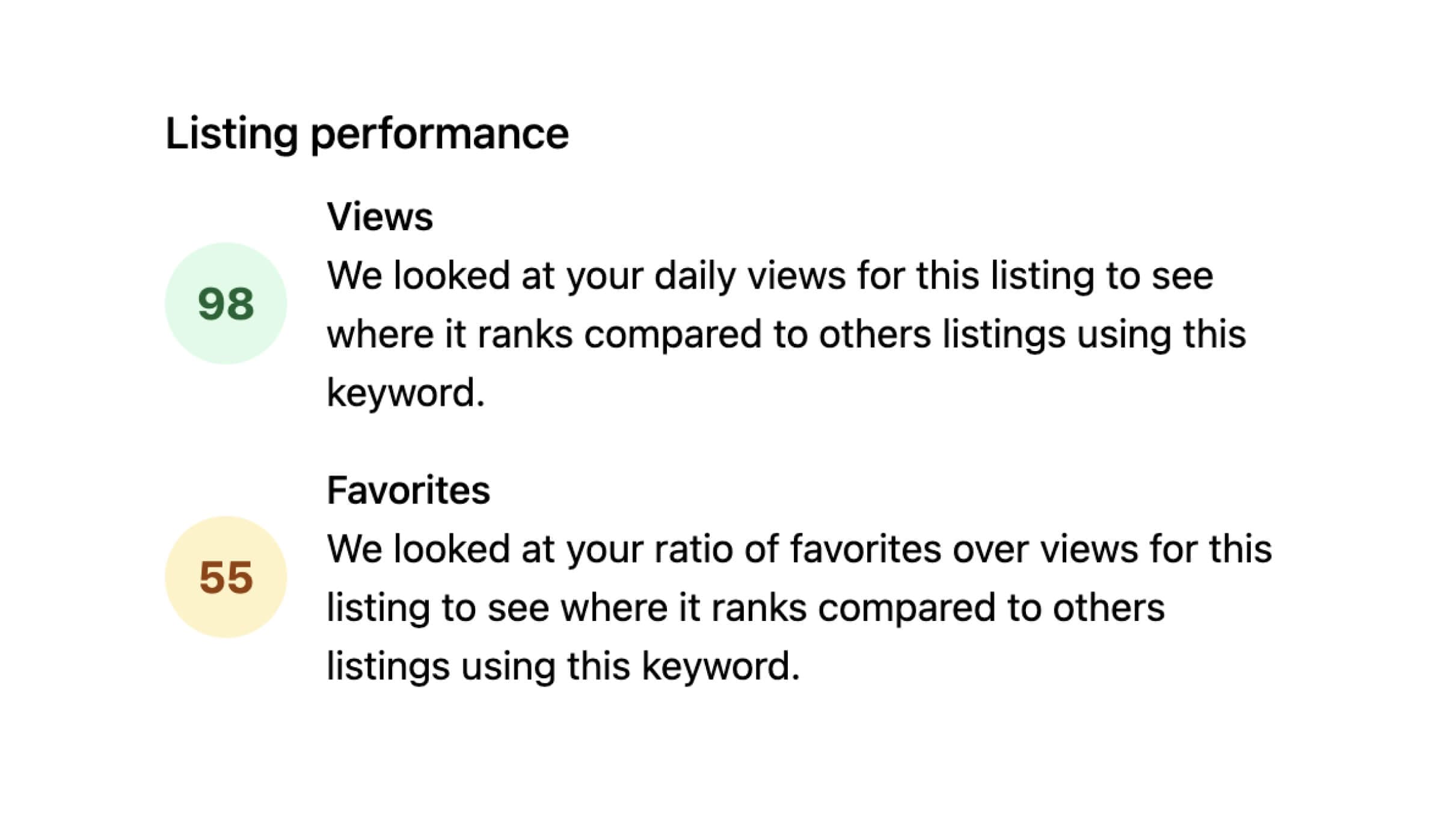
Identify which of your listings have higher than normal engagement based on views and favorites.

Use AI to improve your product listing titles and descriptions. Get suggestions that save time and strengthen your existing listings.
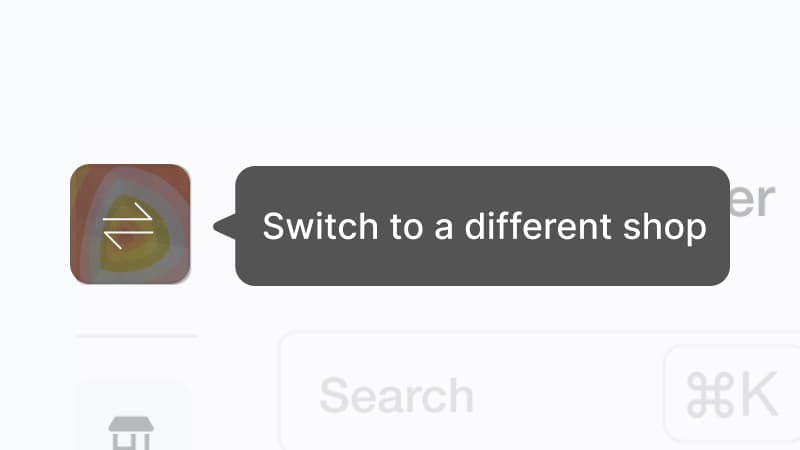
Do you own and manage multiple Etsy shops? Manage all your listings in one place without signing in and out with different email addresses.
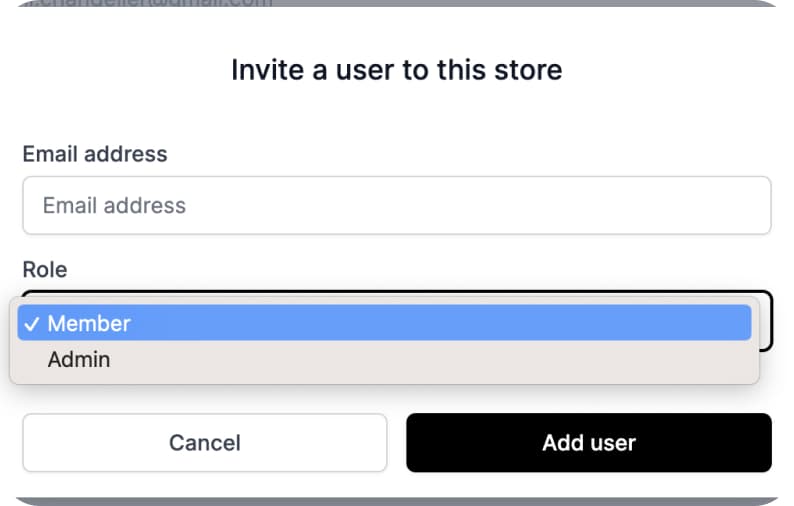
Give team members access to specific parts of your shop and listings without sharing your main Etsy account.
Ready to dive in?
Start improving your shop today.
Connect your Etsy store to receive personalized recommendations to improve your shop and listings, get more views, and drive more sales.