
Free Etsy Thumbnail Preview Tool
Upload your Etsy listing images and instantly see how they look in common result card crops across search, listing and shop pages. No sign-up, and nothing leaves your browser.
Drop listing images here
PNG or JPG, ideally at least 2000 pixels wide. Multiple images supported. Nothing is uploaded, and everything stays in your browser.
Upload one or more images to preview them in common Etsy result card crops.
Why a thumbnail preview matters on Etsy
Buyers see a small, cropped result card rather than your full-resolution photo. They scroll quickly and tap the image that catches their eye.
A photo that looks great in the upload dashboard can fail at thumbnail size. Details disappear, text becomes unreadable and focal points get cropped.
This tool tests common Etsy ratios in your browser so you can catch a weak hero image before it costs clicks.
Etsy result card crops included
- Landscape result (4:3), a common wide crop on search pages.
- Tighter result (5:4), used by some result card layouts.
- Square grid (1:1), seen in shop grids and some result views.
- Portrait result (3:4), sometimes seen on mobile or tested layouts.
- Keep the product readable in the safe center so every crop tells the same story.
How to use the tool
- Drop one or more listing images into the upload area.
- Review each common crop and the mock results row.
- Check whether the product is clear at 170 pixels and the focal point survives every crop.
- Improve weak photos with a larger product, cleaner background, more contrast and room around the edges.
- Upload the winning image as photo number one on your Etsy listing.
Five thumbnail mistakes that hurt Etsy listings
- Tiny products in a huge frame. Fill more of the image.
- Text that disappears at thumbnail size.
- Low contrast between the product and background.
- A focal point too close to the edges.
- An image that looks the same as every competitor.
Use it on competitors too
Preview a screenshot from a strong competitor to study its silhouette, colors and focal point without copying the photo itself.
Then place your own photo beside it. The gap at result card size is the gap you need to close to earn more clicks.
Frequently asked questions
Try Listadum on your own shop
Get started for free and upgrade when your shop needs more.
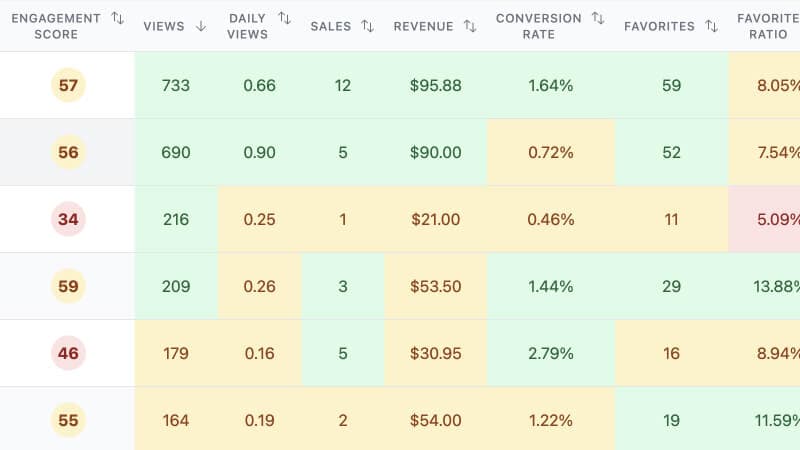
Focus your efforts on the products with the most potential using insights from your shop and listings.
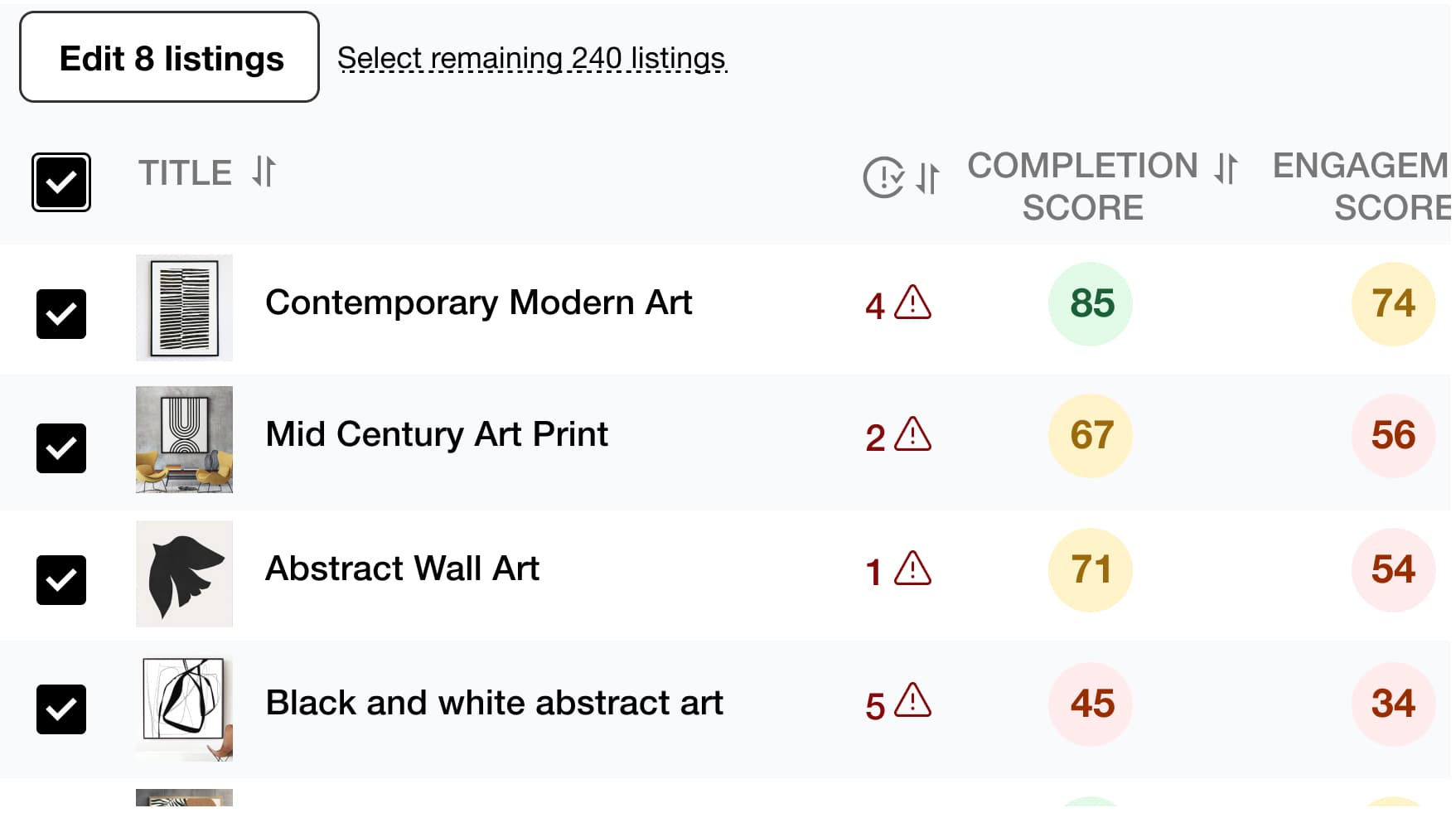
Save time and simplify your work by editing multiple listings at once, including product titles, descriptions, tags, and more.
Find the best tags and drive more traffic to your listings to increase your chances of making a sale with Listadum's Keyword Explorer.
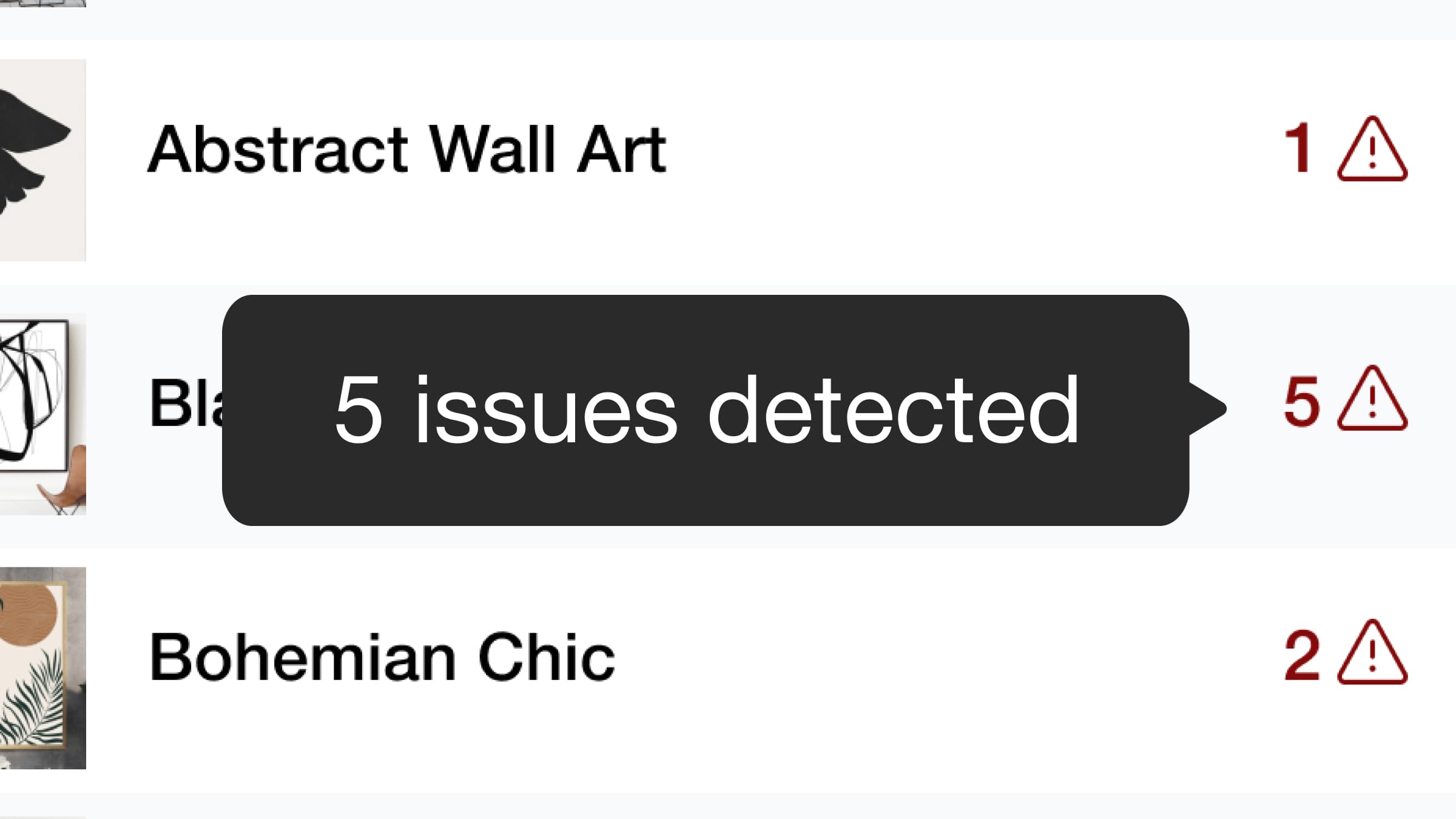
We detect potential issues with your listings and provide recommendations to help you optimize them. Based on Etsy guidelines, Listadum analyzes your titles, descriptions, tags, and more to provide actionable suggestions.
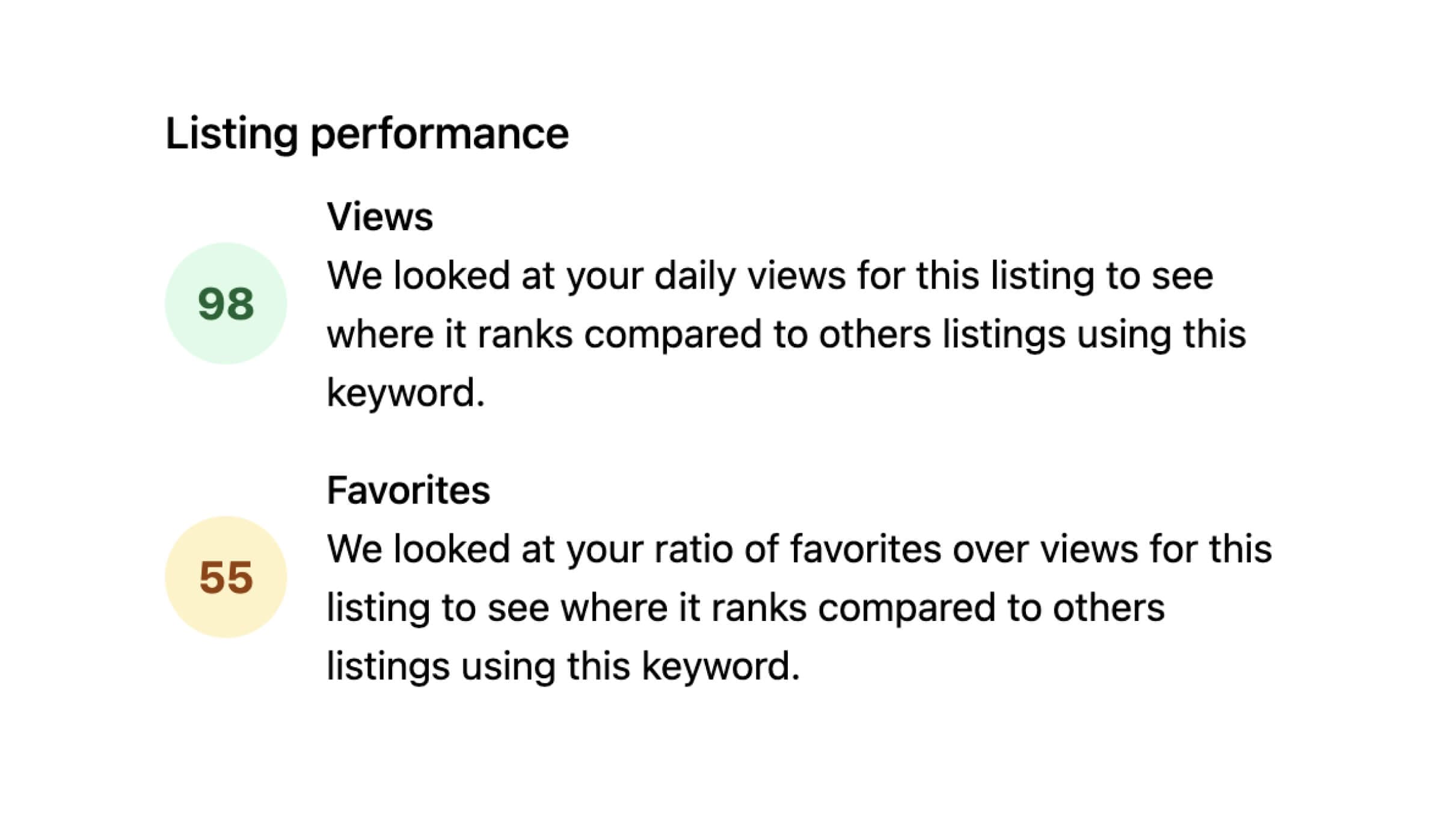
Identify which of your listings have higher than normal engagement based on views and favorites.

Use AI to improve your product listing titles and descriptions. Get suggestions that save time and strengthen your existing listings.
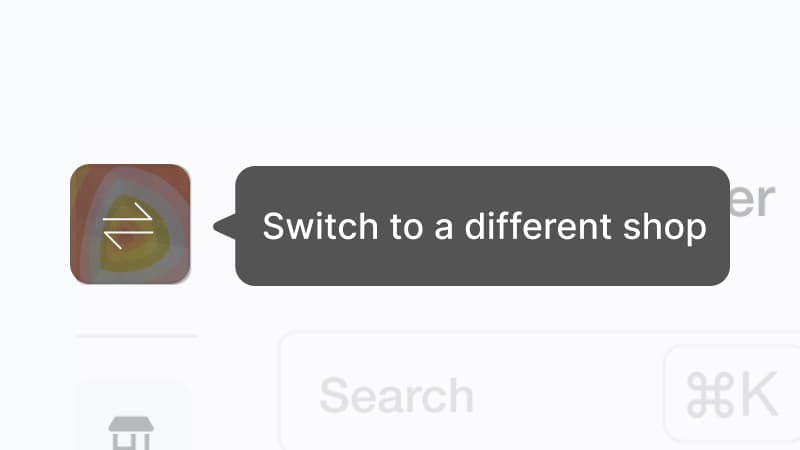
Do you own and manage multiple Etsy shops? Manage all your listings in one place without signing in and out with different email addresses.
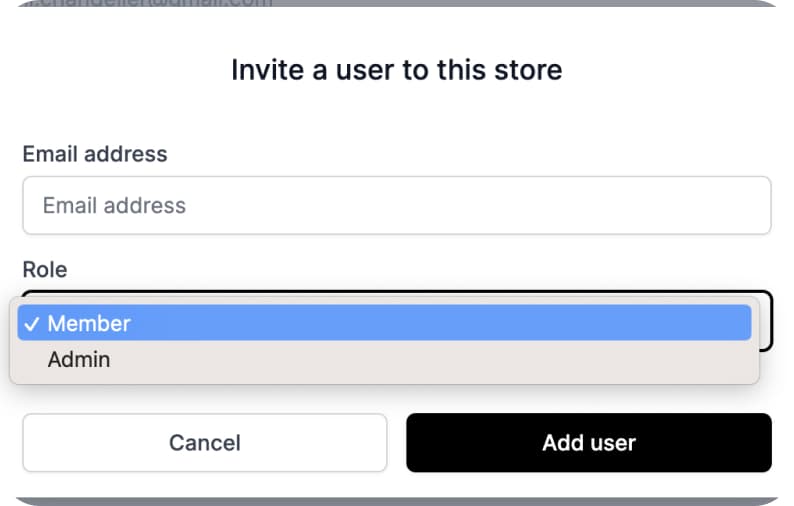
Give team members access to specific parts of your shop and listings without sharing your main Etsy account.
Ready to dive in?
Start improving your shop today.
Connect your Etsy store to receive personalized recommendations to improve your shop and listings, get more views, and drive more sales.