

There are a few situations where you need to copy listings from one Etsy shop to another.
Maybe you’re launching a more specialized shop and want to move a specific category of products into it. Maybe you’re rebranding and opening a new shop from scratch. Or maybe your shop went down and you’re starting fresh in a new one.
Whatever the reason, you quickly run into the same problem: Etsy has no built-in way to do it.
Why Copying Etsy Listings to Another Shop Is So Painful
Etsy lets you duplicate a listing within the same shop. But copy listings to a different Etsy account? You’re on your own.
That means the only official path is to open both shops in separate tabs and start recreating each listing by hand. Title. Description. Tags. Photos. Price. One by one.
It’s not just slow. It’s risky. A missing tag here. A wrong price there. A photo in the wrong order. For sellers with dozens or hundreds of listings, migrating an entire catalog can eat up a full weekend and still leave behind mistakes.
The more listings you have, the more painful it gets.

How to Transfer Etsy Listings to Another Shop with Listadum
Listadum is a tool built for Etsy sellers, and its cross-shop copy feature solves this problem directly.
Here’s how it works.
Connect both of your Etsy shops to Listadum: your source shop and your destination shop. Once connected, both shops live in one dashboard. Switching between them takes one click.
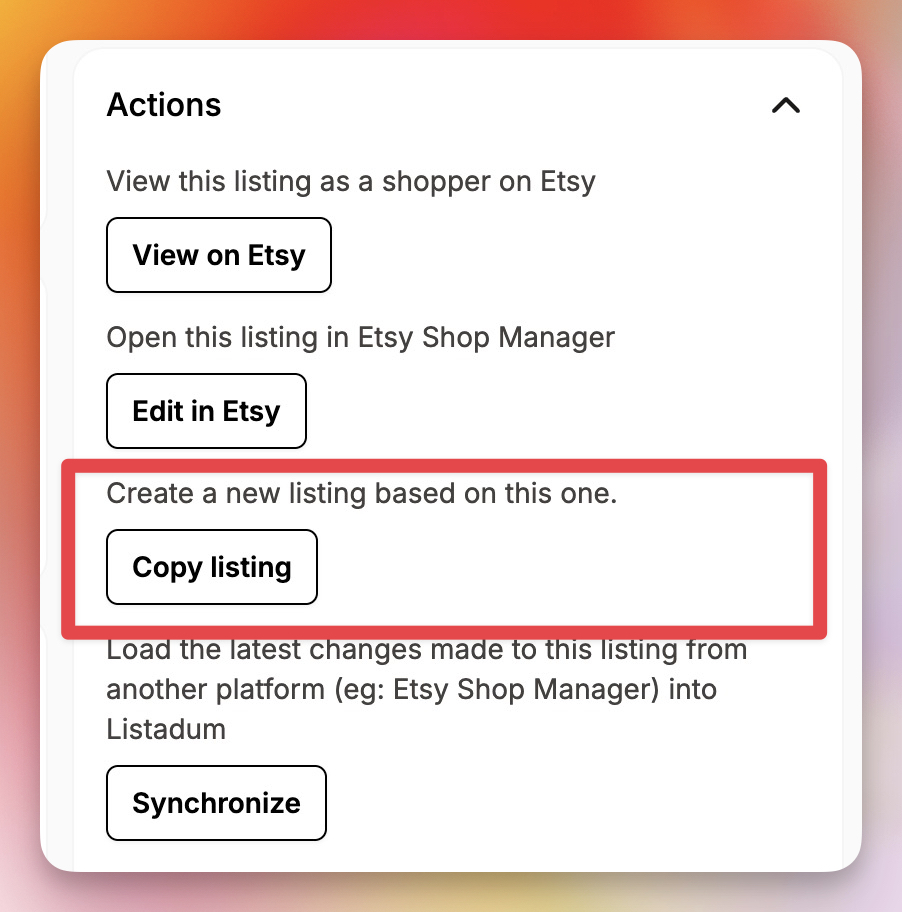
When you’re ready to copy a listing, open your listing from your source shop, and click Copy.
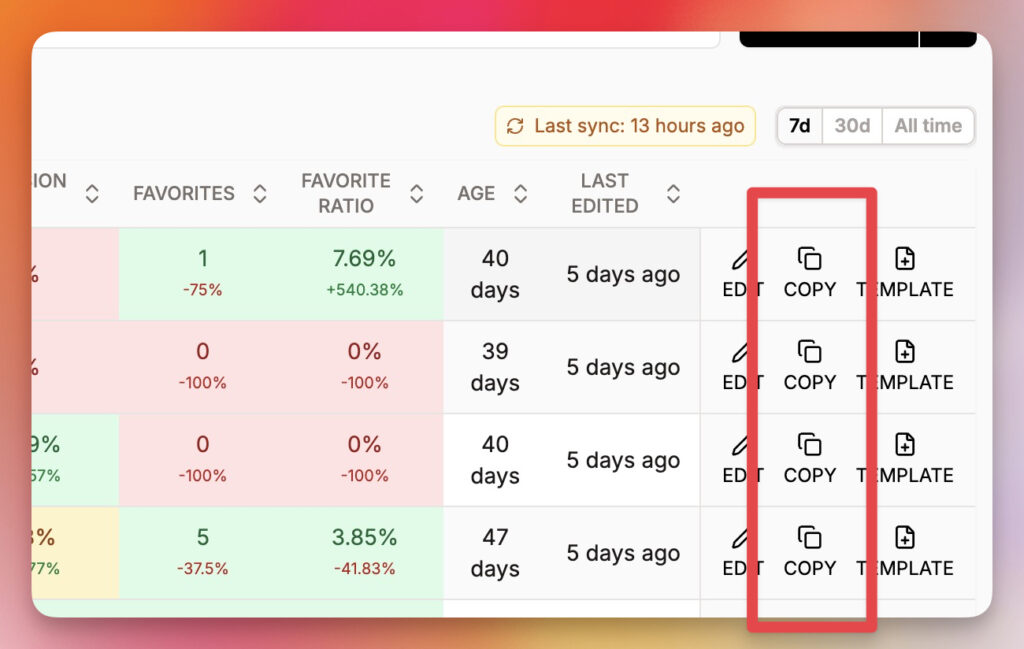
You can also scroll to the last columns of the listing manager and click Copy.
Listadum asks one question: Which shop should this listing go to?
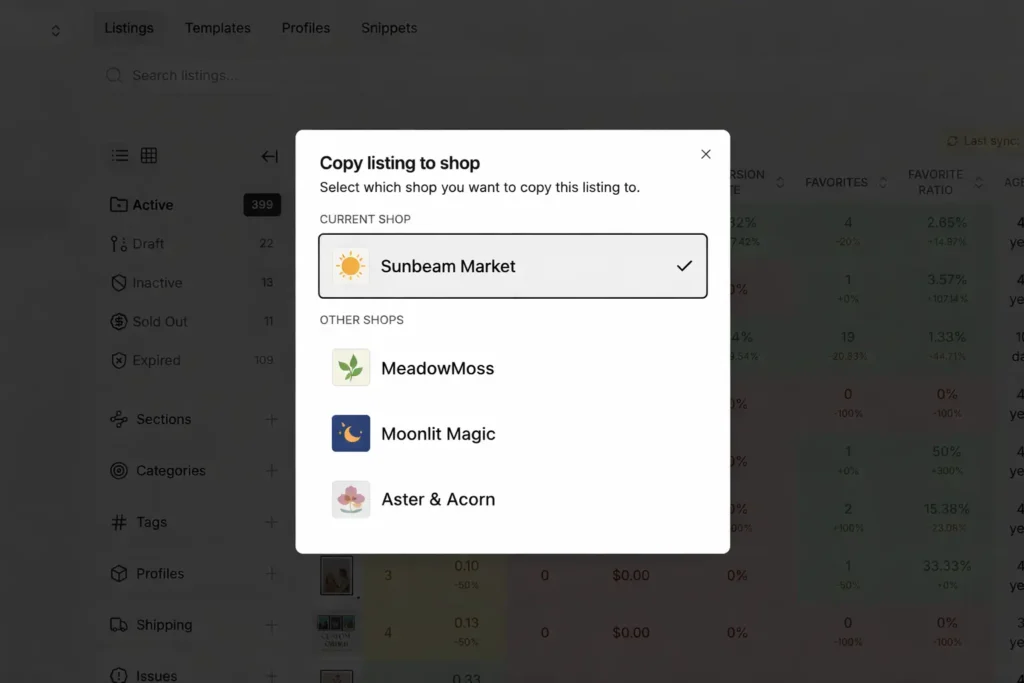
Select your destination shop, confirm, and the listing is transferred. Title, description, tags, photos, and price, all intact.
No copy-pasting. No tab-switching. No recreating anything from scratch.
What Gets Copied and What You Control
When you copy a listing from one Etsy shop to another using Listadum, every detail comes with it:
- Title: exactly as written in the original
- Description: full text, all formatting included
- Tags: all 13, preserved completely
- Photos: every image, in the right order
- Price: carried over automatically
Note: certain fields like digital download files, can not be copied, but you already saved so much time!
You also choose how the listing lands in the new shop: as a draft so you can review it before it goes live, or you can publish if it’s ready to sell. You stay in control at every step.
Three Situations Where This Saves You Hours
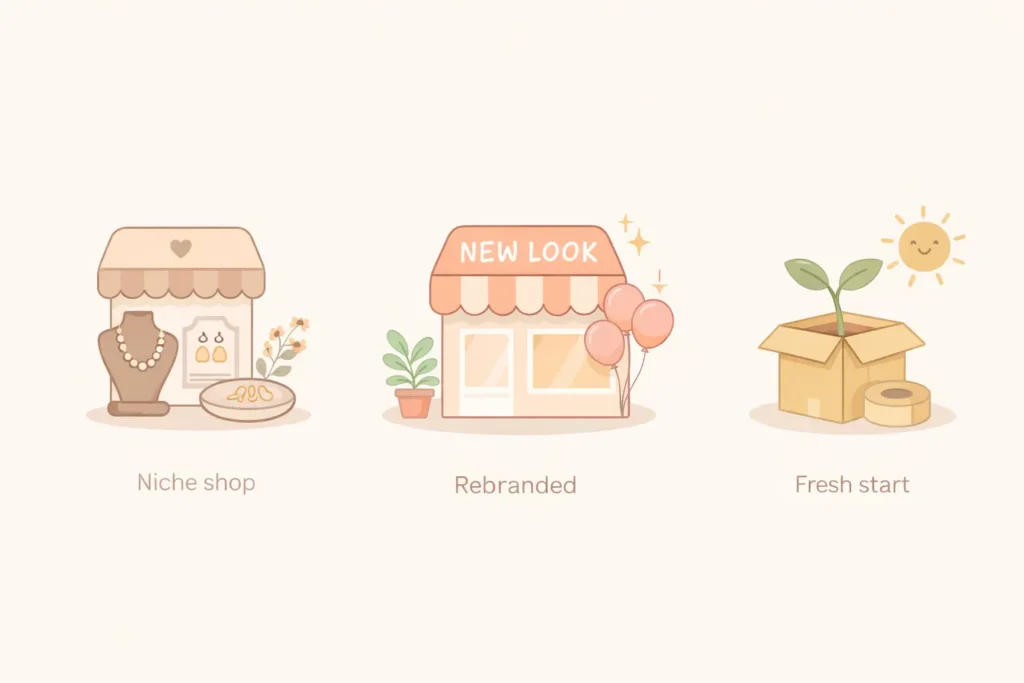
Launching a specialized shop. A lot of sellers run a general shop and eventually want to spin off a niche store focused on one category. Instead of rebuilding those listings from zero, you pick the ones you want, copy them to the new shop, and you’re up and running.
Rebranding. If you’re moving to a new shop name and identity, your listings need to come with you. Copying them one by one through Listadum is a lot faster than recreating 50 or 80 listings by hand.
Starting over in a new shop. If your previous shop is no longer active and you need to get a new one off the ground quickly, Listadum lets you copy your listings over and choose whether to publish them right away or save them as drafts to review first.
Step-by-Step: How to Copy Etsy Listings to Another Shop
Here’s exactly how to do it:
- Connect both shops to Listadum, your source shop and your destination shop.
- Open the listing you want to copy inside your source shop.
- Click Copy and select the destination shop from the list.
- Choose the listing status, draft to review first, or published to go live right away.
- Repeat for each listing you want to migrate.
No CSV exports. No spreadsheets. No complicated workarounds. Just a direct way to move Etsy listings between shops.
Managing Multiple Etsy Shops Just Got Simpler
Whether you’re expanding into a niche, rebranding, or rebuilding, Listadum keeps all your shops in one place and makes copying listings between them a one-click job.
Your listings represent real work: real research, real writing, real time. Listadum makes sure that work carries over to your new shop, completely and accurately.
Copy listings between shops the easy way
Listadum lets you copy listings from one Etsy shop to another in a few clicks, fields, tags, and all, so you do not rebuild them by hand.
Free plan · no credit card · connect your real Etsy shop in minutes