


Connecting Listadum to Grok
Dernière mise à jour leYou can connect Listadum to Grok on grok.com, in Grok Bot and in Grok Build. Each one uses the same server URL, https://mcp.listadum.com, and you sign in with your Listadum account. There is no API key to paste.
Before you start
Your Listadum account needs API access. It is included with Max, and you can add it on Starter or Growth with the API Access add-on.
Connect at least one Etsy shop to Listadum. Grok works on the shops connected to your account.
Custom connectors depend on your Grok plan. On Grok Business or Enterprise, an admin must add the connector in the xAI console before you can use it.
Connecting to grok.com
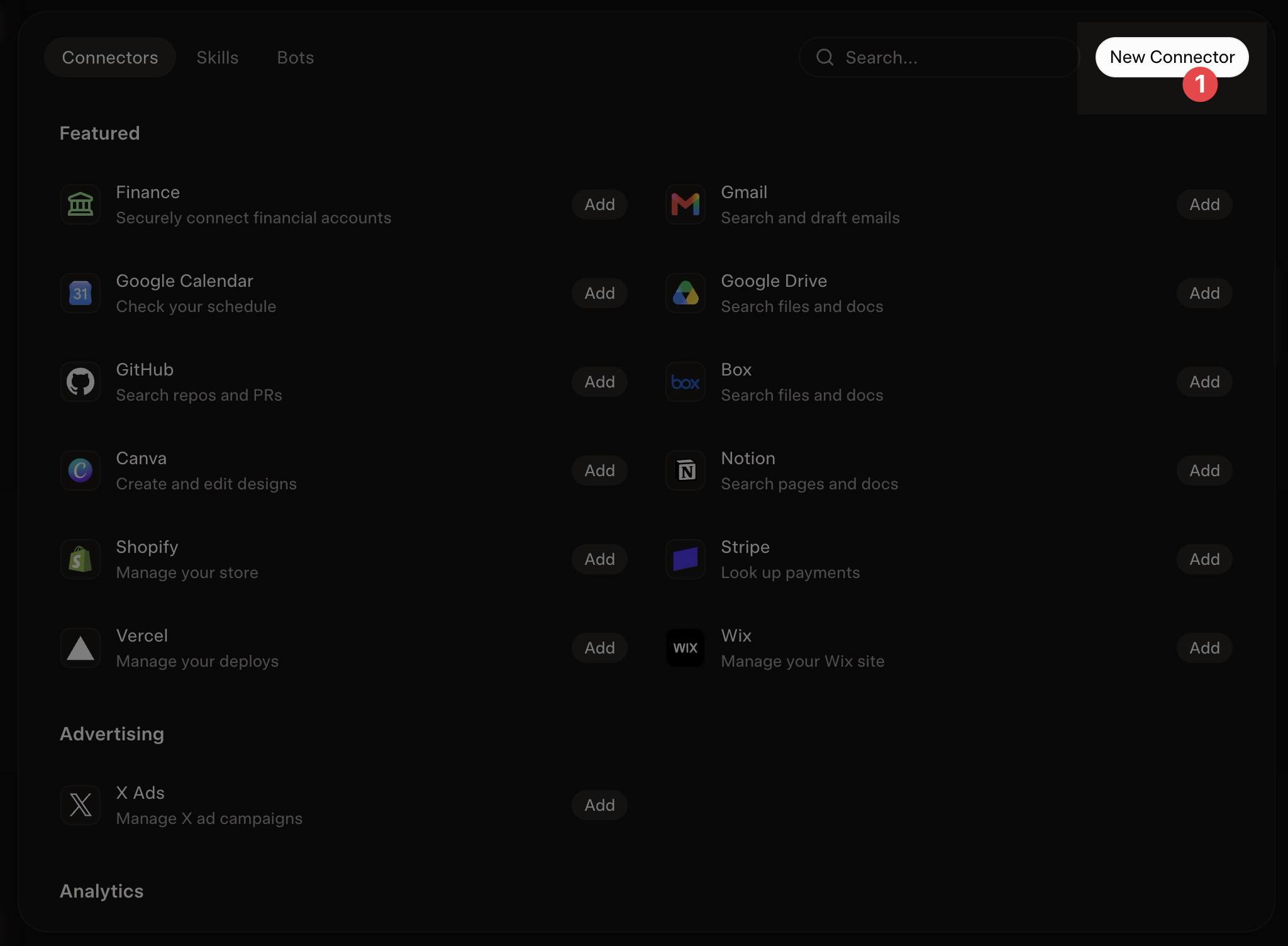
Go to grok.com/connectors and click "New Connector":
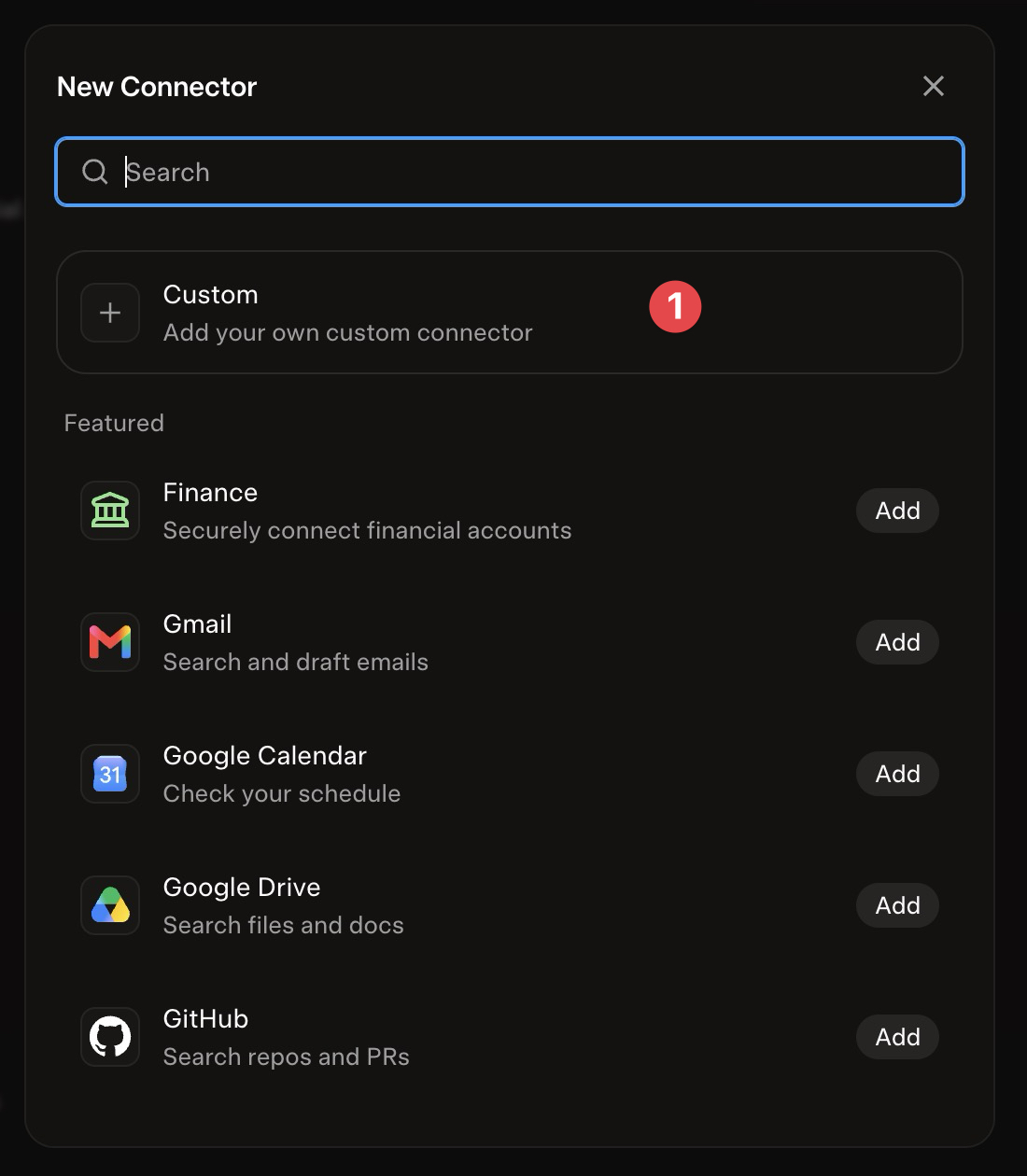
Choose "Custom" to connect with Listadum:
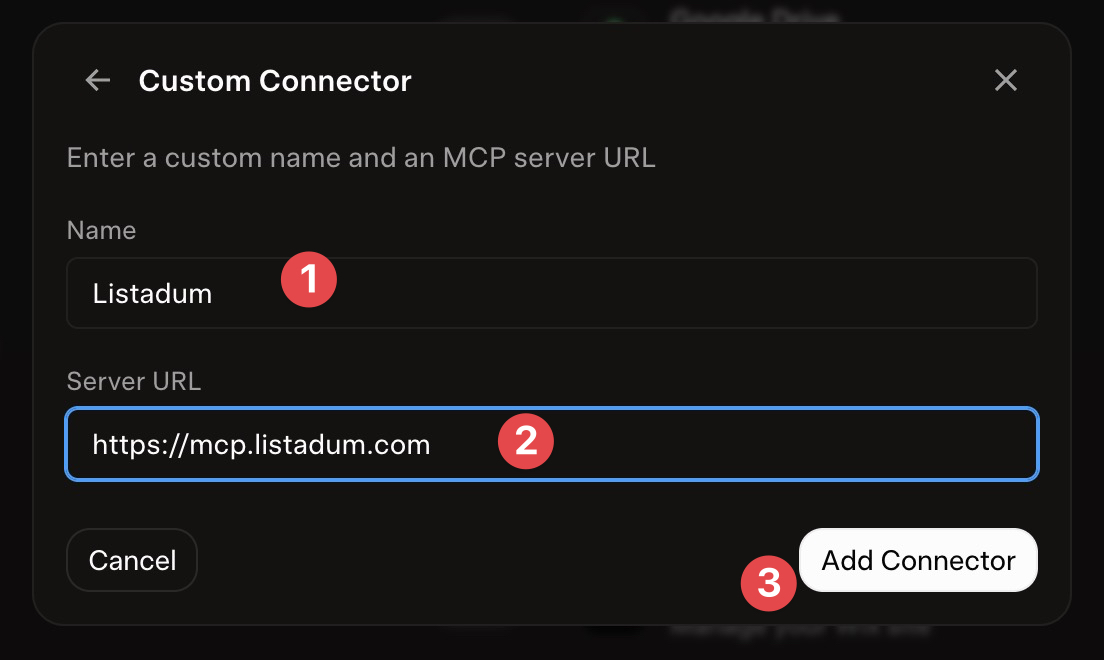
Enter "Listadum" as the connector name and https://mcp.listadum.com as the Server URL, then click "Add Connector":
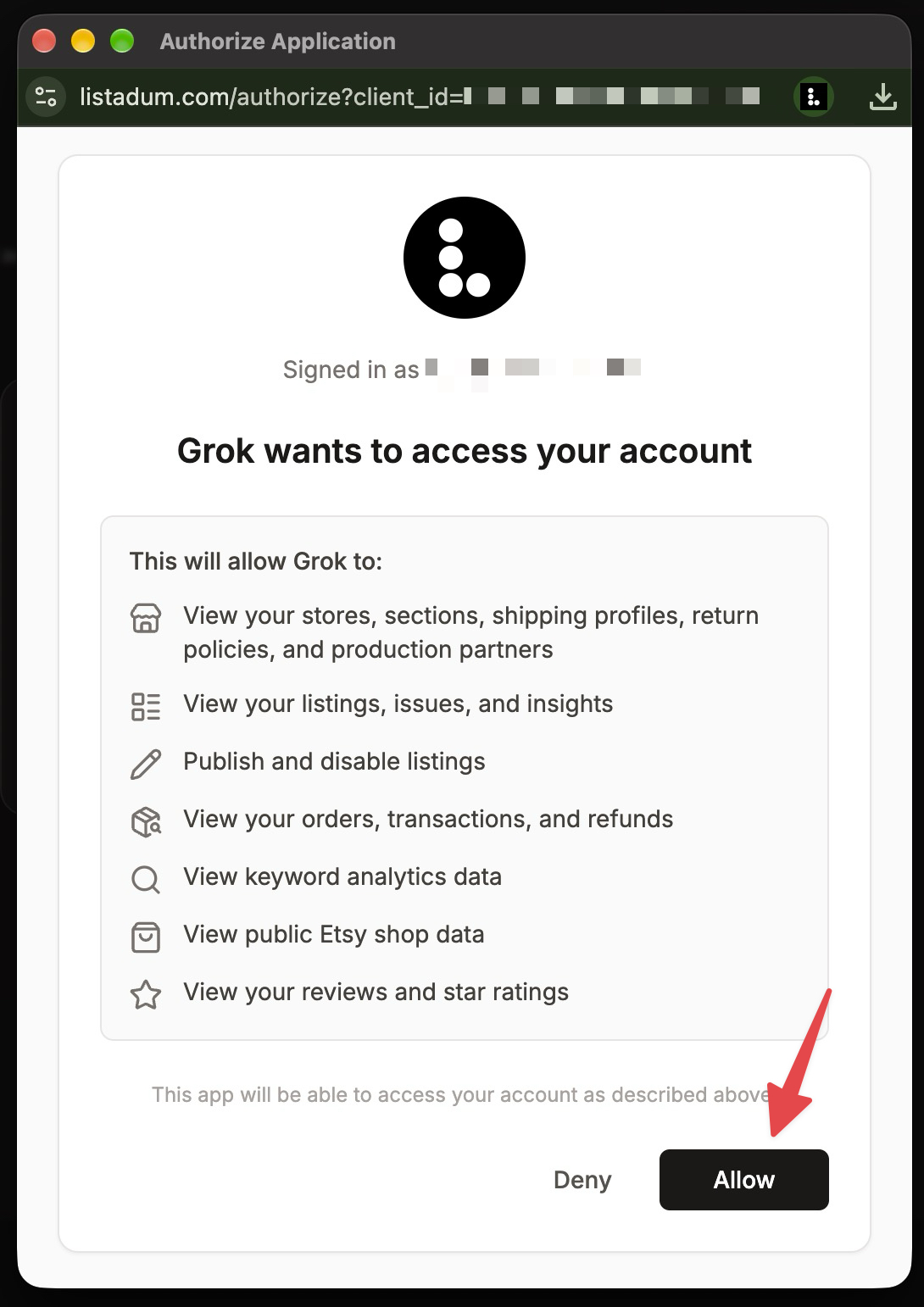
A window opens to grant access to your Listadum account. Review the requested permissions and click "Allow":
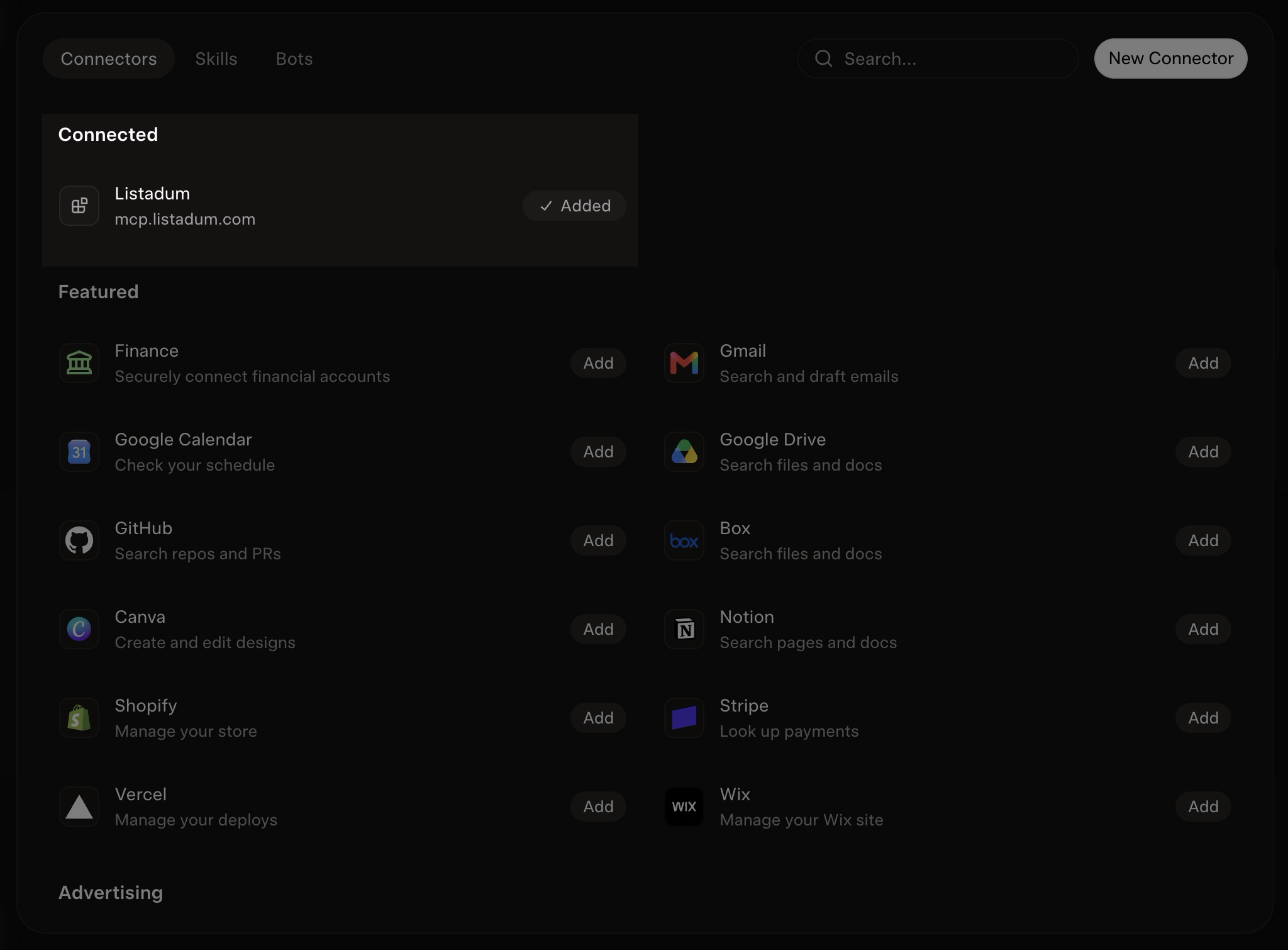
Back on grok.com, Listadum shows in your list of connectors:
Connecting to Grok Bot
Grok Bot is xAI's always-on agent, at grok.com/bot and in the Grok Bot app. You can add Listadum in two ways:
Ask your Bot to create a custom connector named Listadum with the server URL
https://mcp.listadum.com.Or open Plugins, add a custom MCP server and paste
https://mcp.listadum.com.
Then sign in to Listadum and click "Allow" when the window opens.
Connecting to Grok Build
Grok Build is xAI's coding agent for the terminal. Run this command to add Listadum:
grok mcp add --transport http listadum https://mcp.listadum.comThen type /mcps in Grok Build, select listadum and press i to sign in. If you already added Listadum to Claude Code, Grok Build reads that config too, so you only need to sign in.
To check the connection, run grok mcp doctor listadum.
Check that it works
Ask Grok "List my Etsy shops on Listadum." If it answers with your shops, you are all set. If Grok does not see any Listadum tools, check that the server URL is exactly https://mcp.listadum.com, then remove and add the connector again.
For other agents and more troubleshooting, see the AI agent setup guide.
Note: Grok's screens change often. If what you see is different from this article, let us know and we will update it.