


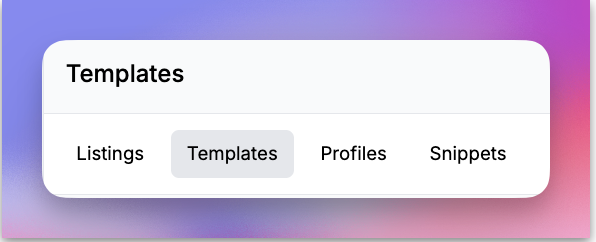
When you log into Listadum, the Listing Manager is probably the first page you visit. On this page, you’ll see four tabs: Listings, Templates, Profiles, and Snippets.
So what exactly are Templates?
Imagine you have similar kinds of listings that you create often —like mugs, wall art, or notebooks. Normally, you might either save some shared titles, tags, and descriptions in a notes app or copy an existing listing and make small edits for each new listing. Sound familiar?
Templates is a FREE feature that simplifies this workflow for you! You can now create templates for similar types of listings and save them for future use when creating a new listing. You can create a template for each kind of product in your shop and use that template to create a new listing.
Templates can help you:
- Save time by eliminating repetitive tasks
- Maintain consistency across all your listings
- Build buyer trust with clean, professional product description
When your shop has clear and consistent listings, it not only makes you look like a pro but also gives buyers the confidence to shop with you.
How can I create a Template?
There are two ways to create product templates in Listadum.
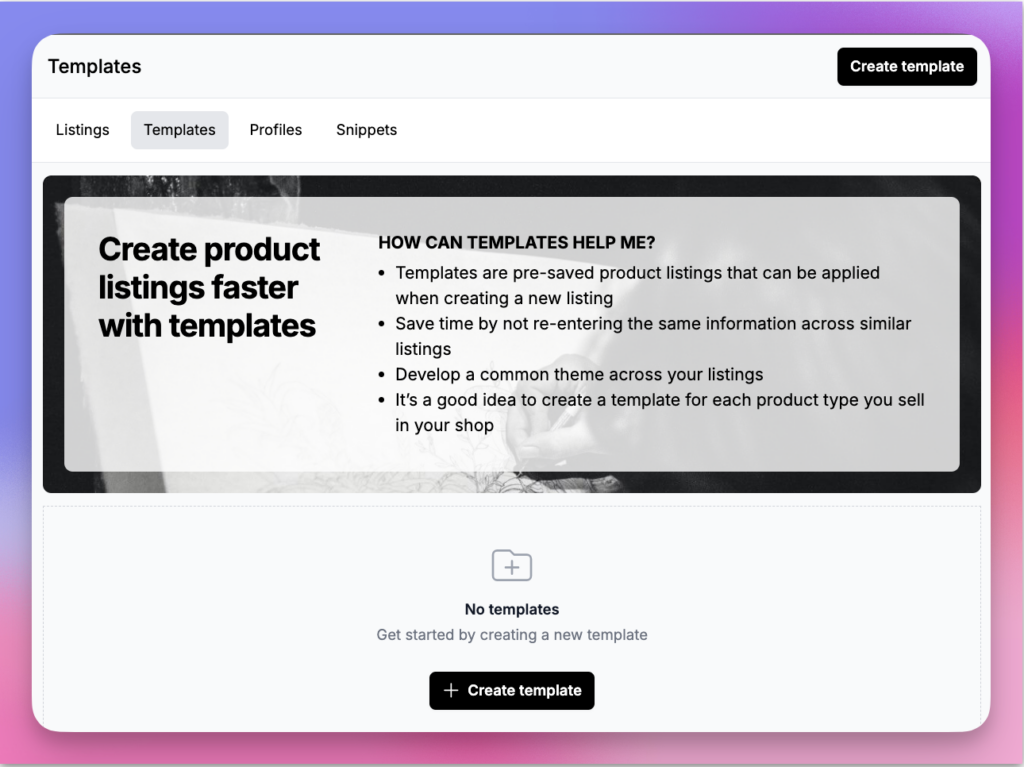
From the Templates tab
- Go to the Templates tab in your Listing Manager
- Click on the “Create template” button in the top right corner (or the middle of the screen if it is your first template)
- Enter a name, this will used to retrieve your template later
- Enter all the details you would add for a normal listing, most sections are optional but the more you fill now, the less you will have to fill when creating a new listing using that template
- Save
From the listings tab of the listing manager
- Go to the Listings tab in your Listing Manager
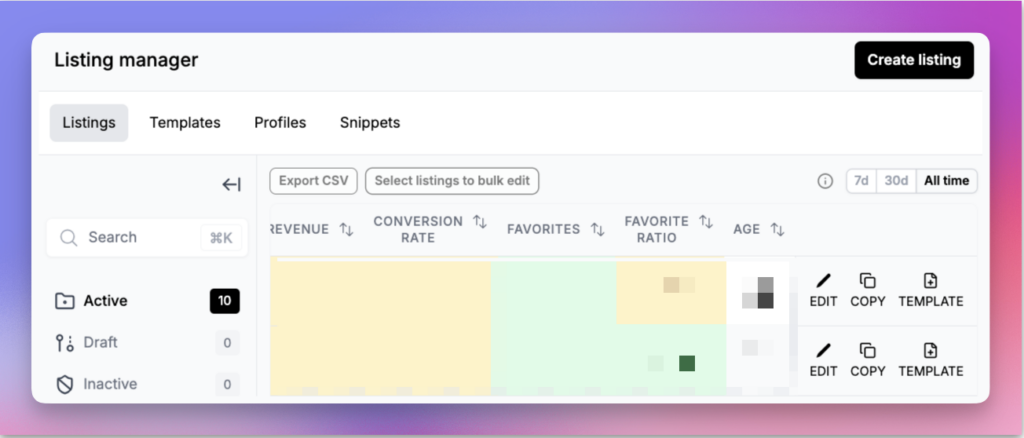
- Scroll to the far right of the listing table, you will notice the option to Edit, Copy and Template.
- Click on the “Template” button, this will open a new template creation window based on that listing
- Enter a name, this will used to retrieve your template later
- All the details are pre-filled with the information from the listing you copied, make any edits if required
- Save
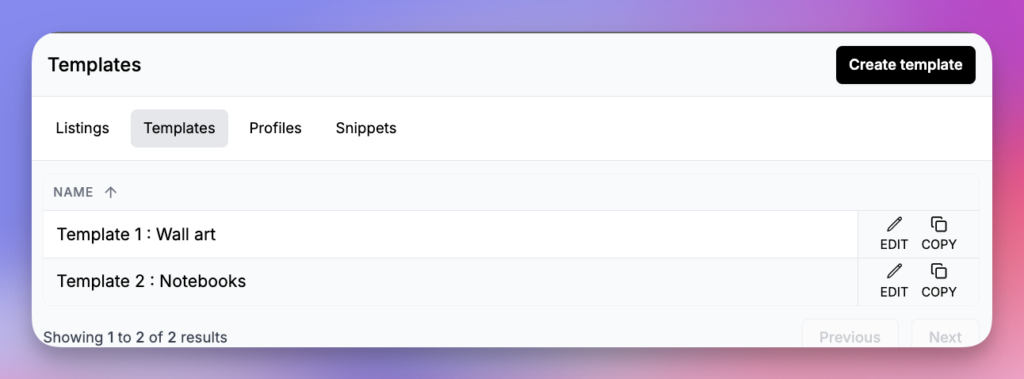
You will see a list appear in the Templates tab:
How to use Templates?
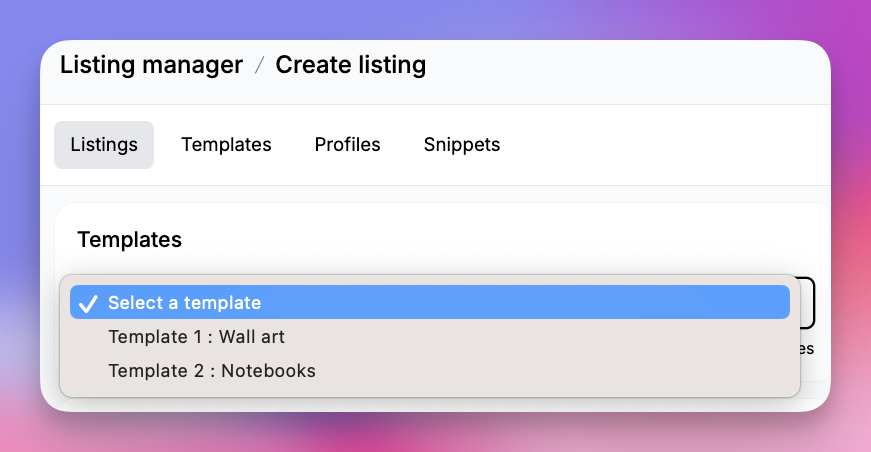
- Go to the Listings tab in your Listing Manager
- Click on “Create listing”
- On the top, select your template from the dropdown list
- All the template details will be applied to your new listing
Please note:
- Editing the Template will not edit the listings created by that template, you can use Bulk Edit or Profiles when you need to update many listings that may have similar features
- It is not possible to apply templates to an existing listing, templates are only available during the creation of a new listing
Every new listing shouldn’t start from a blank page.
Listadum templates let you reuse your best listing structure, so you publish faster and keep quality high across your shop.
Free plan · no credit card · connect your real Etsy shop in minutes