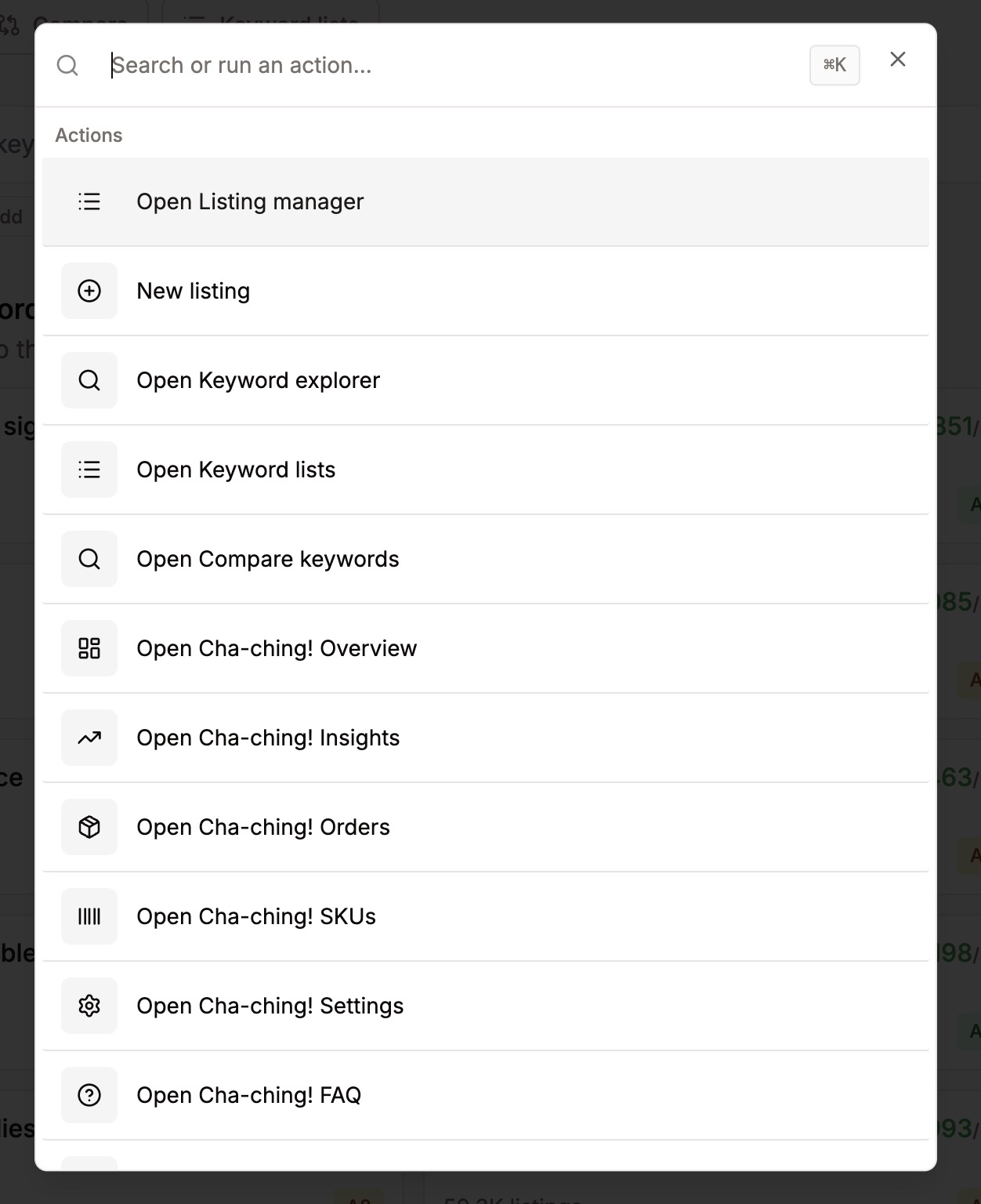
Quick navigation with Cmd+K
Dernière mise à jour lePress Cmd+K (or Ctrl+K on Windows) anywhere in Listadum to open quick navigation.
From there you can jump between pages, search for a listing, and get around the app fast without clicking through menus. If you like keeping your hands on the keyboard, this is the quickest way to move around.