
Copying listings with Bulk Copy
Dernière mise à jour leBulk Copy duplicates one or more listings, either back into the same shop or into a different shop you manage from Listadum. Handy for spinning up variants of a product, or for moving a set of listings to another shop.
How to start a copy
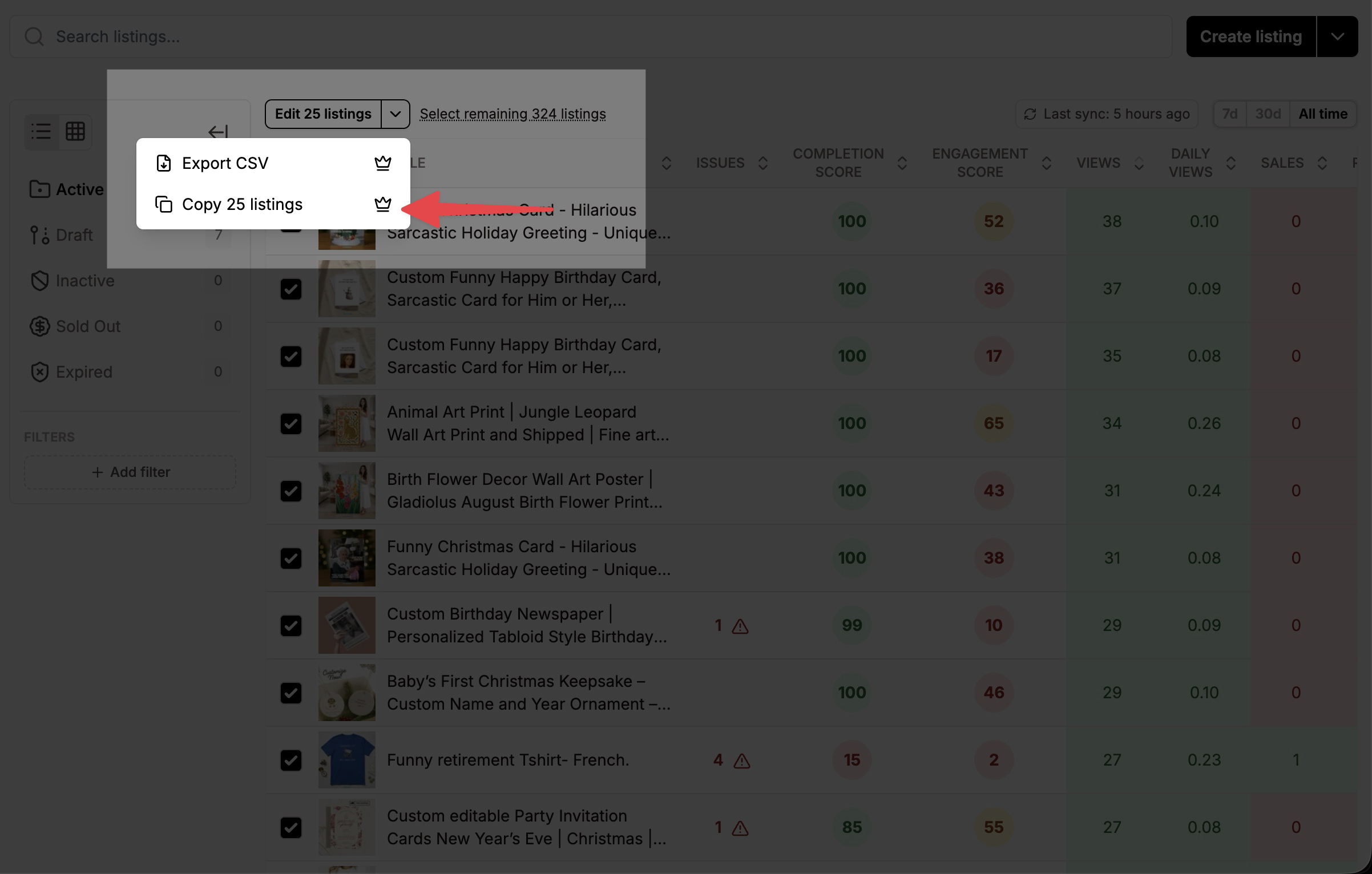
Three ways in: select one or more listings in the Listing Manager, use the "Copy" button in the Listing Manager table options, or open a listing in the Listing Editor and use "Copy" in the Actions section.
What happens next
Bulk Copy opens Bulk Create pre-populated with your selected listings, ready to re-create. From there you review and publish them like any Bulk Create job. (See the Bulk Create article for how that interface works.
Available on the Growth plan and above.